13
4.4 Counting operation
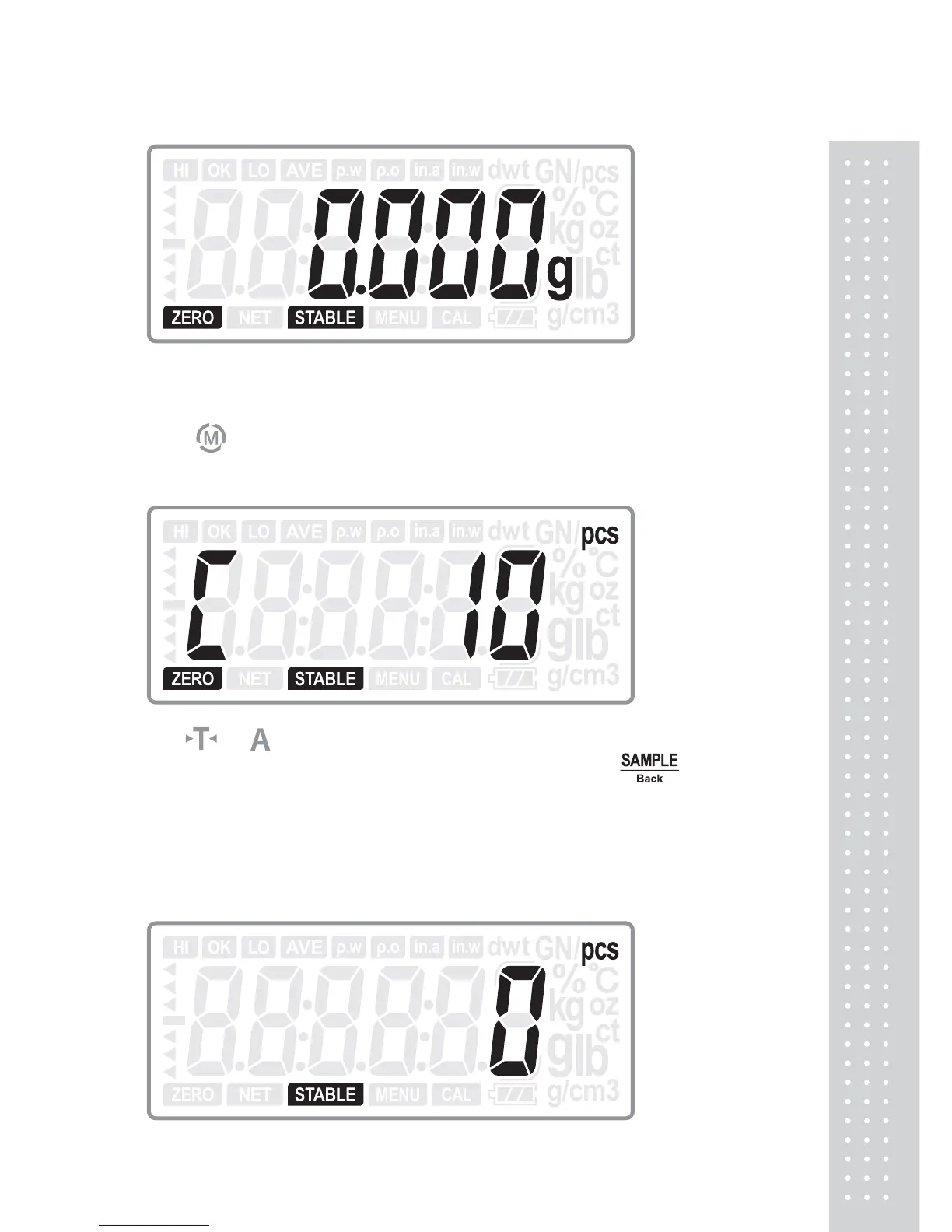
Press key to switch to counting mode, it shows as below:
1. If there is no sample data stored
Use or key to switch the sample number: 10, 20, 50, 100, 200, 500 or
1000. Put corresponding number of sample and then press
key to take
sample.
The digits will flicker for one second and then it shows the number. The sampling
procedure is finished.
2. If there is sample data stored



 To Next Page