5.13 Backlight
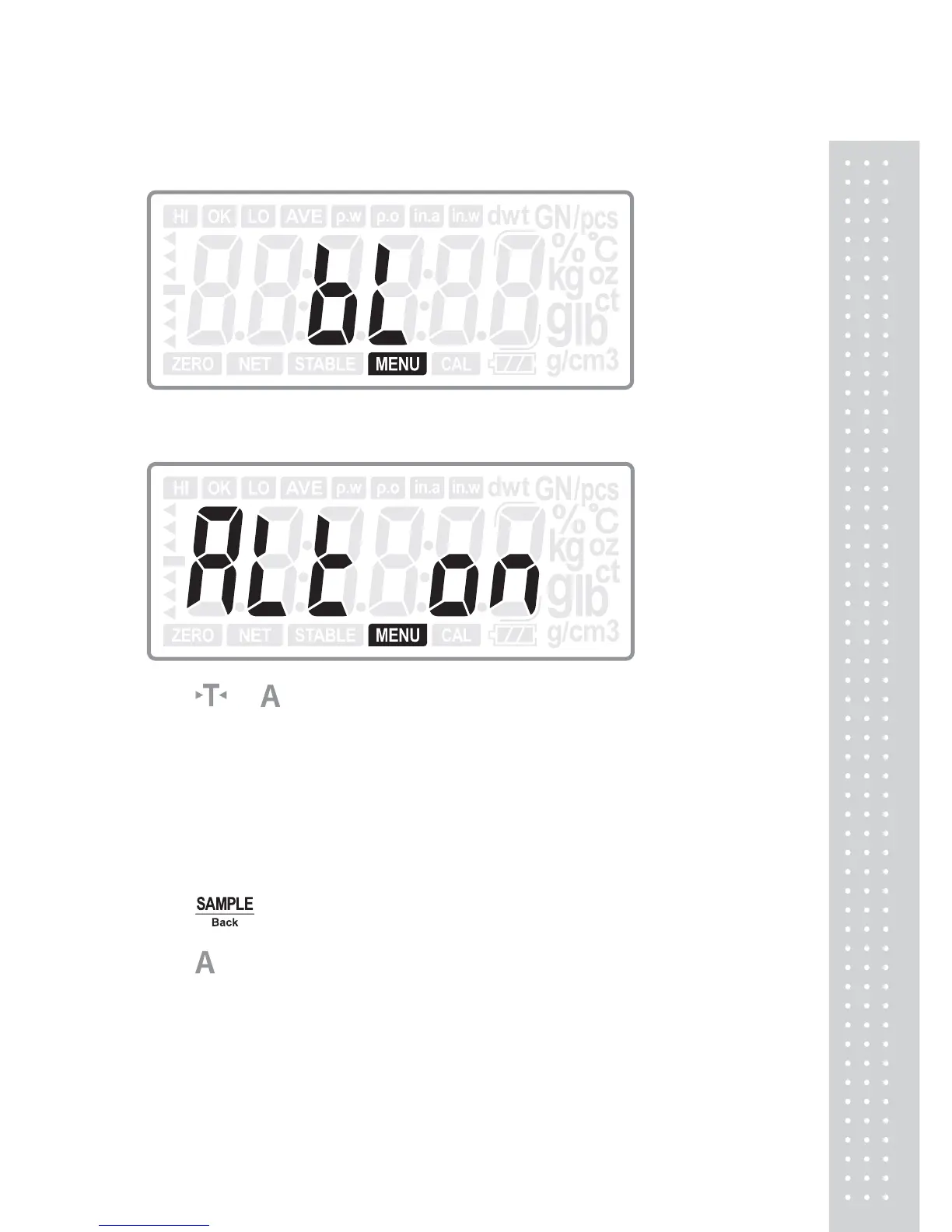
Press ENTER key to enter into backlight mode setting:
Press or
key to select the backlight mode: ALL ON, OFF, AUTO-3,
AUTO-5, and AUTO-10. (Default: ALL ON)
ALL ON: The backlight will always be on.
OFF: The backlight will always be off.
AUTO-3/5/10: The backlight will be on when a sample placed on the pan and it is
off in 3/5/10 seconds after the weight is stable.
Press ENTER key to confirm the choice and return to normal weighing mode; or
press
Back key to return to last step.
Press
key to move to next setting menu when not change the current setting.



 To Next Page