19
4.8 Check function
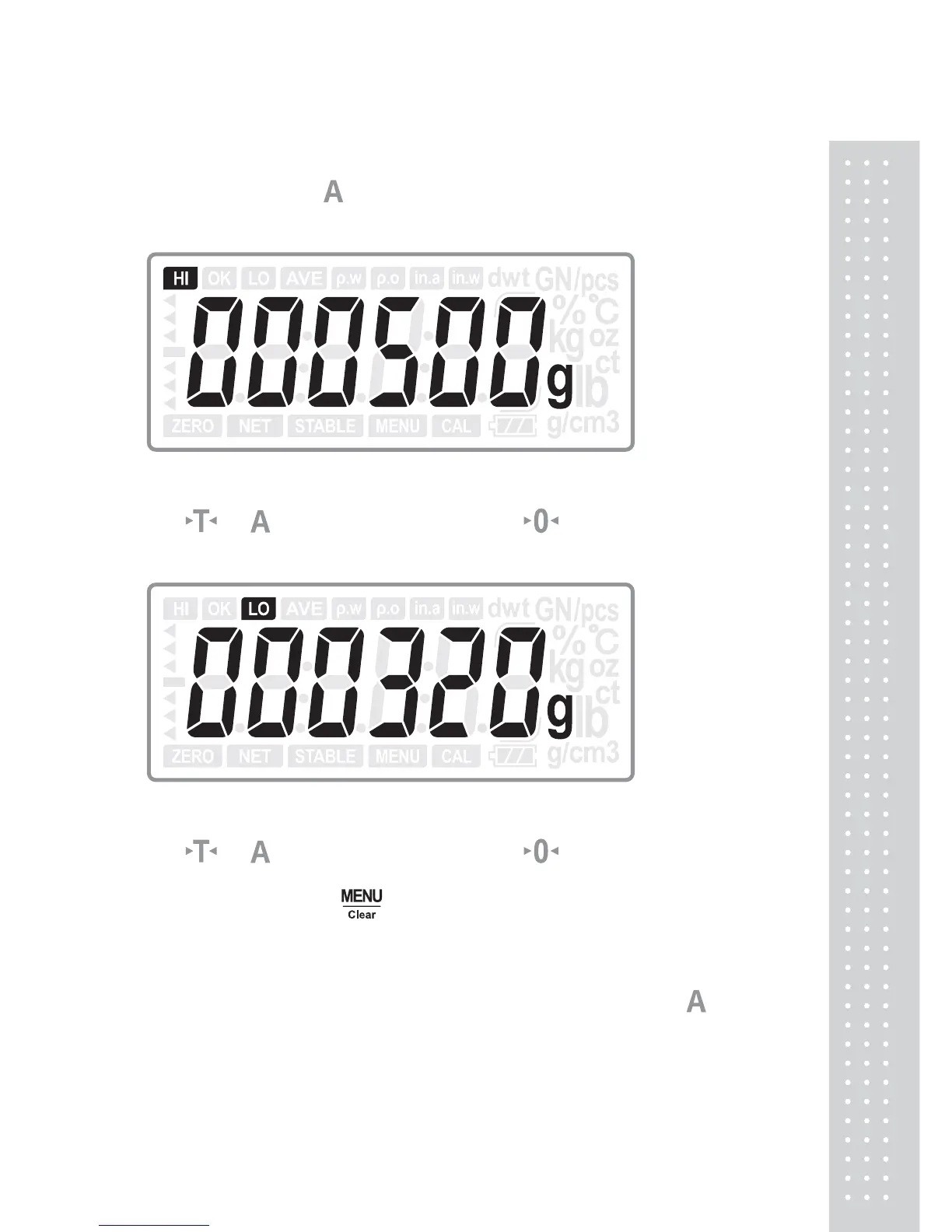
In normal mode, press and ENTER key at the same time to enter into check
limits setting.
(HI limits setting)
Use or key to increase the number, use key to move the digit, and
then press ENTER key to confirm and move to LO limits setting.
(LO limits setting)
Use or key to increase the number, use key to move the digit, and
then press ENTER key to confirm and return to normal mode.
To erase the limits, press
Clear key to set both two limits to be zero and
press ENTER key to confirm.
Note:
1. For quantity check and percentage weight check, just press
and
ENTER key at the same time to enter into quantity check or
percentage weight limits setting.
2. When the LO limits is set larger than the HI limits, E4 will appear and
new value needs to be set.



 To Next Page