58
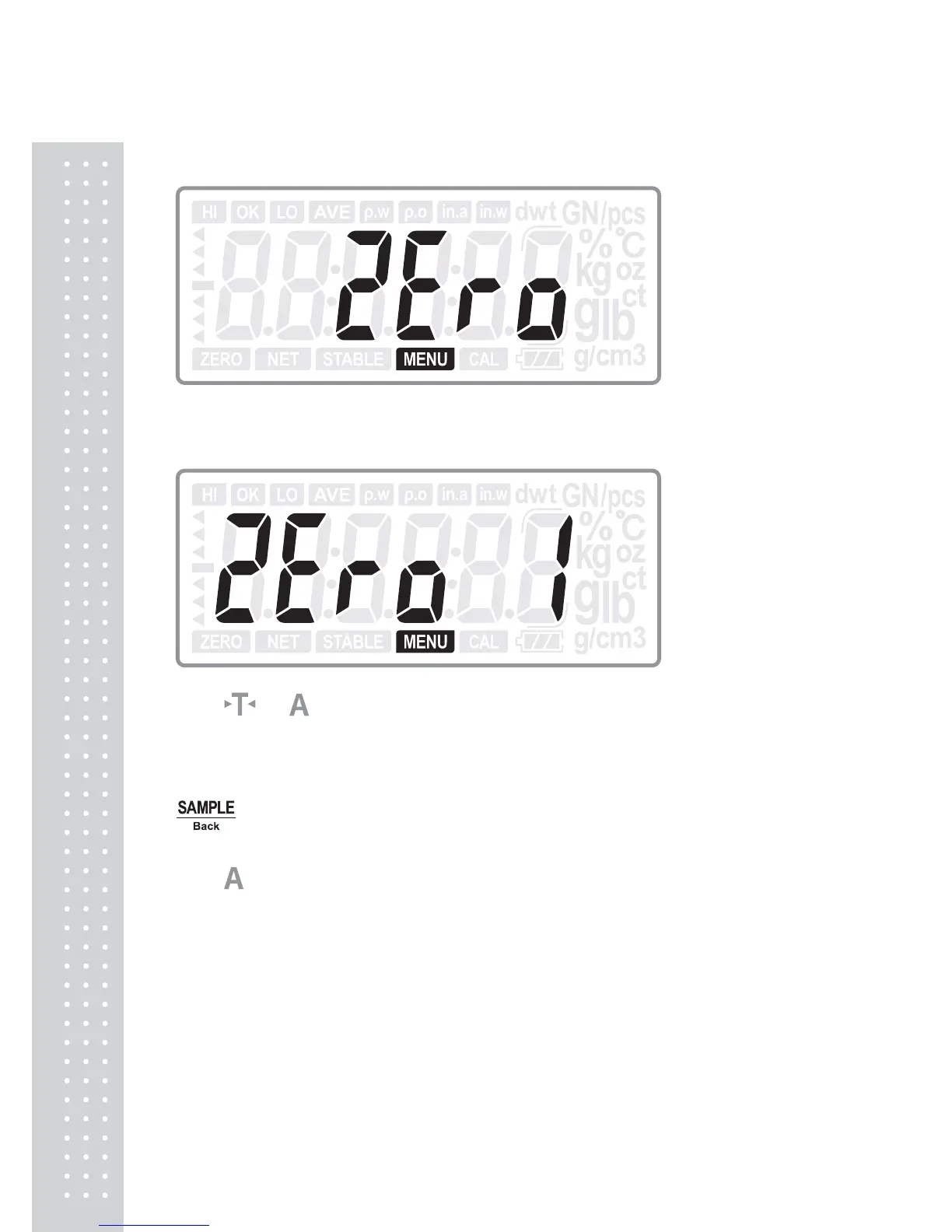
6.17 Zero display range
Press ENTER key to enter into zero display range selection:
Press
or
key to select the range of zero display from 0 to 3. (The larger the
number selected, the shorter time for zero display) (Default: 1)
Press ENTER key to confirm the choice and move to next setting: Z.r; or press
Back key to return to last step
Press
key to move to next setting menu when not change the current setting.



 To Next Page