33
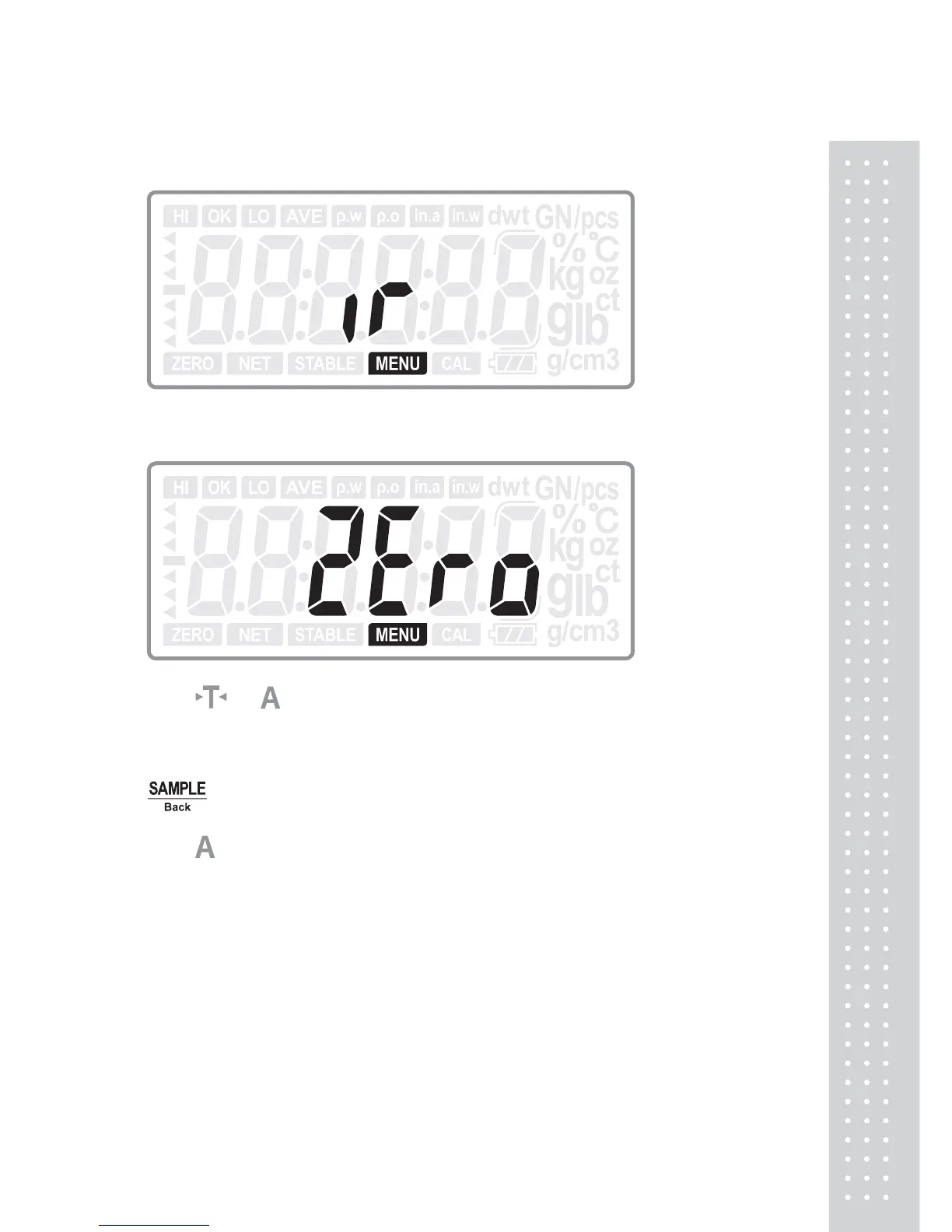
5.10 IR key function
Press ENTER key to enter into IR key function selection:
Press
or
key to select the IR key function: ZERO, TARE, PRINT or Off.
(Default: ZERO)
Press ENTER key to confirm the choice and move to next setting: DD tt; or press
Back key to return to last step.
Press
key to move to next setting menu when not change the current setting.



 To Next Page