Put corresponding object on the pan, the display will show its number (the unit
weight is stored).
If a new unit weight is needed, press
Back key to return to sampling
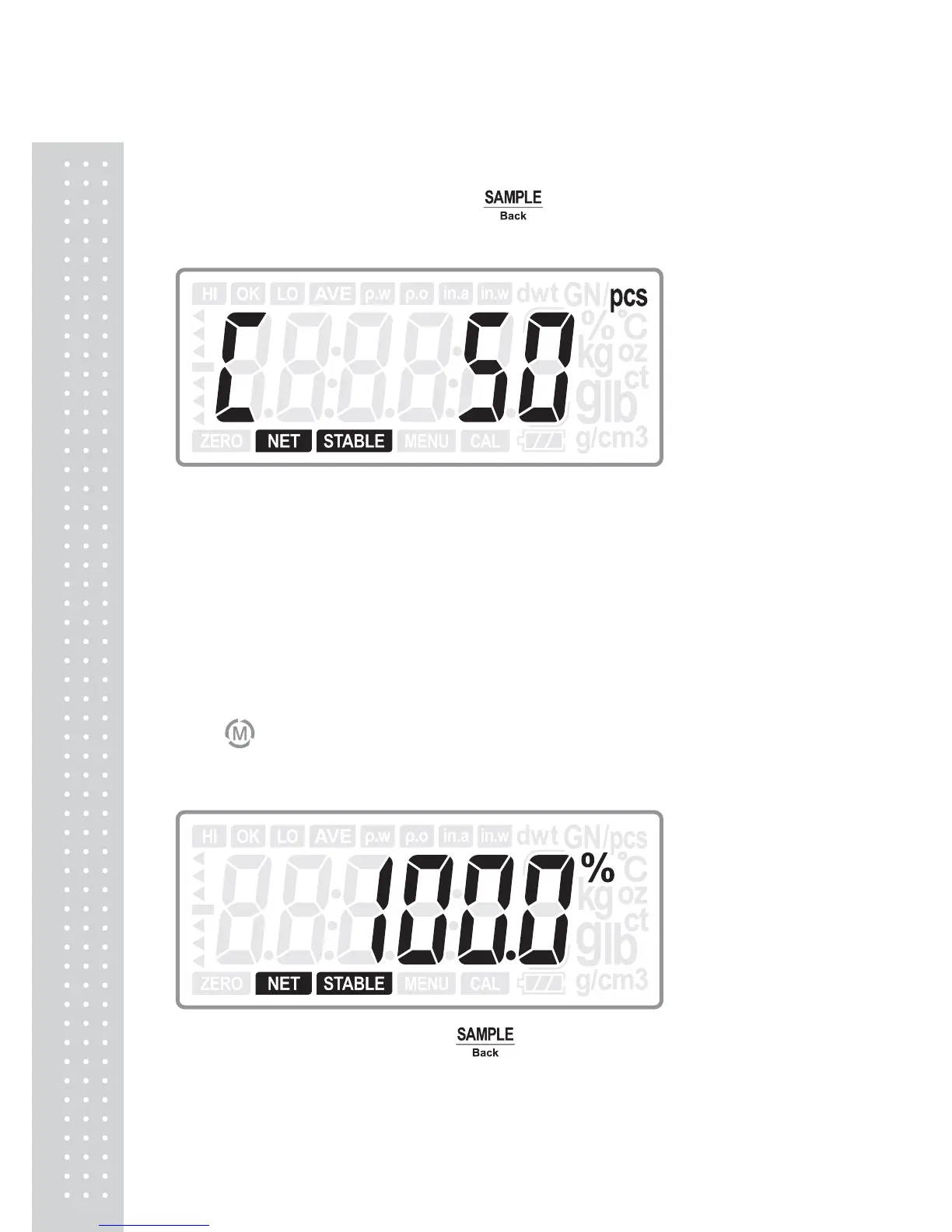
procedure, the display will show the sample number which is used at last time.
(Last time the user used 50pcs sample to perform the sample procedure)
Then take sample for the new object sample, and the unit weight will be stored for
next use.
Note:
When the unit weight is less than 0.2d, the scale will sound beeps and the
display show an error:
4.5 Percentage weighing
Press key to switch to percentage weighing mode:
1. If there is no sample data stored
Put corresponding sample and press key to take sample.
The digits will flicker for one second and then show the percentage. The sampling
procedure is finished.



 To Next Page