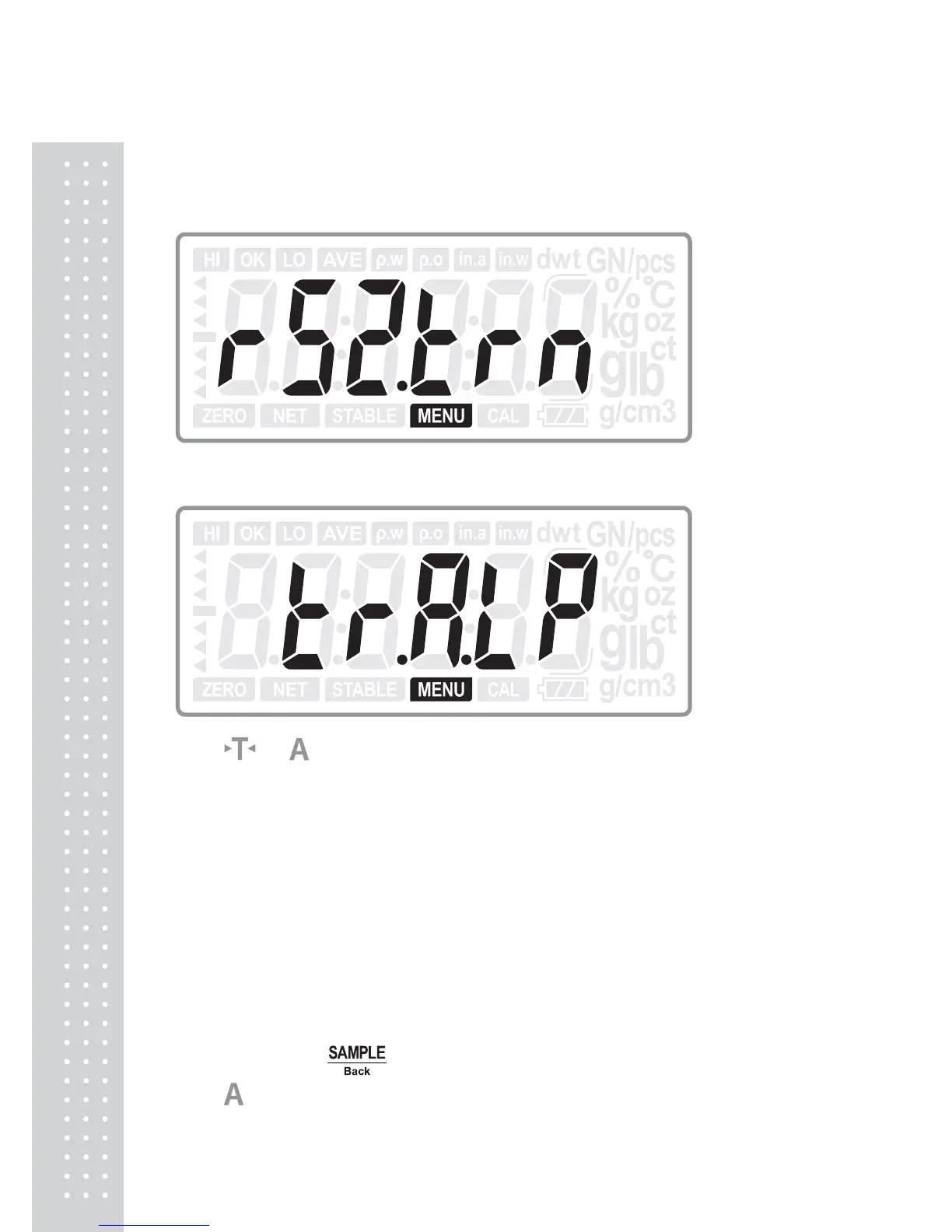
5.4 Data Transmitting mode (For RS232C2)
Only when R2 has been chosen to be on, the setting is available.
Press ENTER key to enter into the transmitting mode selection:
Press or
key to choose the transmitting mode:
TR.A.LP : Transmitting data for DLP50 printer (Automatically)
TR..A.DT : Transmitting data for BP DT-4 printer (Automatically)
TR.A.P : Transmitting data for PC or Micro-printer (Automatically)
TR.m.DT : Transmitting data for BP DT-4 printer (Manually)
TR.m.P : Transmitting data for PC or Micro-printer (Manually)
TR.m.LP : Transmitting data for DLP50 printer (Manually)
TR.SER : Transmitting data continuously
(Default: TR.m.LP )
Press ENTER key to confirm the choice and move to next setting: Prot or
FORM00; or press
Back key to return to last step.
Press
key to move to next setting menu when not change the current setting.



 To Next Page