38
6. User Menu Setting ( N, H type only )
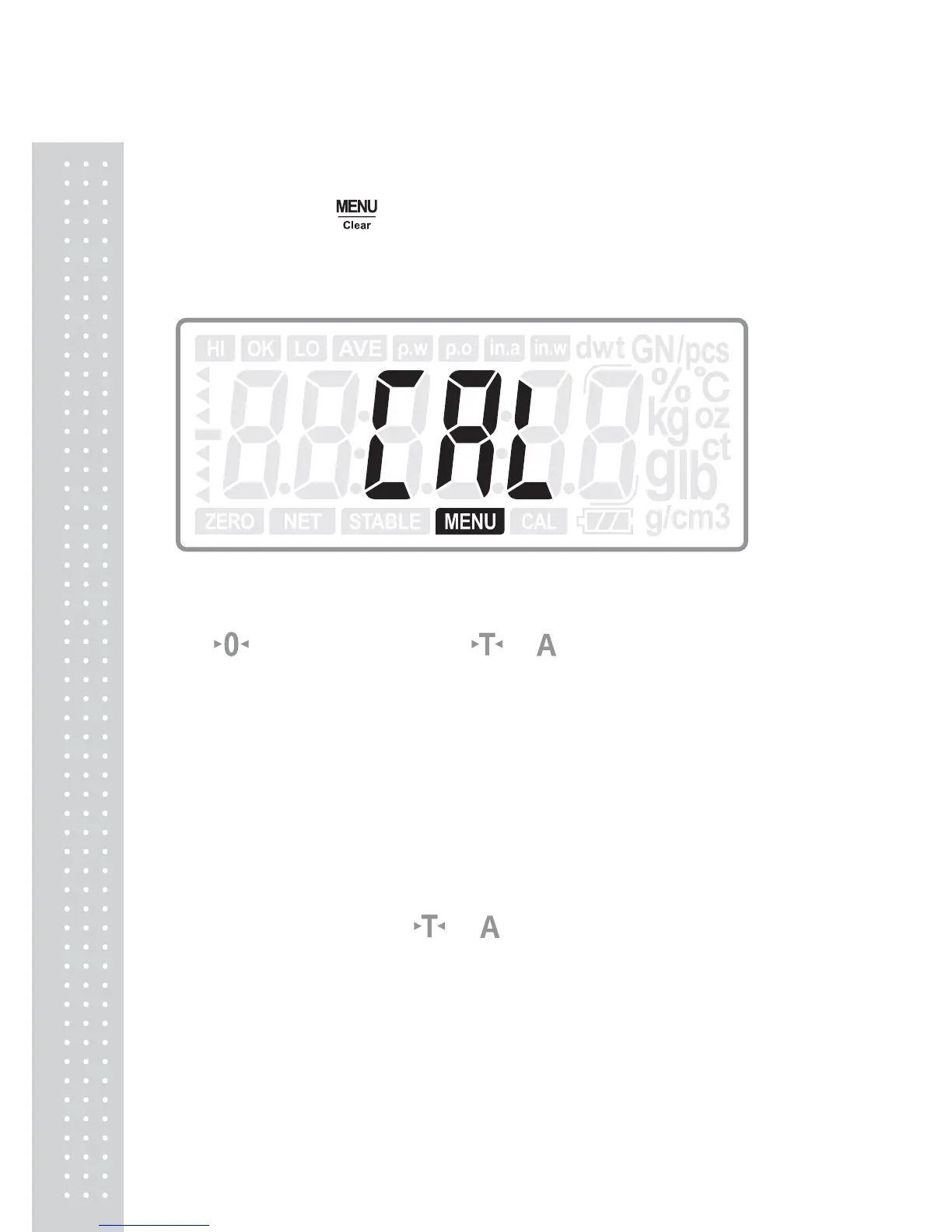
Give a long press of
key in normal mode to enter into User Menu setting.
6.1 Span Calibration
Press ENTER key to enter into calibration.
Use
key to move the digit; use or key to increase or decrease the
number.
Press ENTER key to confirm the inputted value and start calibration.
After the CAL character flickering, it returns to normal mode.
Note:
1 For approval model products, the calibration will be recorded.
2 After the span calibration, please enter into the menu again. When the
display shows “CAL”, press
or
key to move the setting menu.



 To Next Page