36
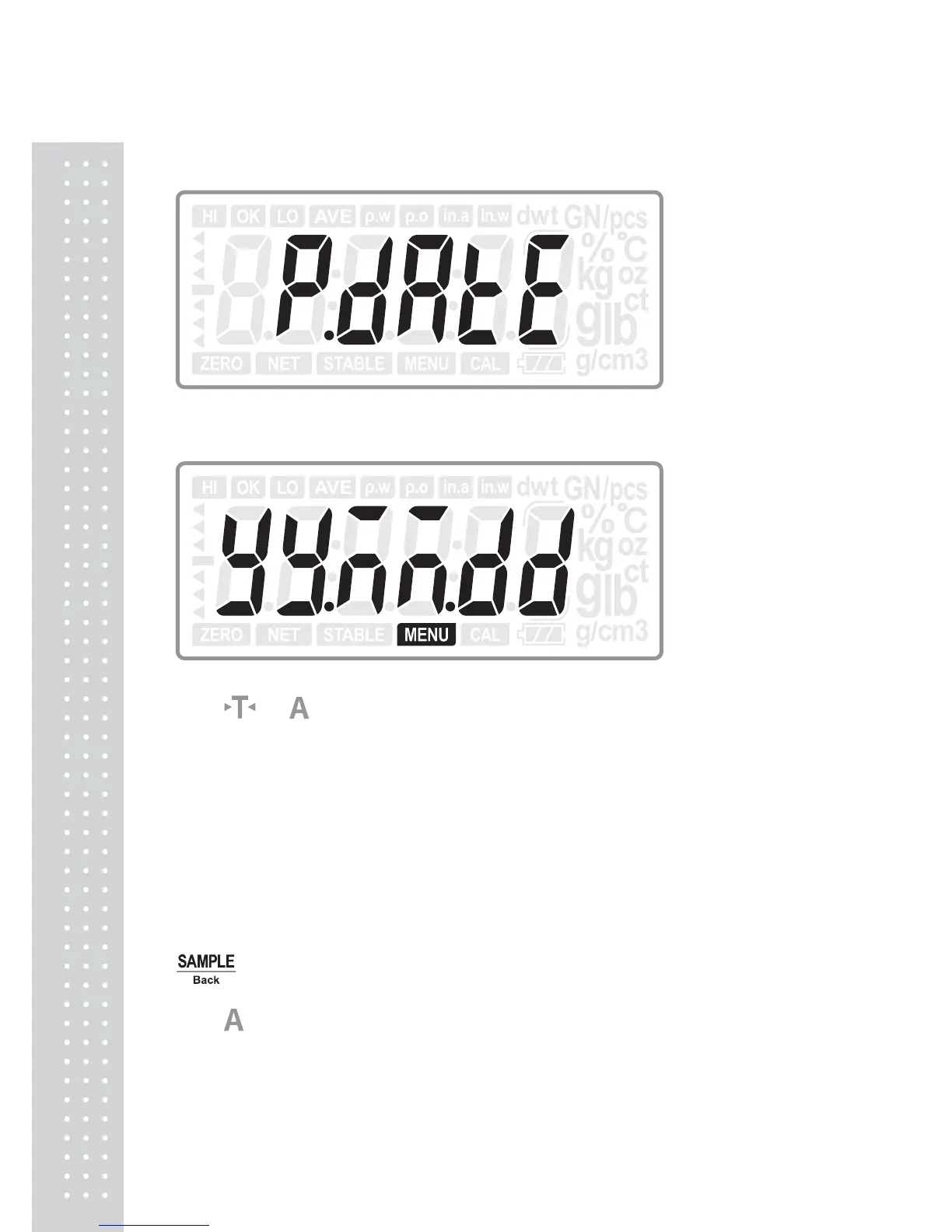
5.12 Printed date format setting
Press ENTER key to enter into printed date format chosen:
Press
or
key to select printed date format:
yy.MM.dd: 2014/07/08 (Default)
MM.dd.yy: 07/08/2014
dd.MM.yy: 08/07/2014
Mmm.dd.y: July /08/2014
dd.Mmm.y: 08/July/2014
OFF: The date and time will not be printed.
Press ENTER key to confirm the choice and move to next setting: Bl; or press
Back key to return to last step.
Press
key to move to next setting menu when not change the current setting.



 To Next Page