42
6.5 Serial port setting
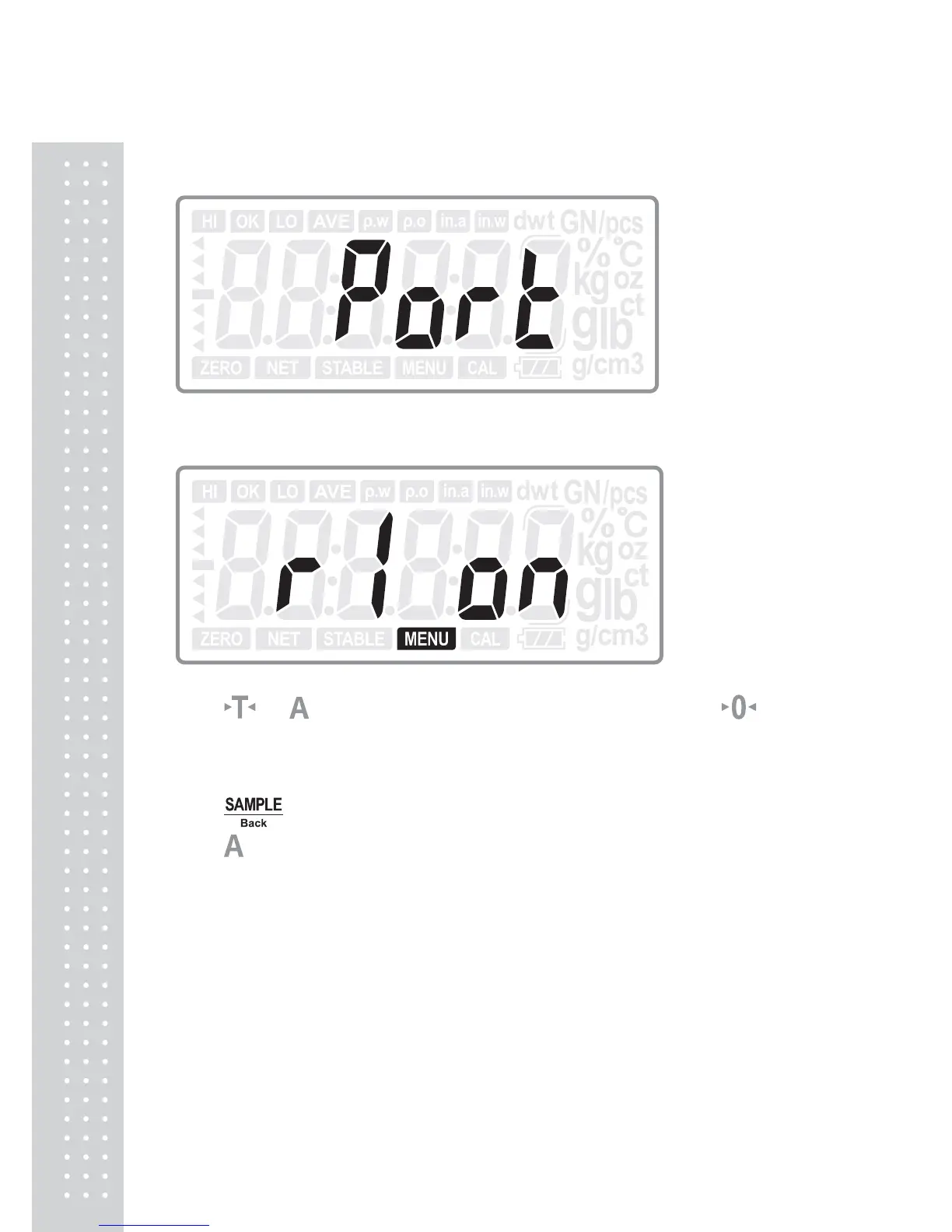
Press ENTER key to enter into the serial port setting:
Press
or
key to choose the serial ports: R1, R2 or USB; press key
to choose the ports to be on or off. (R1-RS232C1 for CD-300 remote display; R2-
RS232C2 for PC and printer)
Press ENTER key to confirm the choice and move to next setting: RS2.tRN; or
press
Back key to return to last step.
Press
key to move to next setting menu when not change the current setting.
Note:
Once the R2 and USB are set to be off, there are no settings as 6.6 and 6.7.



 To Next Page