15
2. If there is sample data stored
If the sampling data can be used for current object, just put corresponding object to
obtain its weighing result. If a sampling data is needed, press
Back key to
return to 100% and take sample.
4.6 Density measuring
This measuring method is just applied to measure the object which has a larger
density than water.
Press
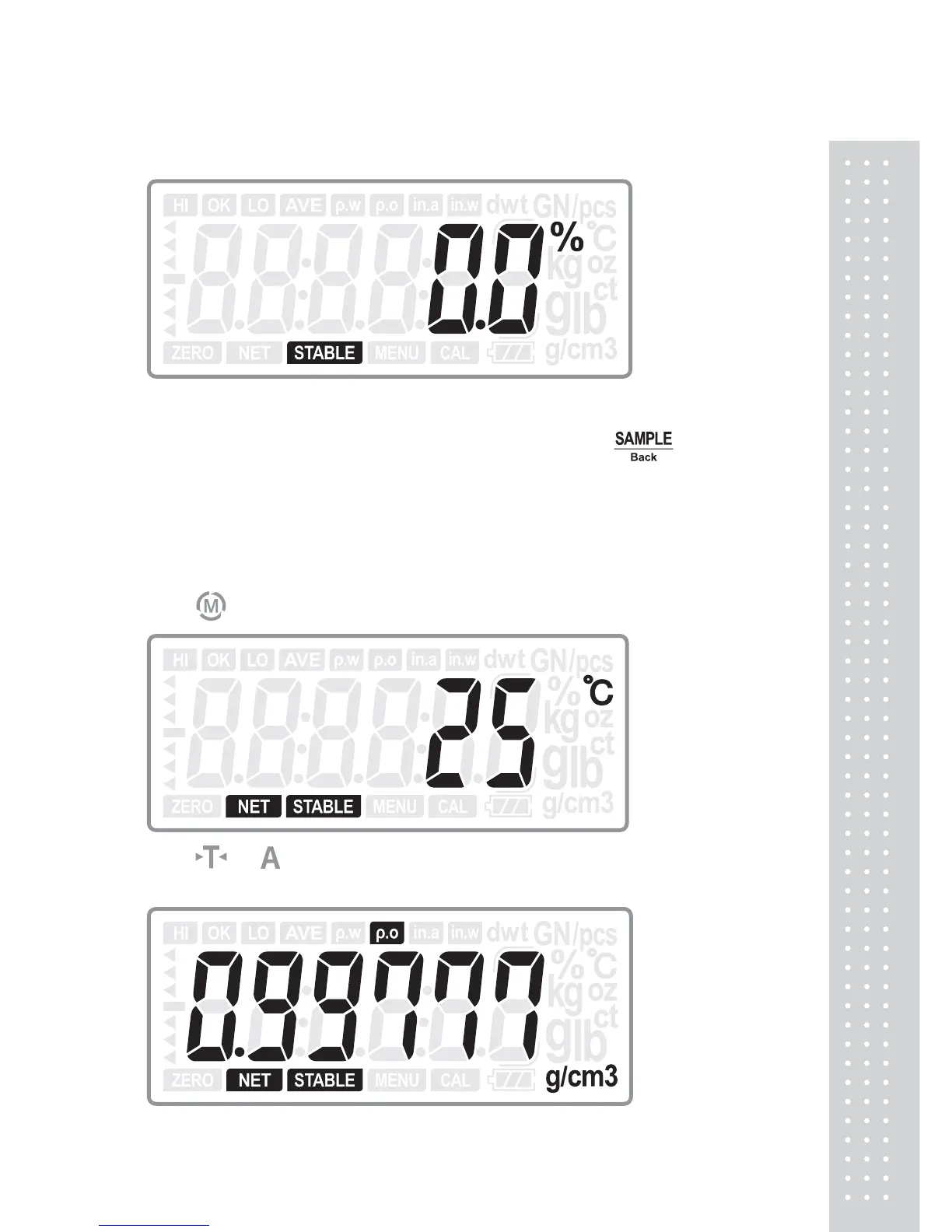
key to switch to density measuring mode, it shows as below:
Press or key to select the current temperature, and then press ENTER
key to display the water density at current temperature



 To Next Page