21
5. User Menu Setting ( OIML Approval ver.)
Give a long press of
key in normal mode to enter into User Menu setting.
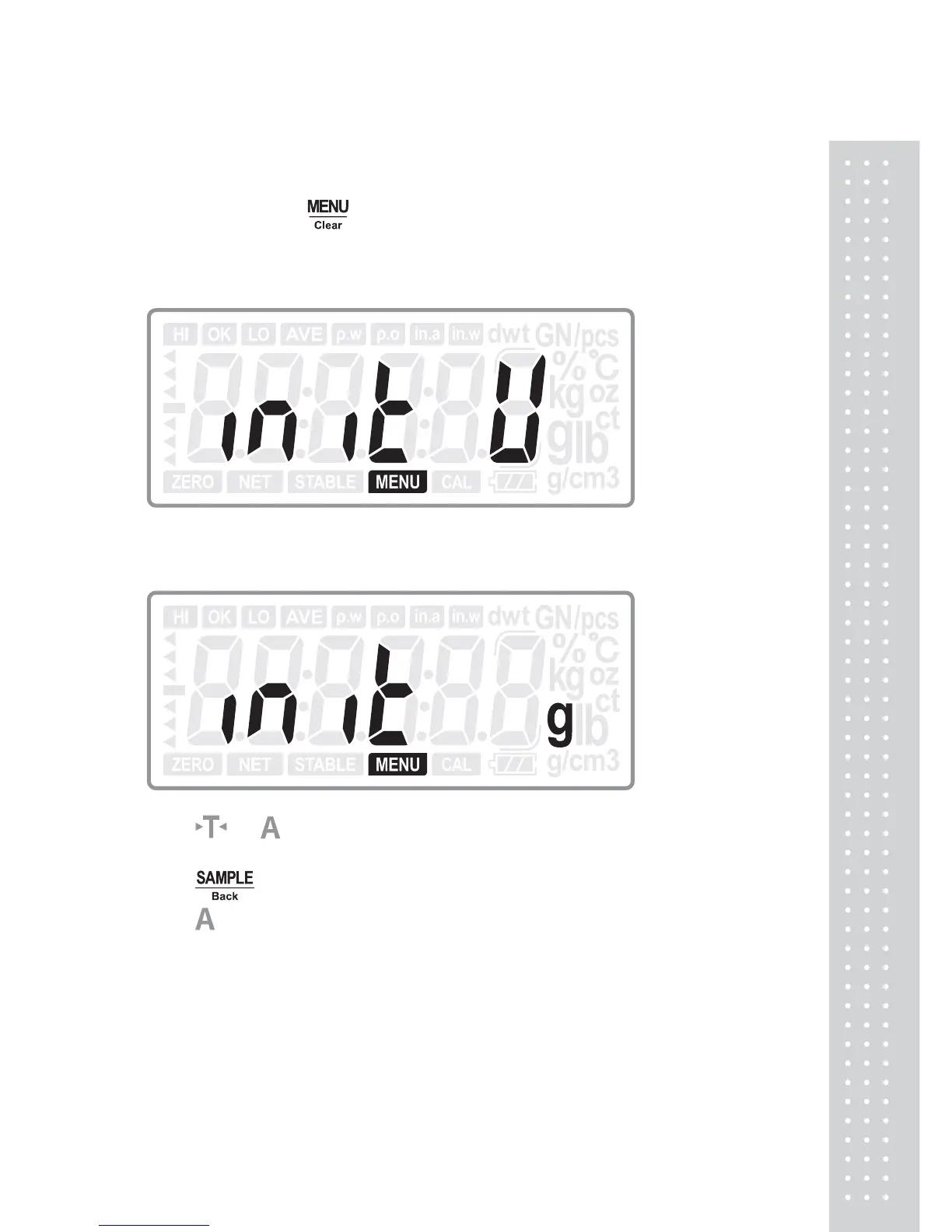
5.1 Initial Unit
Press ENTER key to enter into the initial unit selection:
Press
or key to choose the initial unit from: g, ct (Default: g)
Press ENTER key to confirm the choice and move to next setting: Unit: Unit; or
press
Back key to return to last step.
Press
key to move to next setting menu when not change the current setting.



 To Next Page