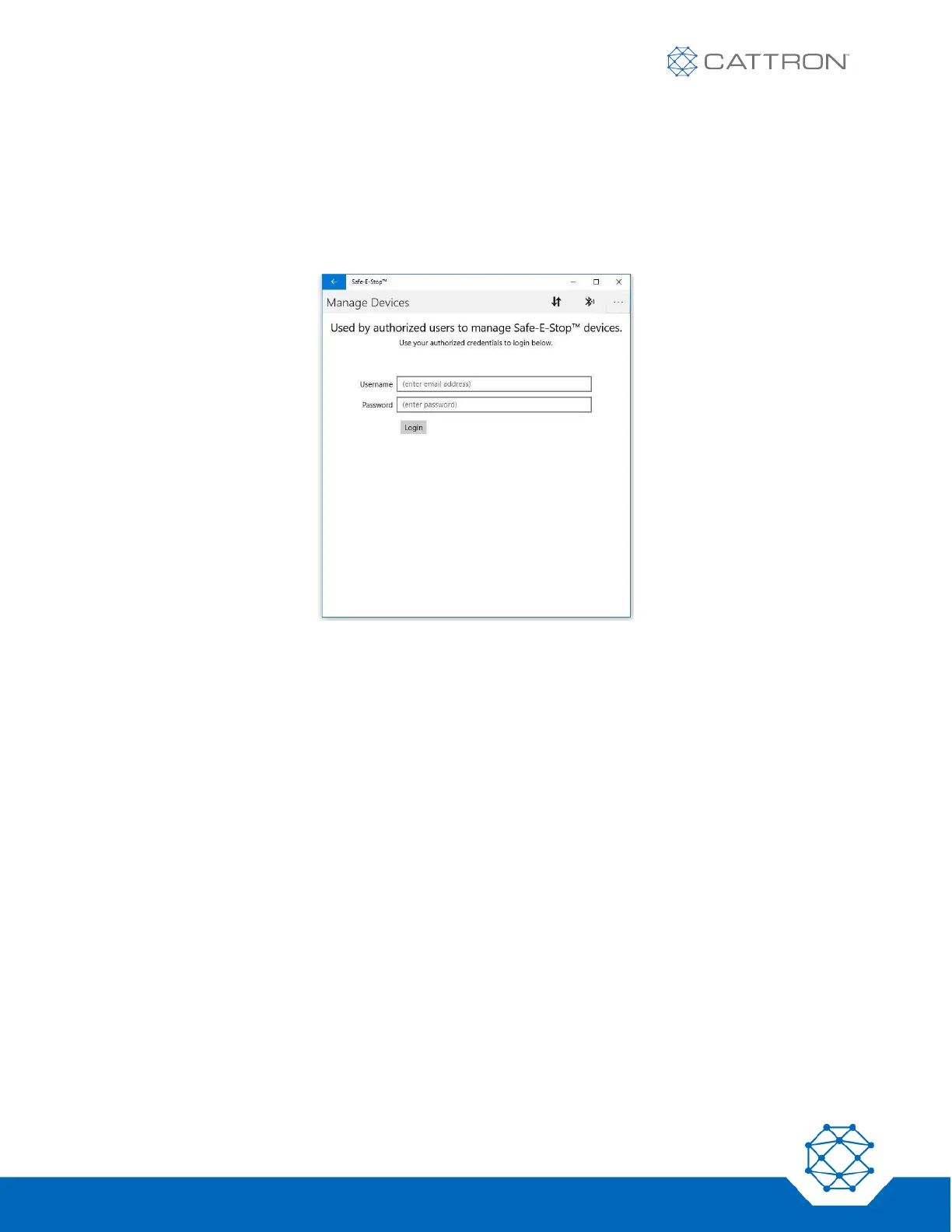
Configuring Devices Authorized Users (Frequency or Address)
Configuration of address requires that the PC is connected to the internet so that login to the online address
management database and authorized user management is available.
User login information will have been pre-assigned by Cattron.
If this page is not visible, it can be switched to by clicking the arrows icon next to the Bluetooth icon.
Once authorization has been obtained, the MSD and PSD can be programmed while the PC is no longer
connected to the internet.
Once the user is logged in, a ‘Manage Devices’ screen will appear with three available tabs at the top:
● Available (devices)
● Authorized (devices that can now be configured offline)
● Destroyed (devices that have been destroyed and the address released for use again)
Note that for address configuration,
● Master Address will be restricted to
o 3 MSDs (1 primary and 2 spares)
o 15 PSDs
● 15 sub-addresses (each of A through O) will be restricted to
o 1 PSD


 To Next Page