Applying Configuration to a unit
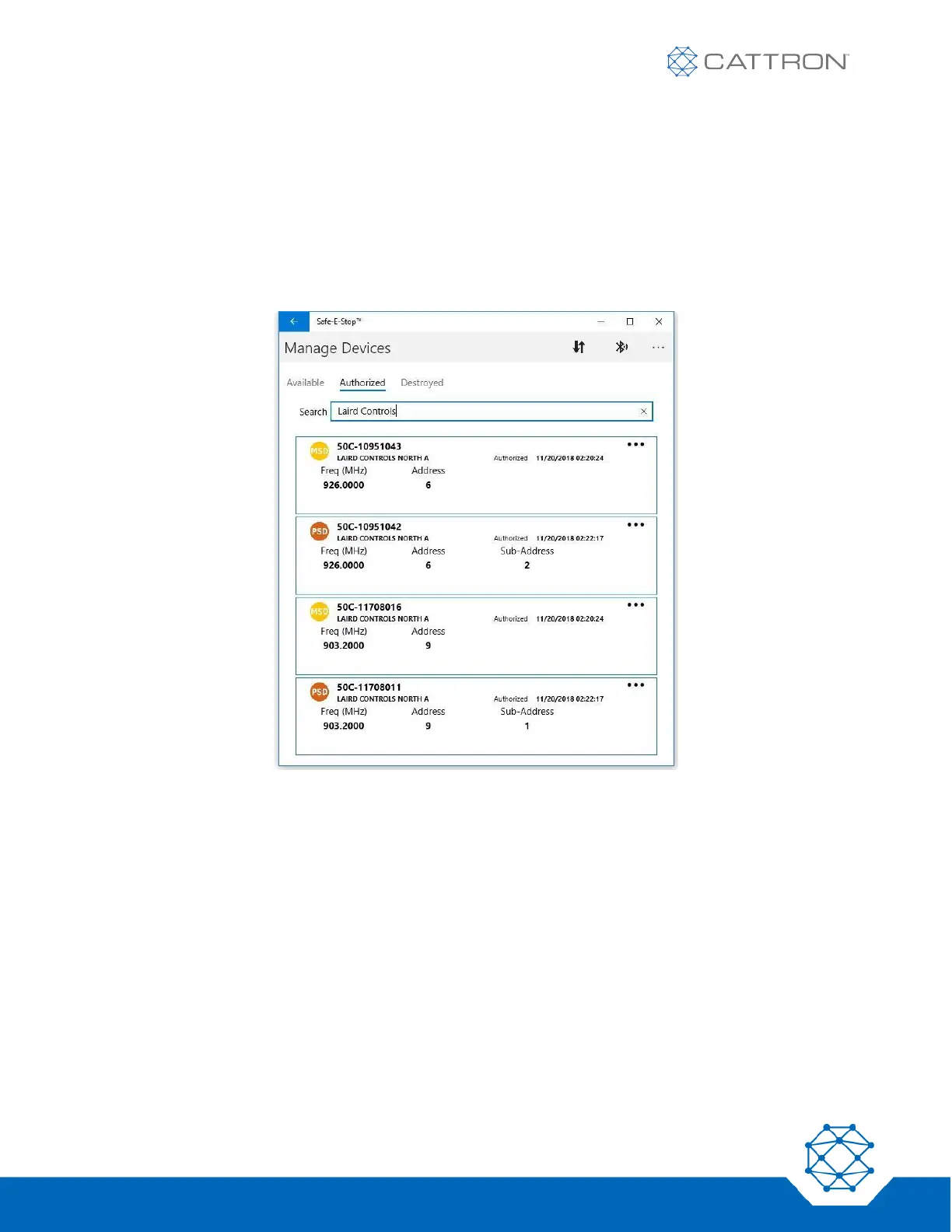
● Once the required units are on the ‘Authorized’ tab, the PC can be taken offline if necessary to
program the specific unit (by serial number, e.g. 50C-12011023) requiring configuration.
● The process is somewhat like programming the frequency above. The frequency will be the only
parameter that must be entered manually for the frequency determined for use on this system. The
address parameters will be pre-defined during configuration.
● Only devices on the ‘Authorized’ tab can be configured.


 To Next Page