(23) BNC right output
(24) XLR 2 right output
(25) XLR 1 right output
(26) XLR 4 right input
(27) XLR 3 right input
(28) XLR 2 right input
(29) XLR 1 right input
(30) RCA 2 right input
(31) BNC 2 right input
(32) RCA 1 right input
(33) BNC 1 right input
3.3.1 CONTROL Section
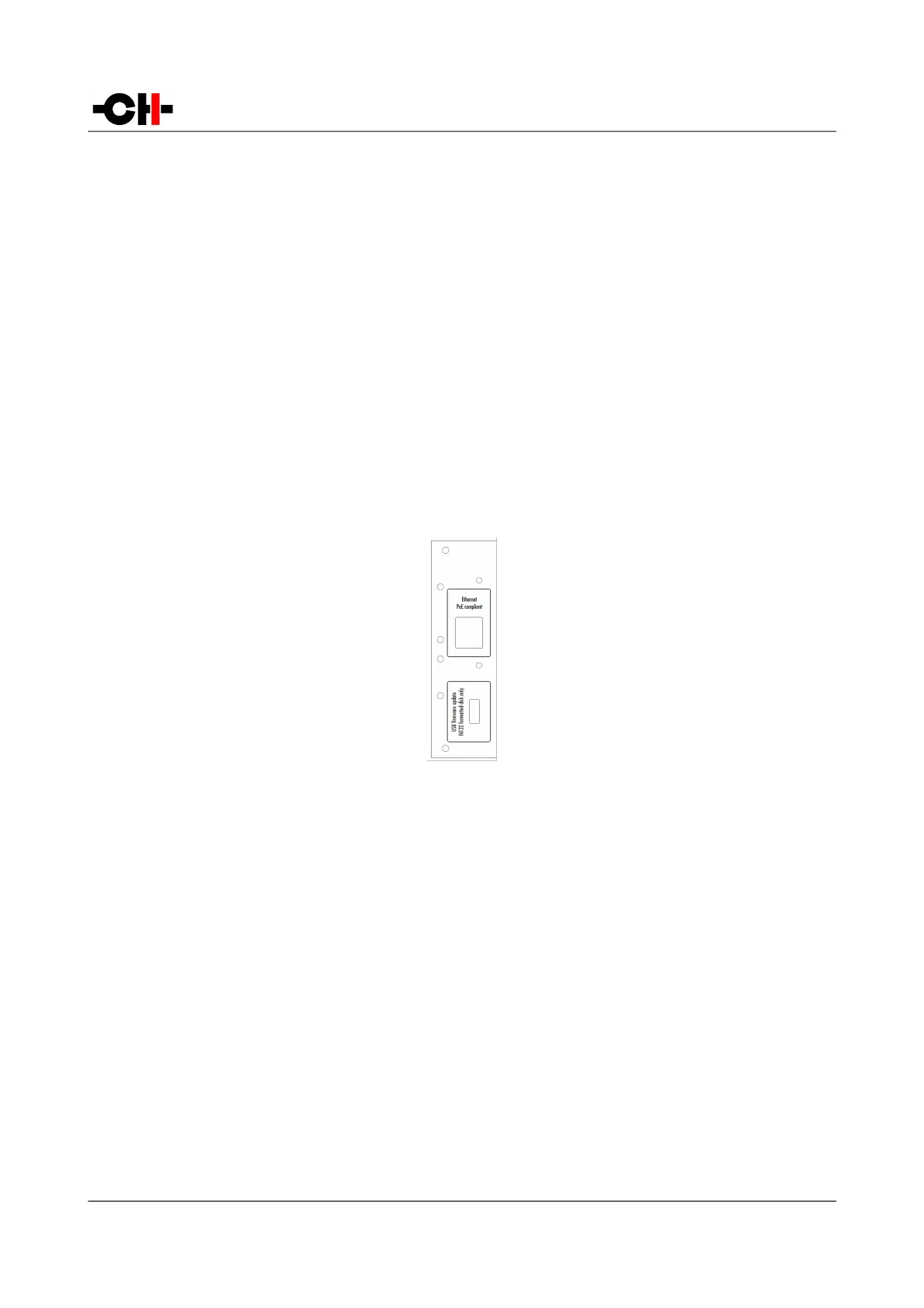
The CONTROL section provides a USB port for software upgrades and an Ethernet port for controlling the unit over an Ethernet
network. The following drawing shows the layout of the CONTROL section of the back panel:
CONTROL section of the back panel
3.3.1.1 USB port
The USB port on the CONTROL section is dedicated to upgrading the firmware of the L1 unit. Do not use it for any other purposes.
For more information on unit firmware update, please refer to the relevant section in this manual.
3.3.1.2 Ethernet port
The Ethernet port has two major purposes:
• It allows the control of the L1 preamplifier settings through a standard Ethernet network. Connect the L1 Ethernet port to
an Ethernet Router using an Ethernet RJ45 Category 5 or better cable. Using the CH Android App, the L1 settings can be
accessed and adjusted on the fly via a tablet or smartphone.
• In both Monaural and Monaural Extended configurations, two L1 chassis are used. In order to set the volume or to select
a new input, the two units must talk to each other. They are set in a Master and Slave arrangement. One unit becomes
slave of the other unit and receives commands from it. The two units exchange information using the Ethernet connectors
located on the back panel. Both L1s should be connected to a router (that has a DHCP server). The two units must be set
18 L1 User Manual Rev 1.0



 To Next Page