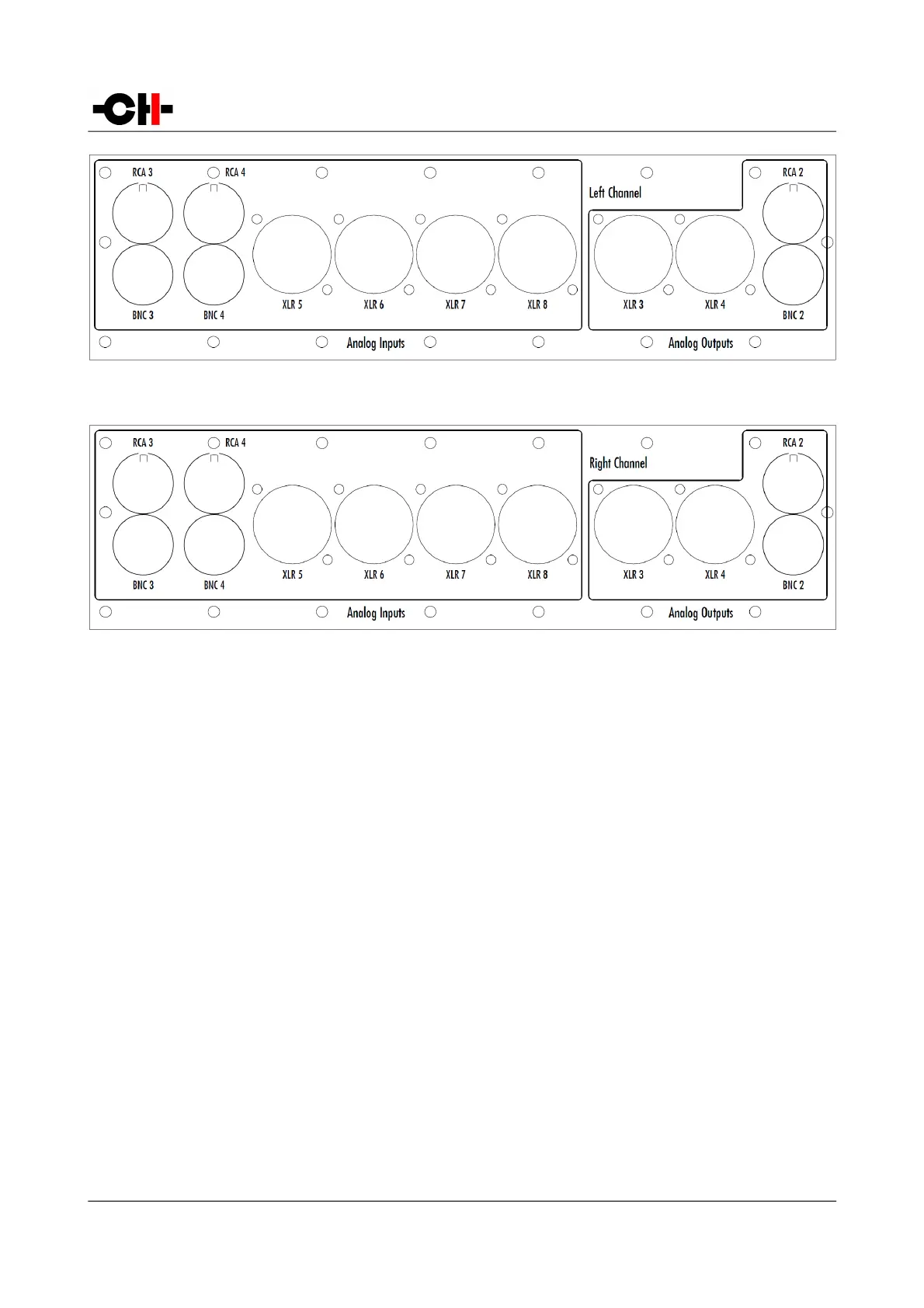
Extended Left Channel Board Layout
Extended Right Channel Board Layout
3.3.3 Power cord receptacle and voltage selection
Make sure that the voltage selection is set to the correct value with respect to the AC voltage in your location. Connect the power
cord to the power cord receptacle and plug the power plug to a wall socket only after all other connections have been made.
3.3.4 External DC Power Supply Connector
This connector allows to connect the X1External power supply. A custom made interconnect cable delivered with the X1 plugs into
this connector, allowing to reach the next step in power supply regulation. At power up, when the L1 detects that the cable has
been plugged, it leaves its mains section off and connects to the X1 instead. Please note that the L1 AC socket must remain plugged
to the AC wall socket. It is used only when the unit is in standby mode, supplying the standby transformer, consequently allowing
the unit to power up.
3.4 Preamplifier Configuration
This section describes most standard setups in which one or more L1s can be integrated into. Please note than in any of these
configurations, one or more X1 external power supplies can be added to further improve sonic performances.
20 L1 User Manual Rev 1.0



 To Next Page