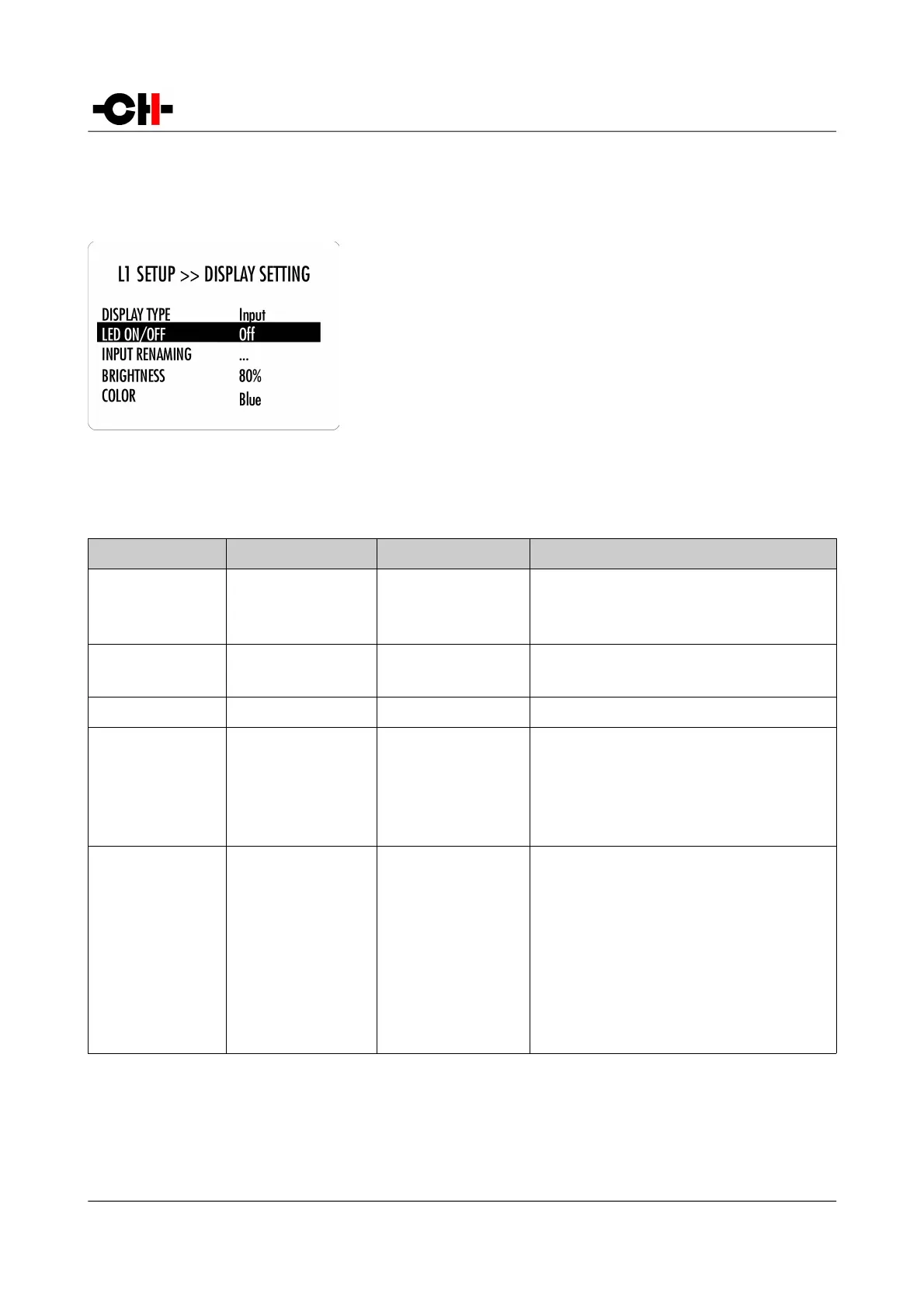
4.3.1.2 DISPLAY SETTING
The L1 SETUP >> DISPLAY SETTING menu allows configuration of the display
related Parameters of the unit. Accessible Parameters are:
- DISPLAY TYPE:
- LED ON/OFF:
- INPUT RENAMING:
- BRIGHTNESS:
- COLOR:
Selects what is displayed in normal mode
Selects if the LED is turned off or on when L1 is on
Customizes the name of an input
Sets the display brightness
Selects the display color
The following table details the Parameters of the DISPLAY SETTING menu:
PARAMETER PARAMETER VALUES REQUIRED OPTIONS REMARKS
DISPLAY TYPE Input
Off
Volume
None Allows to chose what to display in normal mode: The
input name, nothing, or the volume
LED ON/OFF On
Off
None Allows to select if the LED is off or on when the L1 is
on
INPUT RENAMING
Any string
None Used to rename any input in the L1
BRIGHTNESS 10%
20%
…
90%
100%
None Sets the display brightness
COLOR Red
Green
Blue
White
Yellow
Magenta
Cyan
Custom color
Edit custom color
None Selects the display color
Custom color is a user definable color. To Edit the
custom color select the Edit custom color Value. Sub-
menus allow to individually configure Red, Green
and Blue components (RGB) of the custom color.
Details of DISPLAY SETTING menu Parameters
Rev 1.0 L1 User Manual 35



 To Next Page