Freeze-dryer Alpha 1-4 LDplus
Freeze-dryer Alpha 2-4 LDplus
Version 11/2006, Rev. 2.2 of 17/10/2016 • sb
Translation of the original operating manual
Pos: 122 /200 Chris t/360 GT-B A Labor-Pilot ( STANDARDMOD ULE)/060 Be trieb/LDplus/06 0-0050 LDplus Anlagensteuer ung--------------------------------------------- @ 31\mod_1408352501246_6 8.docx @ 20 9535 @ 2 @ 1
6.5 LDplus control system
The control system LDplus ("Lyo Display plus") was specifically developed
for the control of freeze-drying processes. The clear user interface enables
the intuitive operation of the unit.
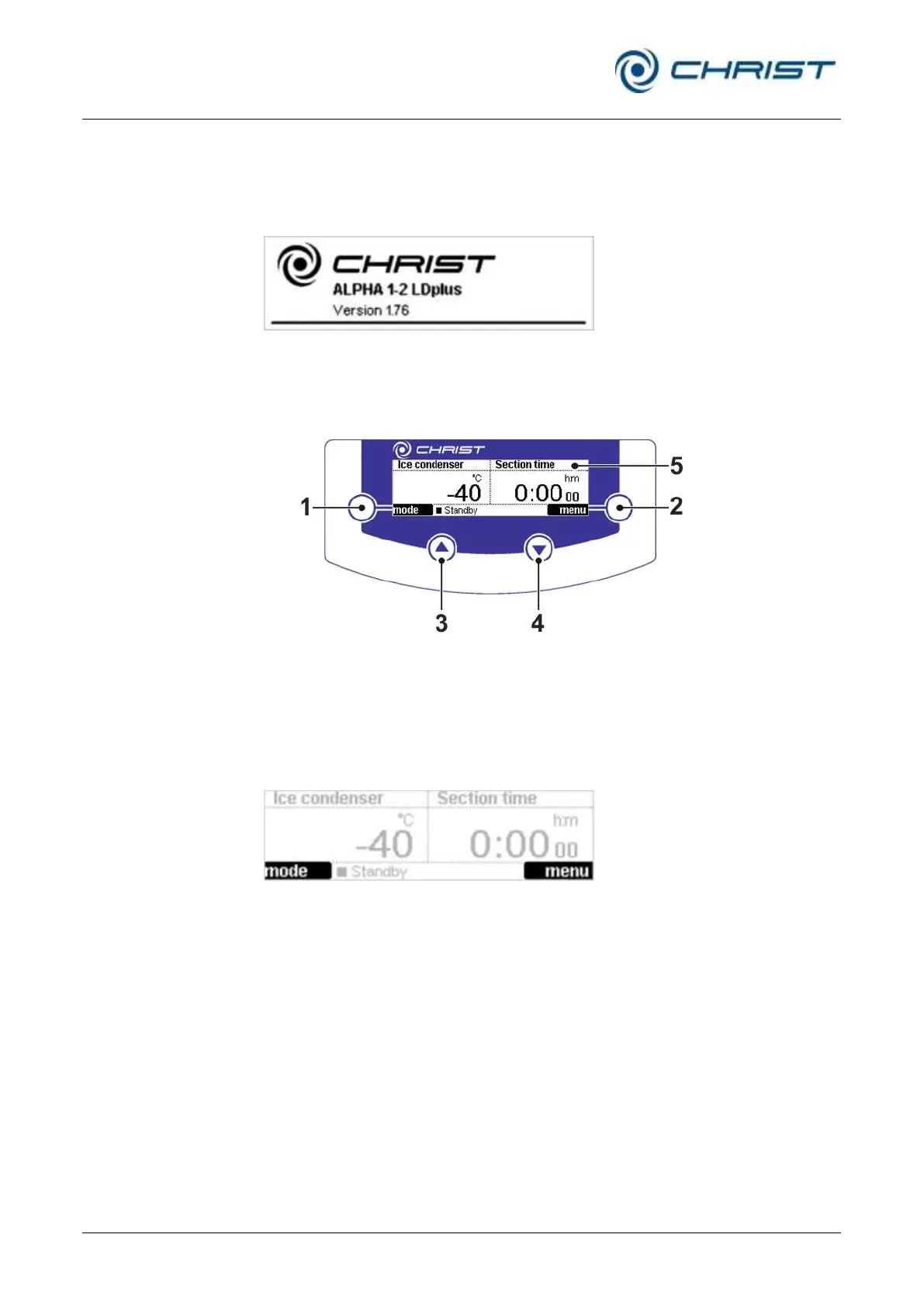
Fig. 20: Start screen of the LDplus control system
Pos: 123 /010 Uni versalmodule/ Leerz eile @ 0\mod_12 02116244500 _0.docx @ 1 14 @ @ 1
Pos: 124 /200 Chris t/360 GT-B A Labor-Pilot ( STANDARDMOD ULE)/060 Be trieb/LDplus/06 0-0050-001 0 Bedienoberfläc he LDplus @ 31\ mod_140835 2501580_68.d ocx @ 209549 @ 3 @ 1
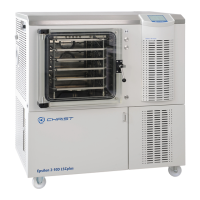
6.5.1 User interface
1 Left function key
2 Right function key
3 "Up" key
4 "Down" key
5 Display
Fig. 21: User interface of the LDplus control system
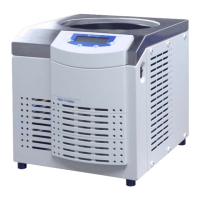
Function keys (1+2)
Function keys are keys whose function depends on the menu and
operating state of the unit. The current function is displayed directly next to
the key in the field with a black background.
Fig. 22: Indication of the current functions of the function keys; here, on the left, the "mode"
function and on the right the "menu" function.
"Up" and "down" keys (3+4)
These keys are used to select the functions and values that are available in
the menu or to change the selected parameters.
In addition, these keys also control the indication of the measurement value
channels in the value windows. The "up" key is assigned to the left value
window, whereas the "down" key controls the right value window.
• For a selection, press the "up" or "down" key repeatedly until the
desired measurement value channel is indicated in the respective value
window.


 To Next Page