Freeze-dryer Alpha 1-4 LDplus
Freeze-dryer Alpha 2-4 LDplus
Version 11/2006, Rev. 2.2 of 17/10/2016 • sb
Translation of the original operating manual
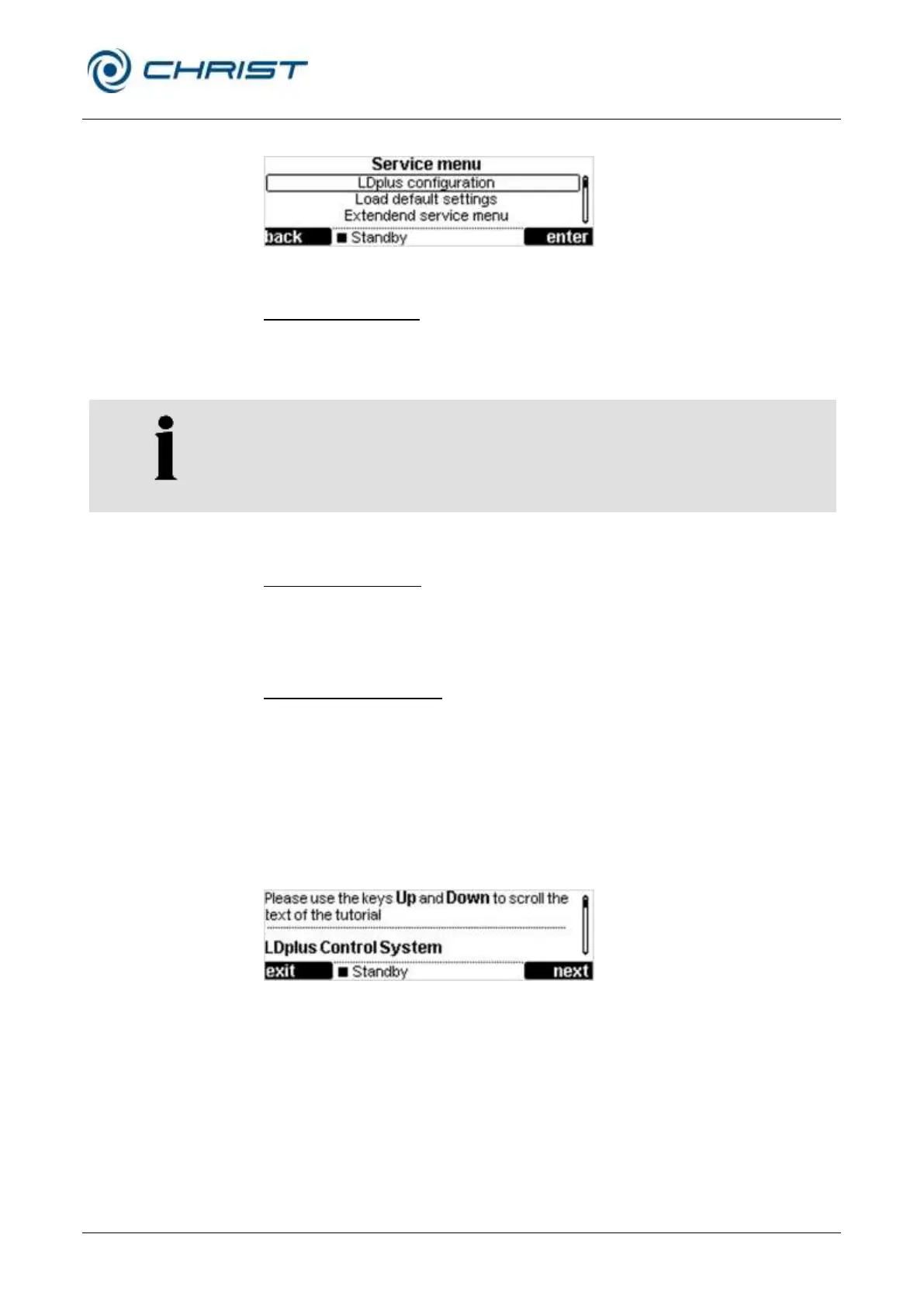
Service menu
Fig. 43: Service menu
LDplus configuration
Here, the following accessory components (options) can be configured:
• Vacuum sensor
• Vacuum control system
• Installed options must be activated with "yes".
• Options that are not installed must be deactivated with "no".
Load default settings
This menu item is used to reset all of the set values and parameters to the
delivery state of the freeze-dryer. The system will issue a corresponding
enquiry prior to performing this step.
Extended service menu
The extended service menu is reserved for service technicians. This area is
protected by a password and is not accessible to the user.
Pos: 137 /010 Uni versalmodule/ Leerz eile @ 0\mod_12 02116244500 _0.docx @ 1 14 @ @ 1
Pos: 138 /200 Chris t/360 GT-B A Labor-Pilot ( STANDARDMOD ULE)/060 Be trieb/LDplus/06 0-0050-003 0-0050 Tutorial @ 31\mod_140 8435279586_ 68.docx @ 209690 @ 4 @ 1
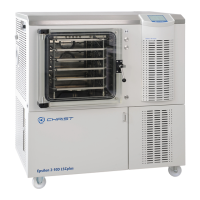
6.5.3.5 Tutorial
The tutorial provides information concerning the most important functions of
the LDplus control system.
The tutorial is available in German, English, and French.
Fig. 44: Tutorial
• Select the "Tutorial" function in the main menu.
• Browse the tutorial by way of the up/down keys.
• Click the left function key repeatedly in order to exit the tutorial.
Pos: 139 /010 Uni versalmodule/ Seitenwechsel @ 0\mod_12 02116244312 _0.docx @ 105 @ @ 1


 To Next Page