Milliohm Meter 16502 User’s Manual
4-4
< S Y S T E M S E T U P >
C A L B R A T I O N
A N
A
G E
S Y S T E M C O N F I G
← Enter System Calibration Screen
←
Enter Memory Manage Screen
←
Set the System Parameter
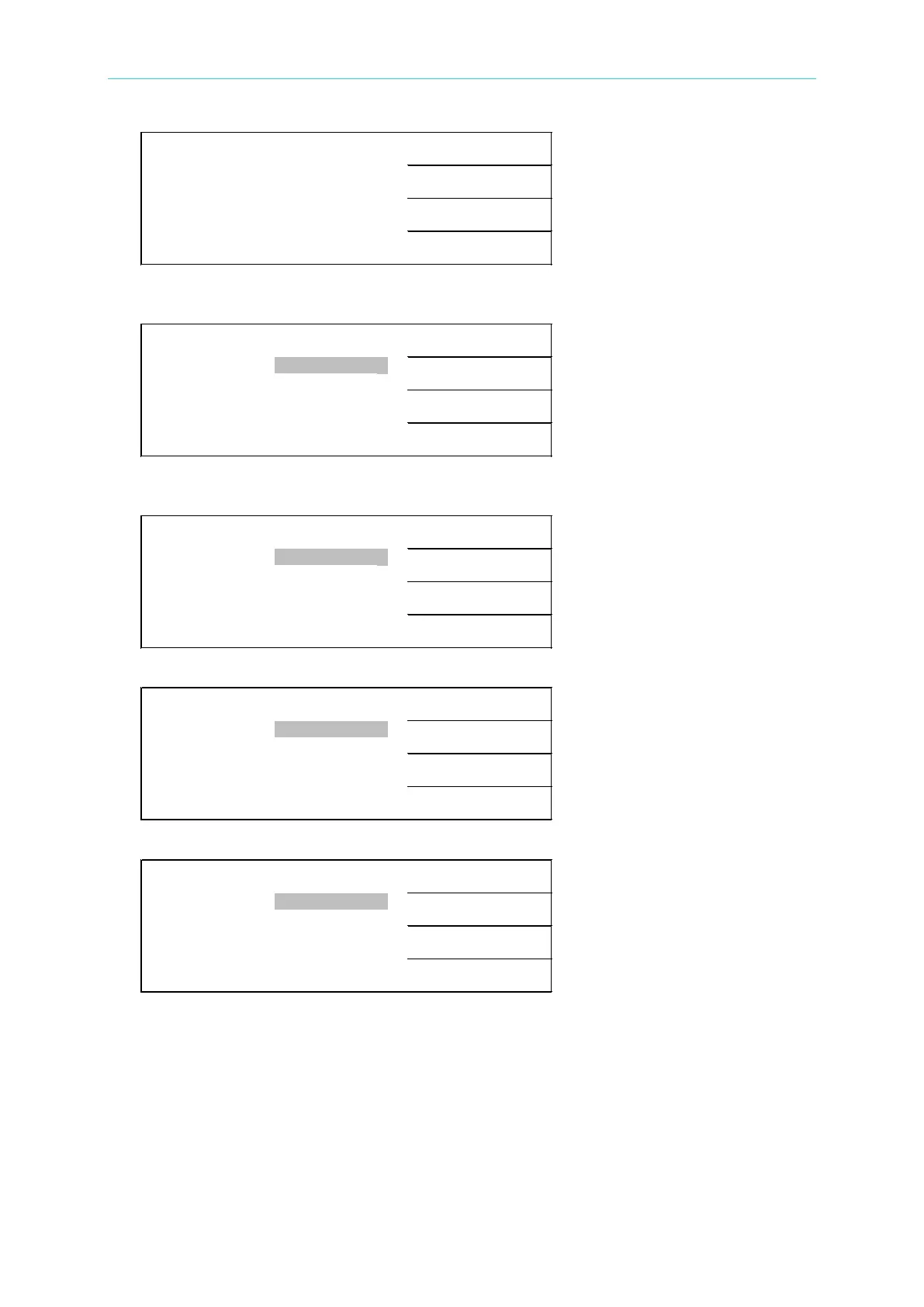
4. Press [F3] (i.e. SYSTEM CONFIG) to enter the system parameter setting screen as
shown below:
< S Y S T E M C O N F I G >
D I
G
I T U P
A V
E
R A G E N O . : 0 1
B
E
E P
E R :
H
I G
H
D I
G
I T D O
N
K E
Y
L
O C
K :
O
F F
C O N T R A S
T
:
0 7
S O U N D
5. There are 4 pages for system setting. Press the up and down arrow keys to move to the
next page. Following shows the second page:
< S Y S T E M C O N F I G >
P U
L
S E
A L
A R M
O D E : P U
L
S E
T R I G . D E
L
A Y :
0 0 0 0
S C O
N
T I N U O U S
T R I G . E D
G
E :
F A L L I
N G
E A S . D E
L
A Y :
0 . 0 0 0
S
The following shows the third page.
< S Y S T E M C O N F I G >
5 0
H
z
L I
N E F R E . : 6 0
z
G P I B . A D D
R
E S S :
1 7
6 0
H
z
B A U D R A T E :
1 9 2 0 0
C O R R
E
C . T E
The following shows the fourth page.
< S Y S T E M
C O N F I G >
P T
1
0 0
T E
P . P R O B E :
P T 1 0 0
A U T O R E P
O
R
T
:
O F F
P T
5
0 0
C O
P . D I
S
P . :
O N
P A D R O F F
S
E T :
+ 0 . 0
6. Below explains the setting of system parameters:
AVERAGE NO. :
This function is to calculate the periodic sampling. The measuring range is 01∼10.
The factory default value is “04”. When the samplings are less, then the speed becomes
fast but its stability is decreasing. On the other hand, when the samplings are getting
more, then the speed becomes slowly, also its stability is increasing.
BEEPER:
It sets the warning beep volume to OFF, LOW, and HIGH. The default setting is HIGH.



 To Next Page