HIPOT Tester 19051/19052/19053/19054 Quick Start Guide
22
3.5.2 How to Select a Set of Memory
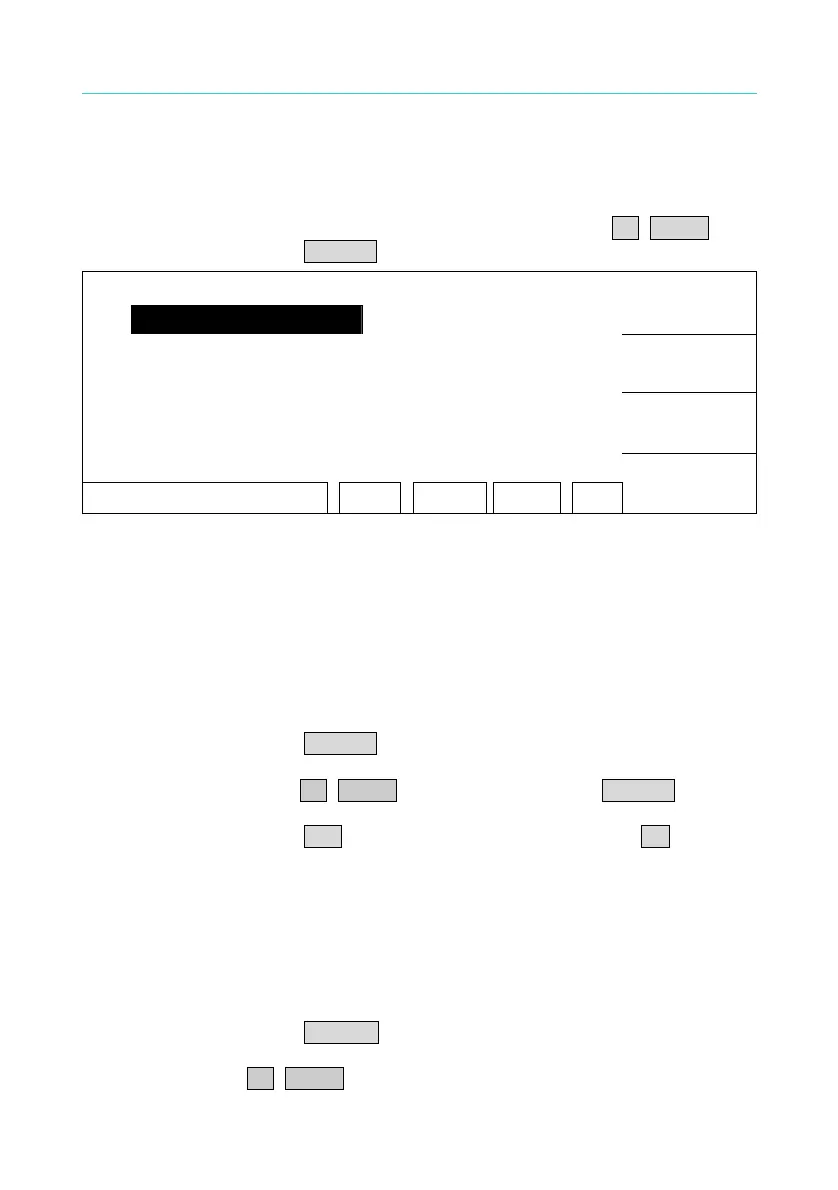
1. When the state list shows "SELECT MEMORY", move the highlighted
to the memory which want to manage by Function Key UP, DOWN.
Press Function Key SELECT is shown the following menu:
1. ( 0 )
UP
2. ( 0 )
3. ( 0 )
DOWN
4. ( 0 )
5. ( 0 )
SELECT
SELE. MEMORY RMT LOCK OFST ERR
RETURN
2. At this time, follows Function Key instructions to read, store or delete
this set of memory.
3.5.3 Delete Memory
If you want to delete test parameter data which be stored in memory,
please follows the below procedures to process.
1. Press Function Key DELETE when status bar shows [SELECT FUNC.].
2. Select the test parameter data of memory, which want to delete by
using Function Key UP, DOWN. Press Function Key DELETE and
then show delete confirm window.
3. Press Function Key YES to confirm or press Function Key NO to
cancel.
3.5.4 Read Memory
If there are many sets of test parameter values which be saved in main
memory. Follow the below procedures to recall test parameter.
1. Press Function Key RECALL when status bar shows [SELECT FUNC.].
2. Select the test parameter data of memory, which want to read by using
Function Key UP, DOWN.



 To Next Page