HIPOT Tester 19051/19052/19053/19054 Quick Start Guide
19
8. 9 Pin D Connector
All of 9 pin D-Sub connector functions are the same as (1) Remote I/O.
9. RS232 Interface
This socket is the standard RS232 interface for the tester. GPIB and
RS232 interface can’t use simultaneously.
3.3 Notice Items and Procedures before
Operation
1. Before plugging AC power cable, please confirm power that use firstly
and description of rear panel is match or not and power switch is OFF
status.
2. Before turning on power, please peruse "Chapter 3 - Notice Items
Before Using" and remember it.
3. When turns on power, the tester will self-test. If there is abnormal
condition, please turns off switch and pulls off power cord immediately.
3.4 System Parameter Setting
3.4.1 How to Enter System Parameter Setting Menu
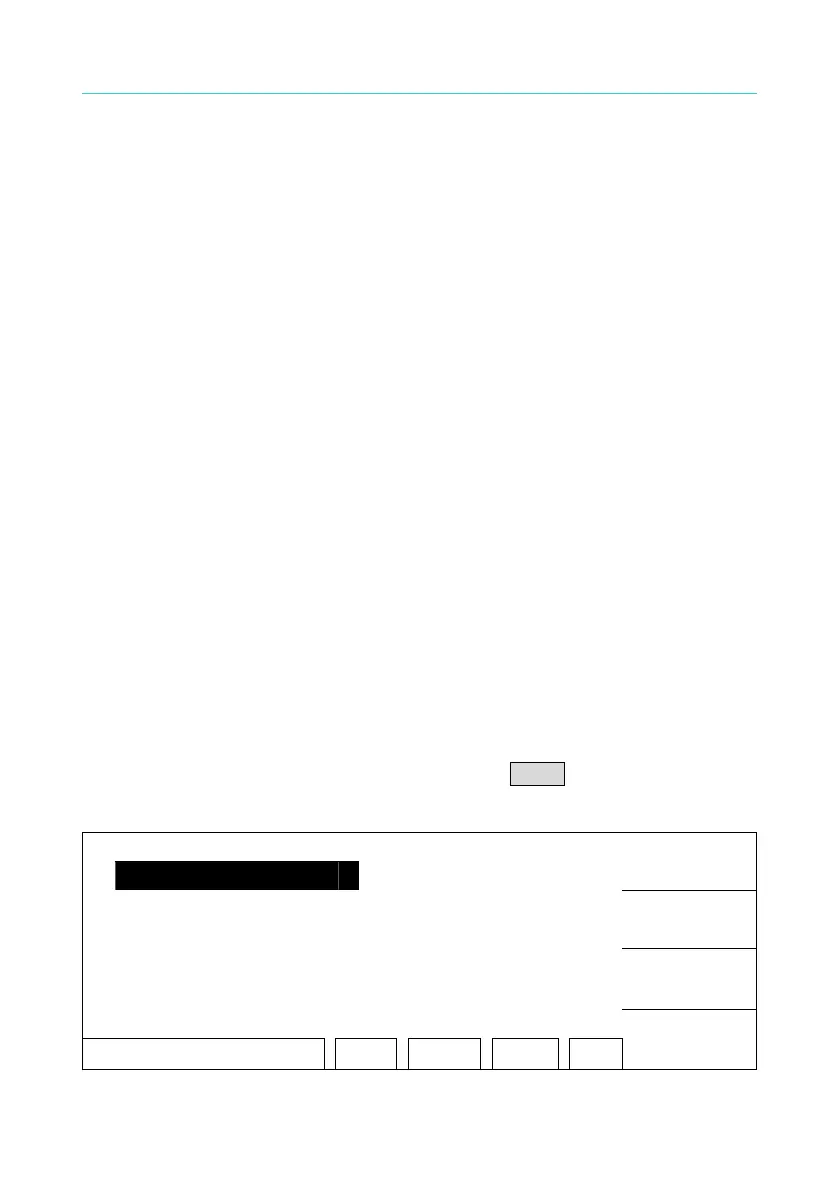
1. Under power on menu, press Function Key MENU the menu as the
following:
1. MEMORY
UP
2. SYSTEM
3. OPTION
DOWN
4. CALIBRATION
5. KEY LOCK
SELECT
SELECT FUNC. RMT LOCK OFST ERR
EXIT



 To Next Page