HIPOT Tester 19051/19052/19053/19054 Quick Start Guide
24
3.6 Preset Parameter Setting
3.6.1 How to Enter Testing Preset Parameter Setting
Menu
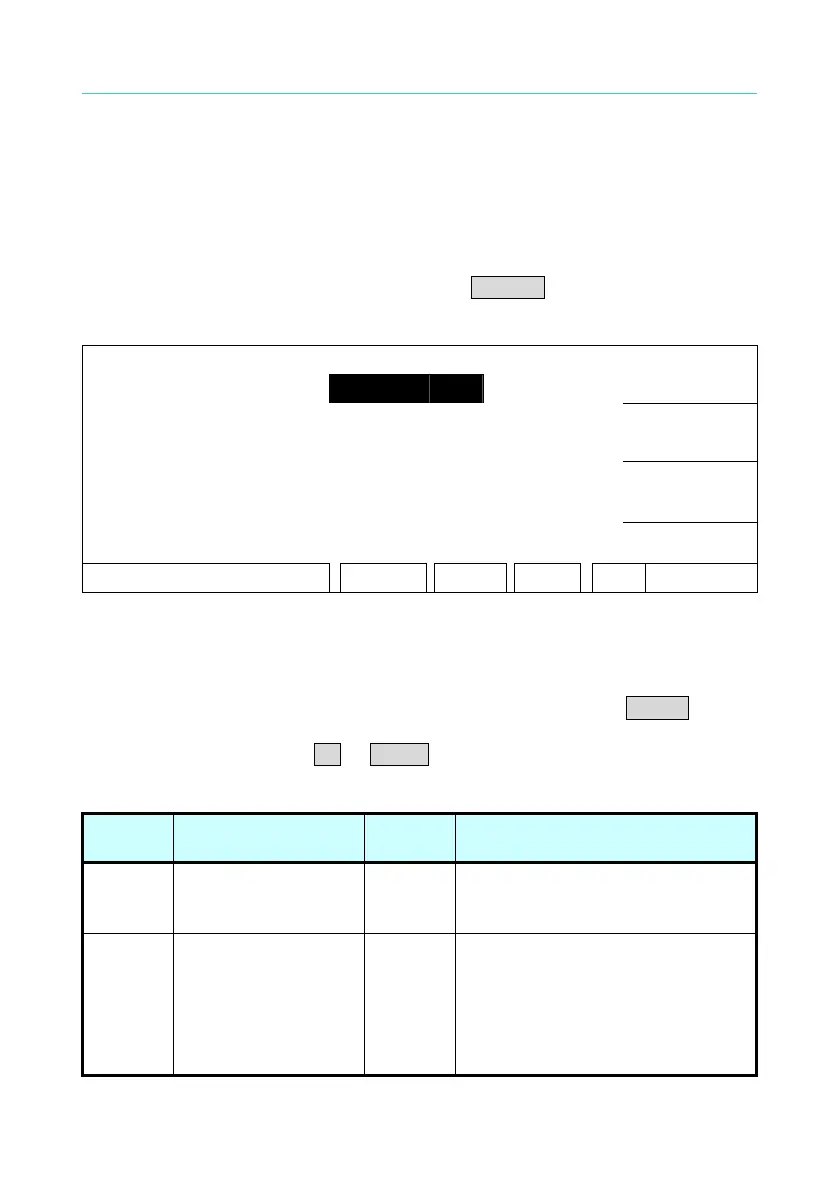
Under power on menu, press Function Key PRESET to enter testing preset
parameter setting menu as the following.
1. PASS HOLD : 0.5 sec
UP
2. STEP HOLD : 0.2 sec
3. AC-V FREQ. : 60 Hz
DOWN
4. GR CONT. : OFF
5. SOFT. AGC : ON
ENTER
EXIT
RMT LOCK OFST ERR
3.6.2 Operation Methods
1. After entering test preset parameter setting menu, press ENTER key
move the highlighted cursor to the parameter item, which want to set.
2. Press Function Keys UP or DOWN to set this item parameter data.
Testing preset parameter function description table:
Setting
Item
Range Initial
Setting
Description
Pass
Hold
0.2 ∼ 99.9
0.5 When the display shows PASS,
the continuous time of buzzer
beeps.
Step
Hold
0.0 ∼ 99.9 / KEY
0.2 Set interval time between test
procedures.
Key: Set test procedure is
interrupted. (Please press
[START] to continue when test
stop.)



 To Next Page