EL DC Instalation and operation manual v13.docx
41 / 56
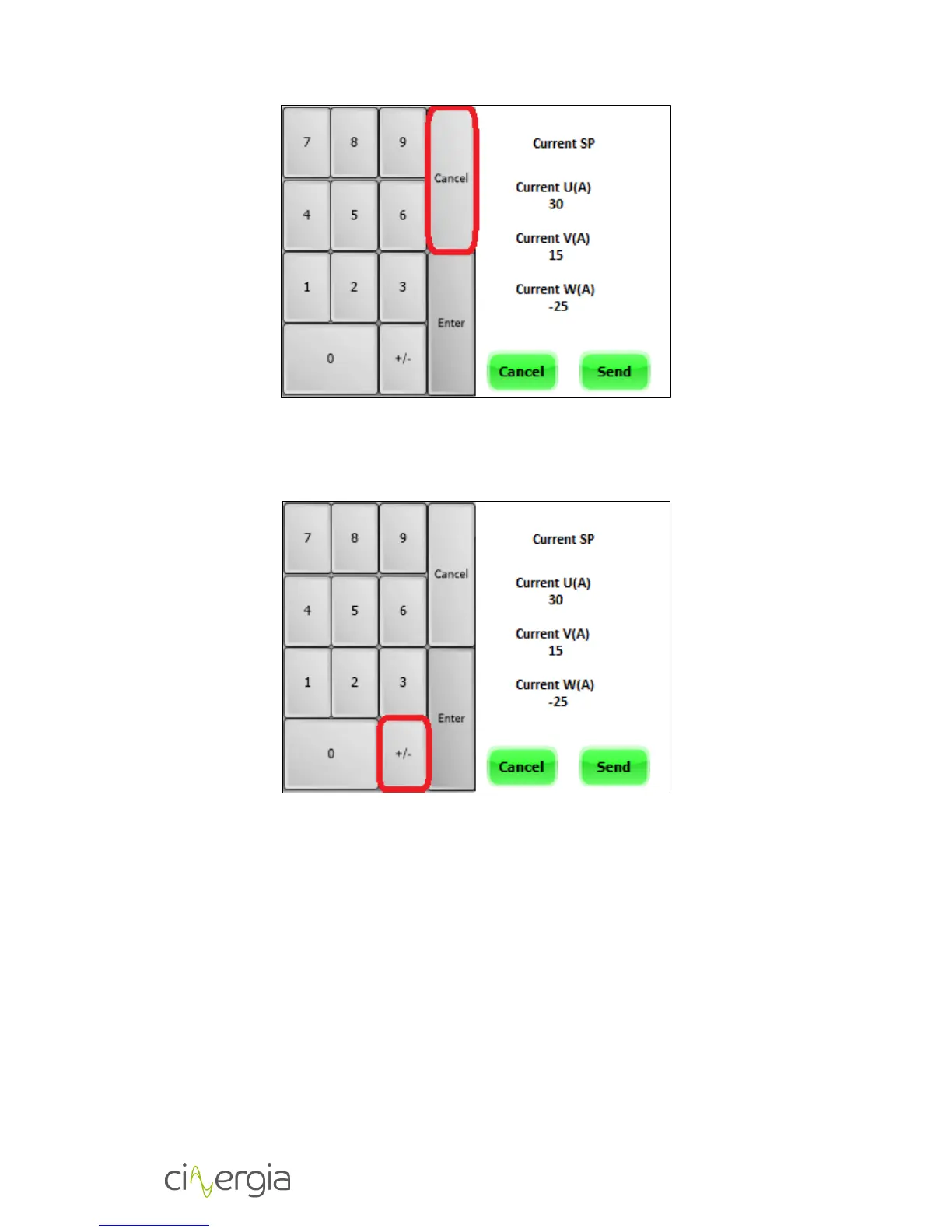
In order to change the sign of the set point the +/- button is used. First enter the value of the
setpoint and then click the +/- button (if +/- button is pressed before entering the setpoint
value, it does not work). It is shown in the next figure:
The Cancel button (green one) can be pressed anytime to return to the Operational menu
without sending any set point.


 To Next Page