BMC Card
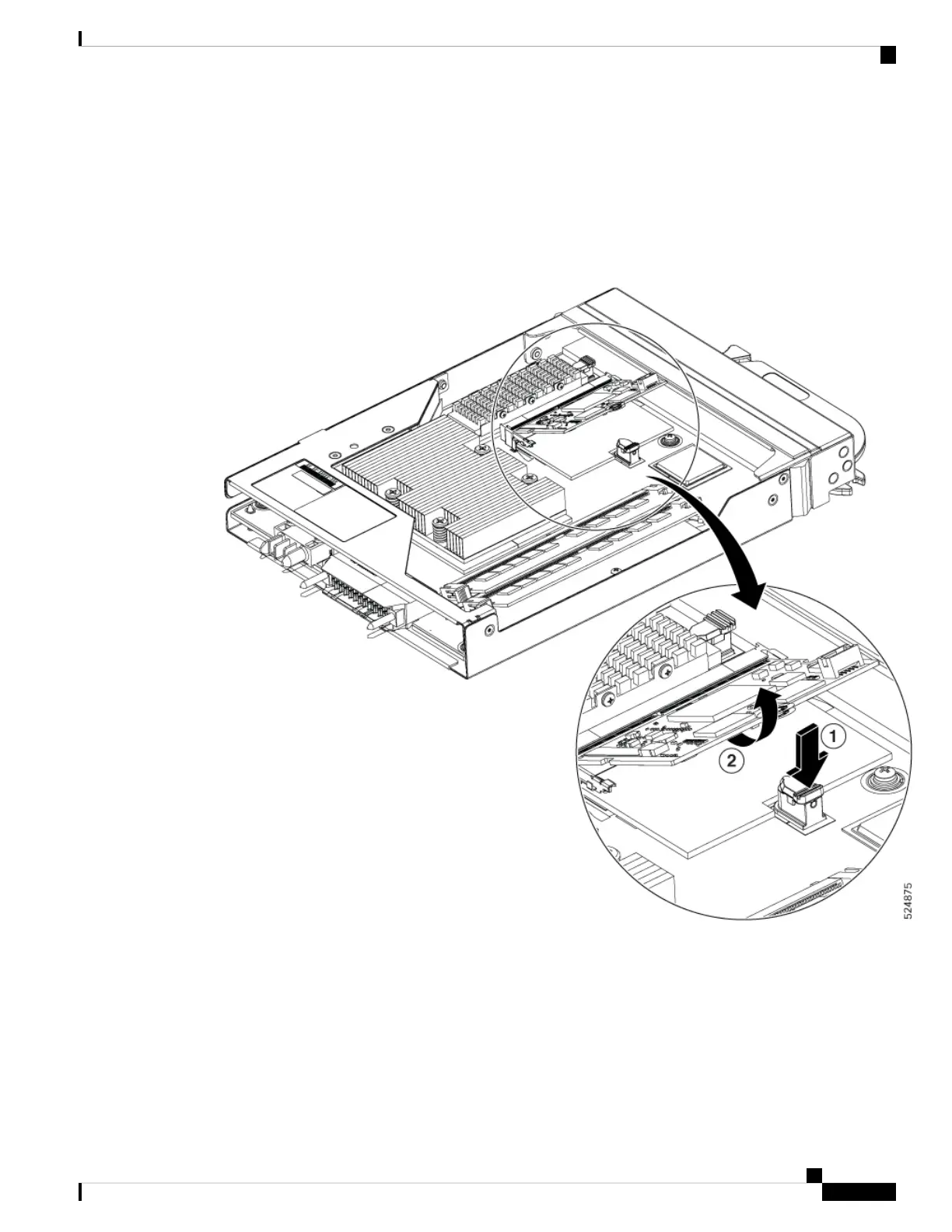
The switch has a removable Baseboard Management Controller (BMC) card. We recommend to remove the
BMC card before shipping the hardware for a Return Merchandise Authorization (RMA) request. Removal
of the BMC card enforces customer data security while performing an RMA.
You can access the BMC card in the SCM. To remove the BMC card, do the following:
Figure 7: Remove BMC Card
1. Carefully push the BMC removal latch backward and remove the lock on the either side of the card.
2. Slowly remove the BMC card from the connector.
Switch Main Board Overview
The Cisco 8500 switches are powered by the Cisco Silicon One G200 series processors.
Hardware Installation Guide for Cisco 8500 Switches
7
Cisco 8500 Switch Overview
Switch Main Board Overview






 To Next Page