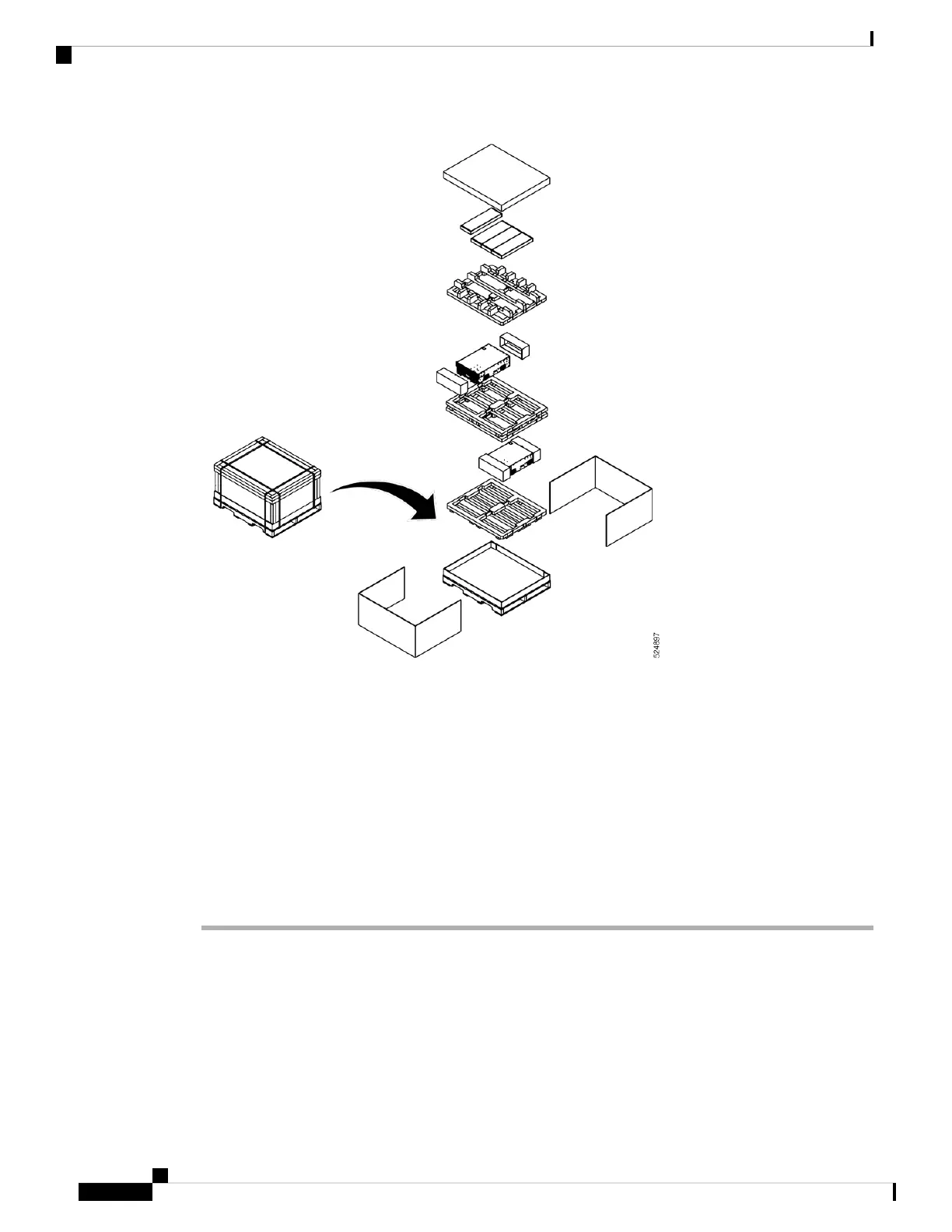
Figure 14: Unpacking the 8501 Chassis
Leave the chassis on the pallet until you are ready to install the chassis in a rack.
Install Bottom-Support Rails
The bottom-support rails support the weight of the switch chassis in the rack. To maximize the stability of
the rack, start attaching rails at lowest possible rack unit.
Procedure
Step 1 Position the vertical rack rails at 32" depth to match with the length of the bottom-support rails. Check spacing
considerations.
Step 2 Attach the bottom-support rail to the rack using a Phillips torque screwdriver on M6 x 19 mm or 12–24 x 3/4
inch screws for each end of the rail (as shown in the following figure) and tighten each screw to 40 in-lbs (4.5
N-m) of torque.
Hardware Installation Guide for Cisco 8500 Switches
24
Unpack and Install the Chassis
Install Bottom-Support Rails






 To Next Page