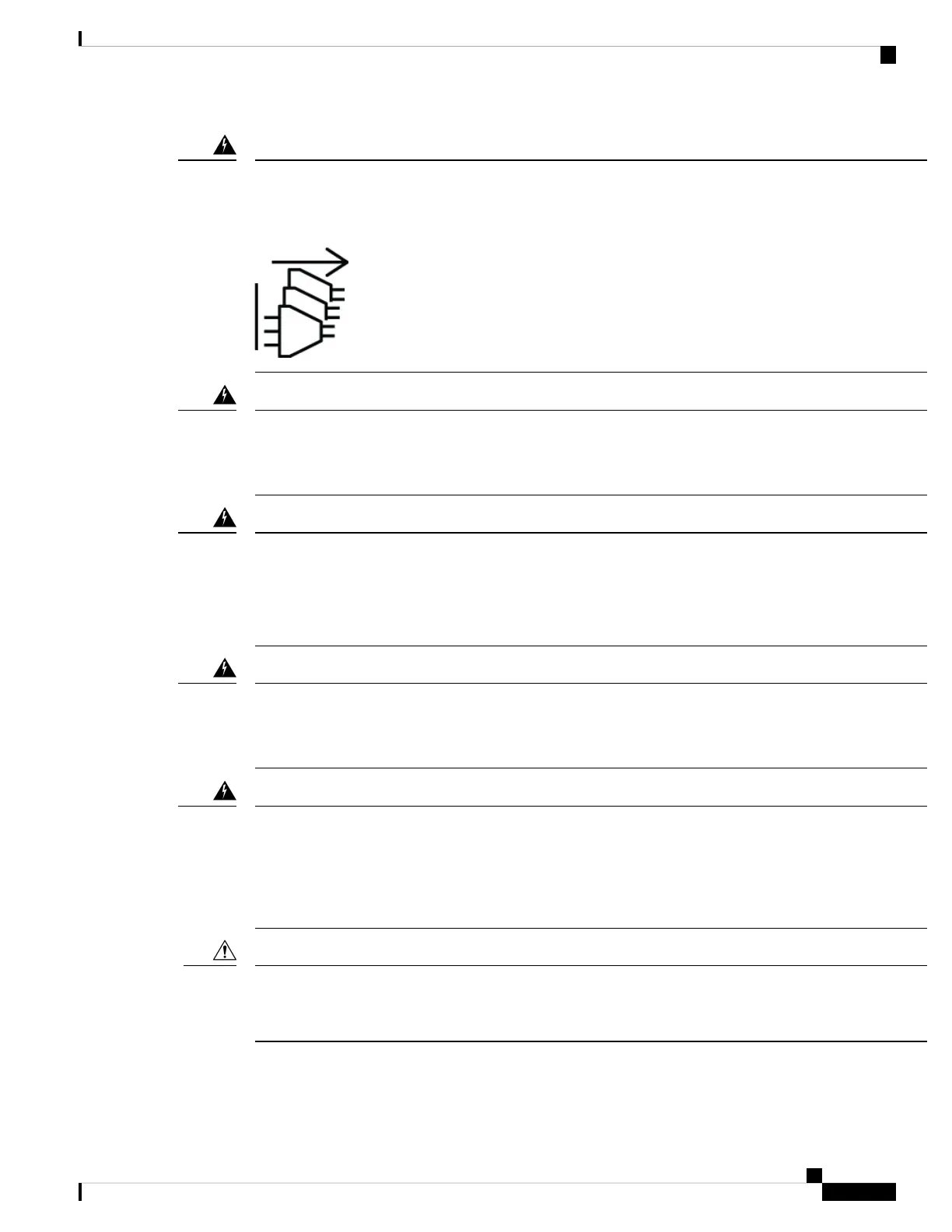
Statement 1028—More Than One Power Supply
This unit might have more than one power supply connection. To reduce risk of electric shock, remove all
connections to de-energize the unit.
Warning
Statement 1003—DC Power Disconnection
To reduce risk of electric shock or personal injury, disconnect DC power before removing or replacing
components or performing upgrades.
Warning
Statement 1046—Installing or Replacing the Unit
To reduce risk of electric shock, when installing or replacing the unit, the ground connection must always be
made first and disconnected last.
If your unit has modules, secure them with the provided screws.
Warning
Statement 1022—Disconnect Device
To reduce the risk of electric shock and fire, a readily accessible disconnect device must be incorporated in
the fixed wiring.
Warning
Statement 1029—Blank Faceplates and Cover Panels
Blank faceplates and cover panels serve three important functions: they reduce the risk of electric shock and
fire, they contain electromagnetic interference (EMI) that might disrupt other equipment, and they direct the
flow of cooling air through the chassis. Do not operate the system unless all cards, faceplates, front covers,
and rear covers are in place.
Warning
The chassis relies on the protective devices in the building installation to protect against short circuit,
overcurrent, and ground faults. Ensure that the protective devices comply with local and national electrical
codes.
Caution
Hardware Installation Guide for Cisco 8500 Switches
45
Powering on the Switch
Connect AC Power to the Chassis






 To Next Page