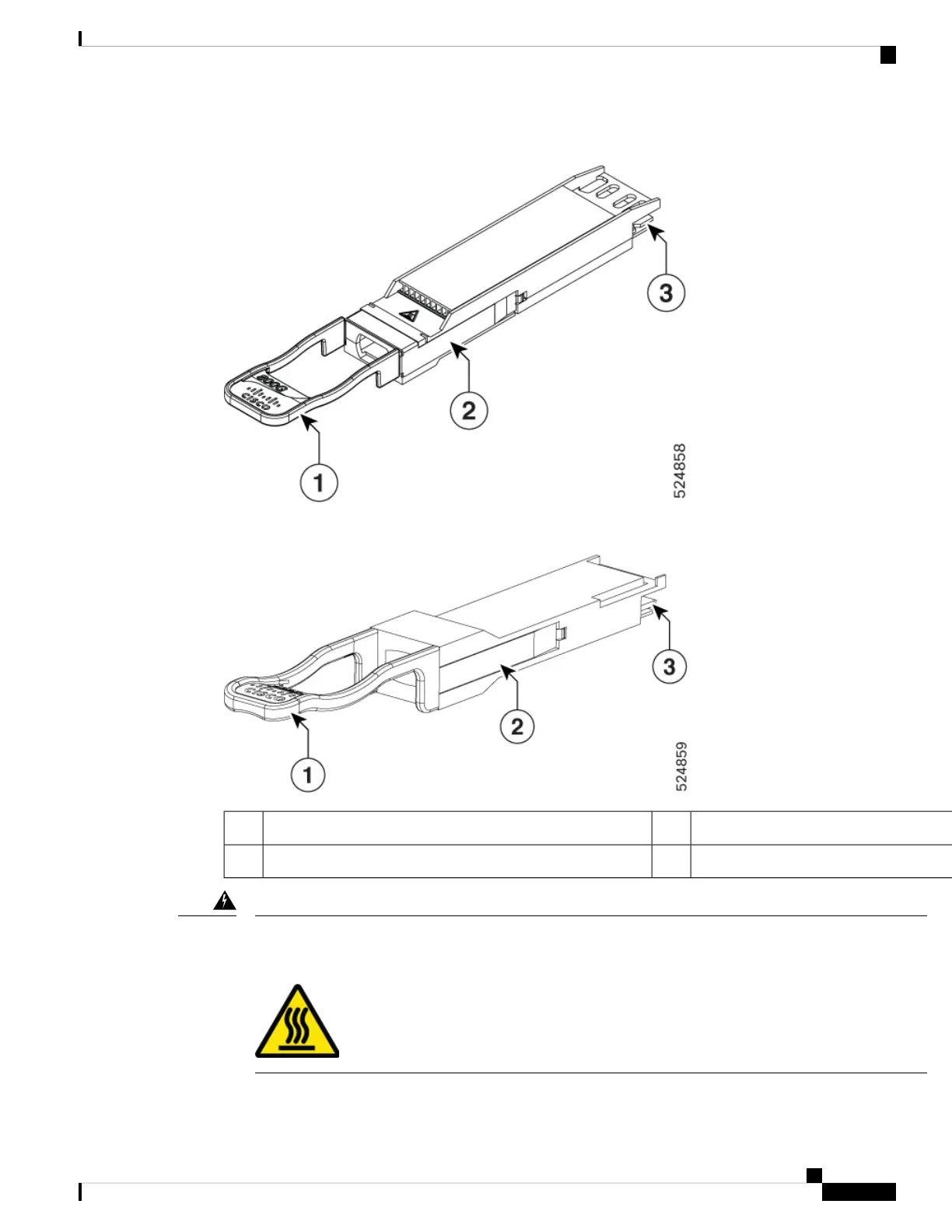
Figure 36: OSFP Transceiver Module
Figure 37: QSFP Transceiver Module
Transceiver body2Pull-tab1
Electrical connection to the module circuitry3
Statement 1079—Hot Surface
This icon is a hot surface warning. To avoid personal injury, do not touch without proper protection.
Warning
Hardware Installation Guide for Cisco 8500 Switches
57
Connect Switch to the Network
Install and Remove Transceiver Modules






 To Next Page