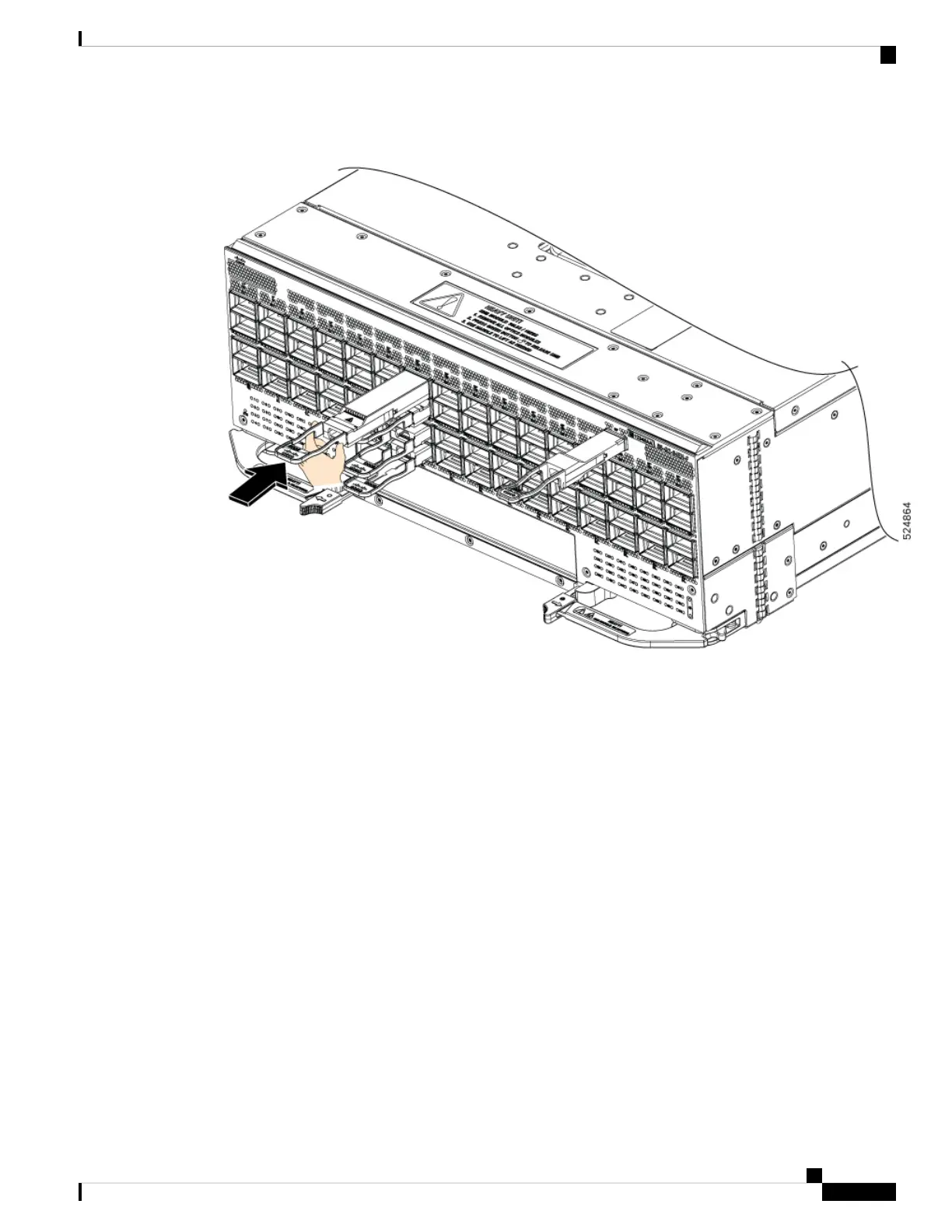
Figure 39: Installing the OSFP Transceiver Module
Step 6 Press firmly on the front of the transceiver module with your thumb to fully seat the transceiver into the cage
port (see the below figure).
Hardware Installation Guide for Cisco 8500 Switches
61
Connect Switch to the Network
Installing the Transceiver Module






 To Next Page