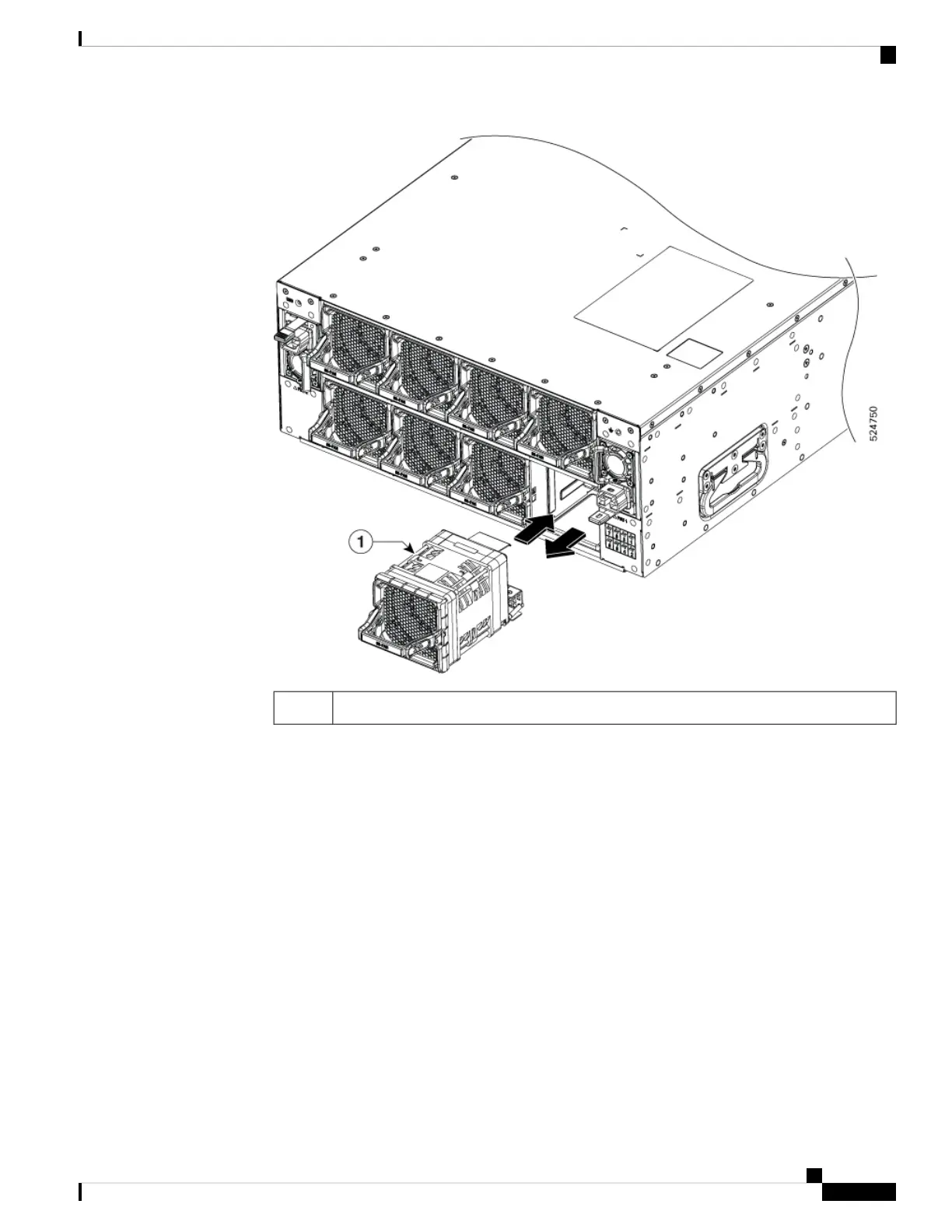
Power module1
b. As you simultaneously press the latch, gently pull the fan module fully out of the chassis.
2. To install a fan module, follow these steps:
a. Hold the fan module with the LED at the bottom right.
Hardware Installation Guide for Cisco 8500 Switches
83
Replace Chassis Components
Replace a Fan Module






 To Next Page