48
remote start diagnostics
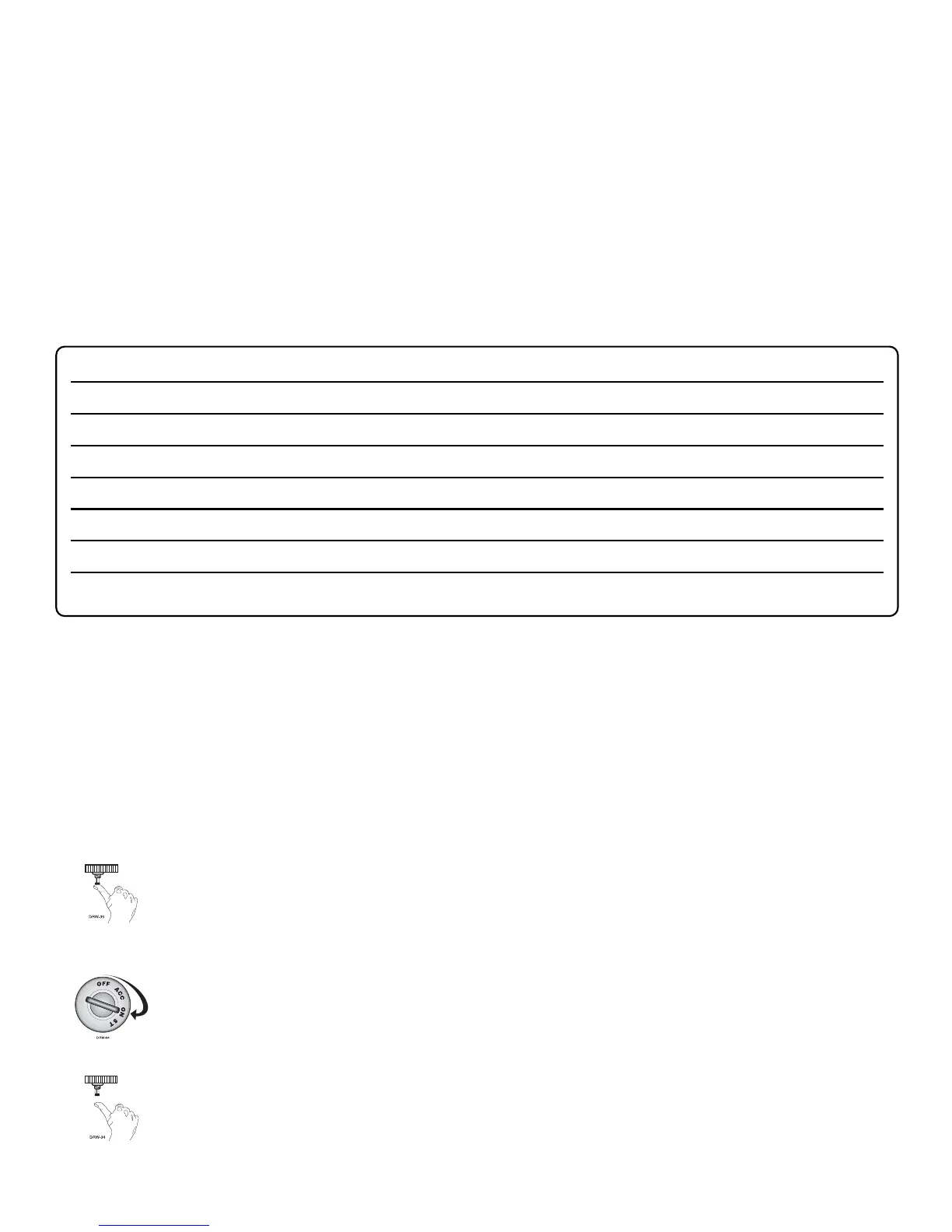
1. With the ignition OFF, press and hold the override button.
2. Turn the ignition ON and then back OFF while holding the override button.
3. Release the override button.
4. Press and release the override button. The LED will report the last shutdown for one minute or
until the ignition is turned on.
security diagnostics
The system stores the last two full triggers in memory. These are not erasable. Each time the unit sees
a full trigger, the older of the two triggers in memory will be replaced by the new trigger. To access
long term event history:
1. With the ignition off, press and hold the override switch.
2. Turn on the ignition.
3. Release the override switch.
LED FLASHES SHUTDOWN MODE
One Timed out
Two Over-rev shutdown
Three Low or no RPM
Four Remote shutdown (or optional push-button)
Six (-) Shutdown (H3/3 GRAY) or (+) Shutdown (H3/4 BROWN)
Seven (-) Neutral safety shutdown (H3/6 BLACK/WHITE)
Eight Wait-to-start timed out



 To Next Page