M08S40E15-01 WDAT-SL3 FC 200.2-580.2 21
6.9 Remote controls
Check that the remote controls (ON-OFF etc) are connected and, if necessary, enabled with the respective parameters as indicated in the
“electrical connections” section.
Check that probes and optional components are connected and enabled with the respective parameters (“electrical connections” section and
following pages).
6.10 Demand limit
Menu accessible only after having entered the password.
Access reserved only to specically trained personnel.
The parameter modication can cause irreversible damages.
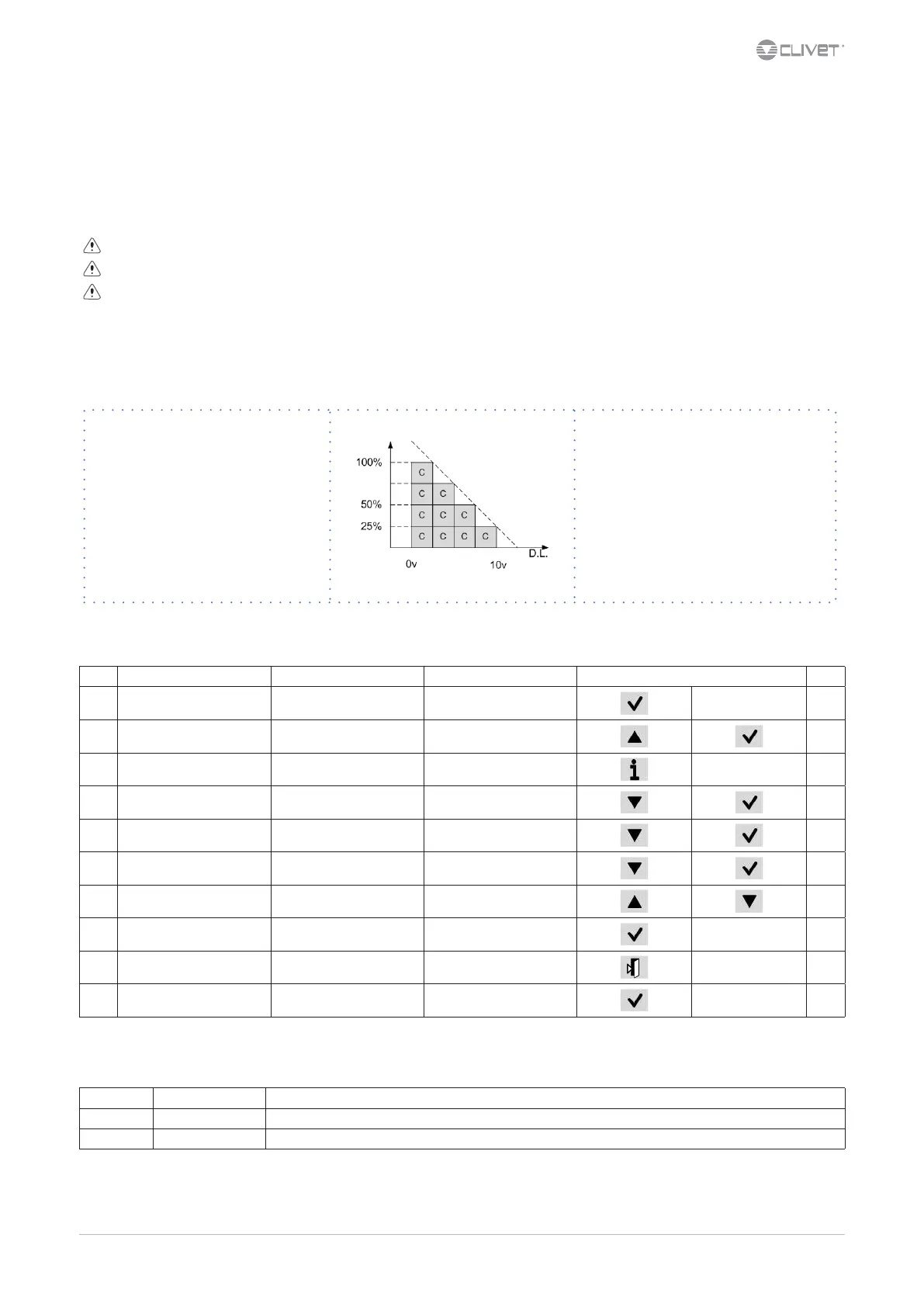
It is possible to limit the absorbed electric power with an external signal 0-10 Vcc or 4-20mA.
The higher the signal is, the lower the number of compressors available to meet the thermal need.
Only if P0050:En DemandLimit ≠ 0
Path: Main Menu / Unit parameters / Demand limit
Step Display Action Menu/Variable Keys Notes
1 Press 3 sec.
2 Password Set Password
3 Press
4 Main menu Select Unit parameters
5 Unit parameters Select Set Point
6 Set Point Select Demand limit
7 Set Demand limit
8 Conrm
9 Press 3 sec.
10 Select Local connections
Path: Main Menu / Unit parameters / Demand limit
Parameters Short description Description
P0009: set demand limit Parameter setting of the value % of demand limit
P0062 TypeDL Inlet signal type: 0=0-10V; 1=4-20mA


 To Next Page
 Loading...