25
• Load job
After you have saved your welding parameters in a job, you can use the
job button to open a list of saved jobs.
1. Press the job button.
• The saved jobs will appear in green writing.
2. Turn the rotary knob to select a job.
3. Press the rotary knob to load the saved job.
• The process will end and the job number will be displayed at the
top right of the start screen.
• Duplicate job
You can create several copies of a job.
After you have saved your welding parameters in a job, you can save
same in another storage space.
• Deactivate active job
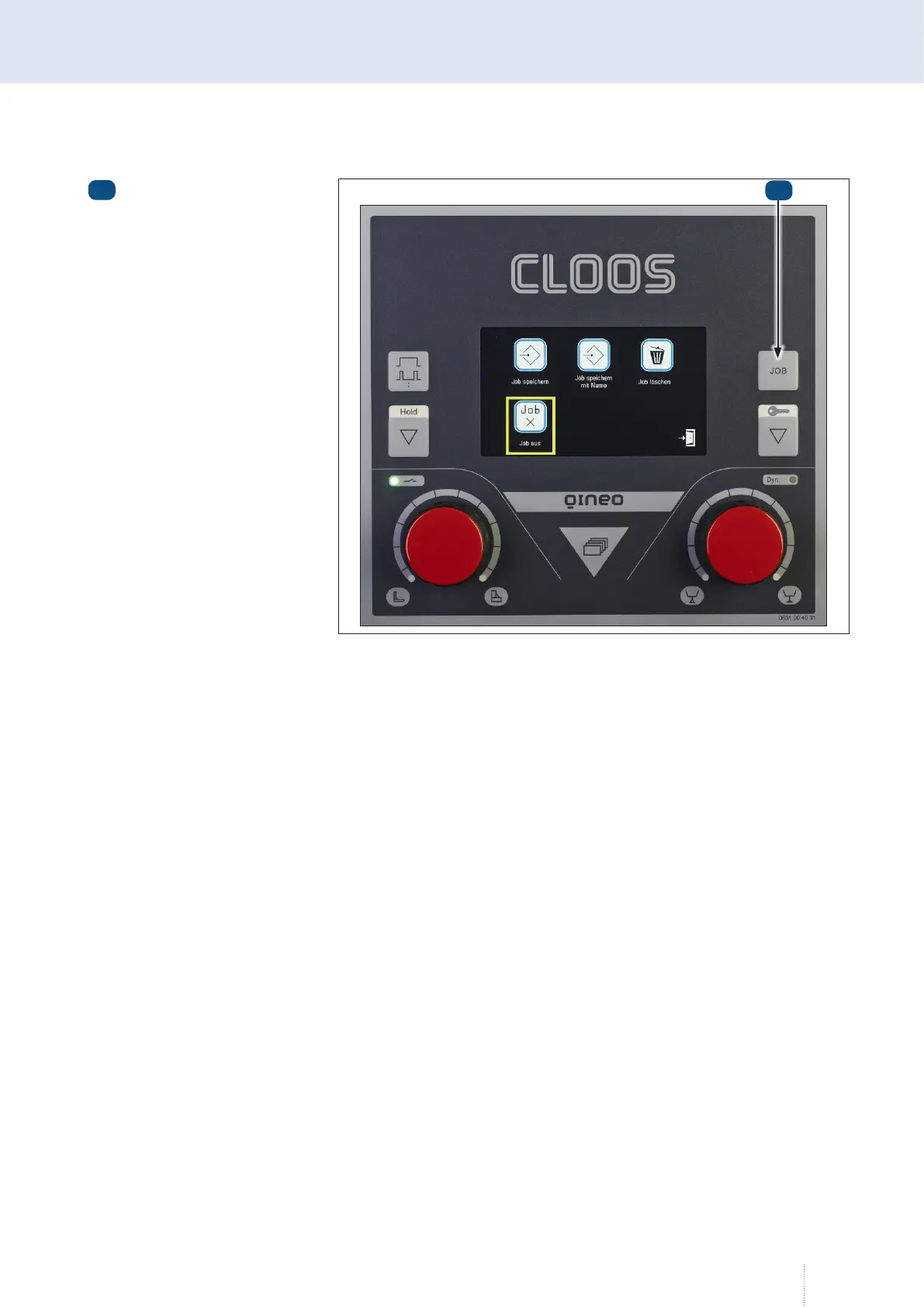
1. To deactivate an active job, hold the job button down until the
space management appears.
2. Using the rotary knob, select the "Job off" menu and confirm the
selection by pressing the knob.
• The space management closes automatically.
Job key
1
Illustration 56. Space management - Job off
1



 To Next Page