https://www.youtube.com/watch?v=WonXbVGSVio
Hardware
Connecting the ESS to Your PC
Setting up networking for Ethernet device like ESS board is problematic for most beginners.
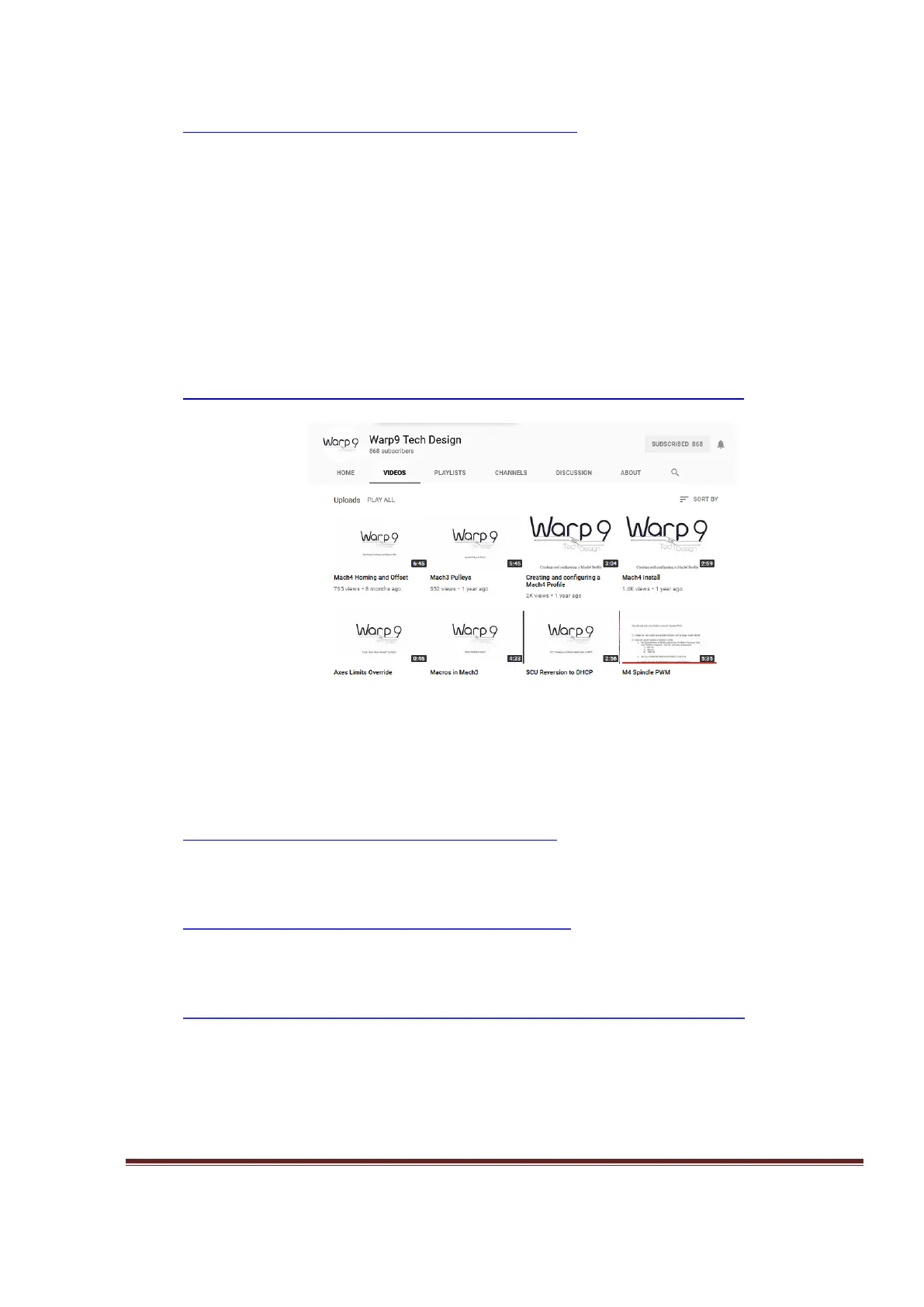
There are lot of tutorial video and guides from Warp9 Tech Design which help the user to
achieve this goal easily.
Warp9 Tech Design YouTube channel.
http://www.youtube.com/channel/UCpg3EROtW8xA_KzrFHgn4ZQ/videos
Figure 6, Youtube tutorial video for beginner.
Using the SCU to Fix Windows Firewall Issues
http://www.youtube.com/watch?v=RyRx7naF2rg
ESS Manual Setup
http://www.youtube.com/watch?v=3PahTqFQ05M
The following section has been copied with permission from the Warp9 website at;
http://www.warp9td.com/index.php/documentation/doc-ess#Connecting
The best way to connect your ESS to your PC is to use the Direct Connect method: hook the
Ethernet cable directly from your ESS to the network adapter in your PC. This will make trouble
shooting easier since there are no switches or routers between the ESS and your PC. (A switch
should be fine since it only operates in the lower 3 layers of the TCP/IP stack, but why add extra
equipment if you don't need it. A router should be fine if you only have your ESS and PC
www.CNCRoom.com Page 10


 To Next Page