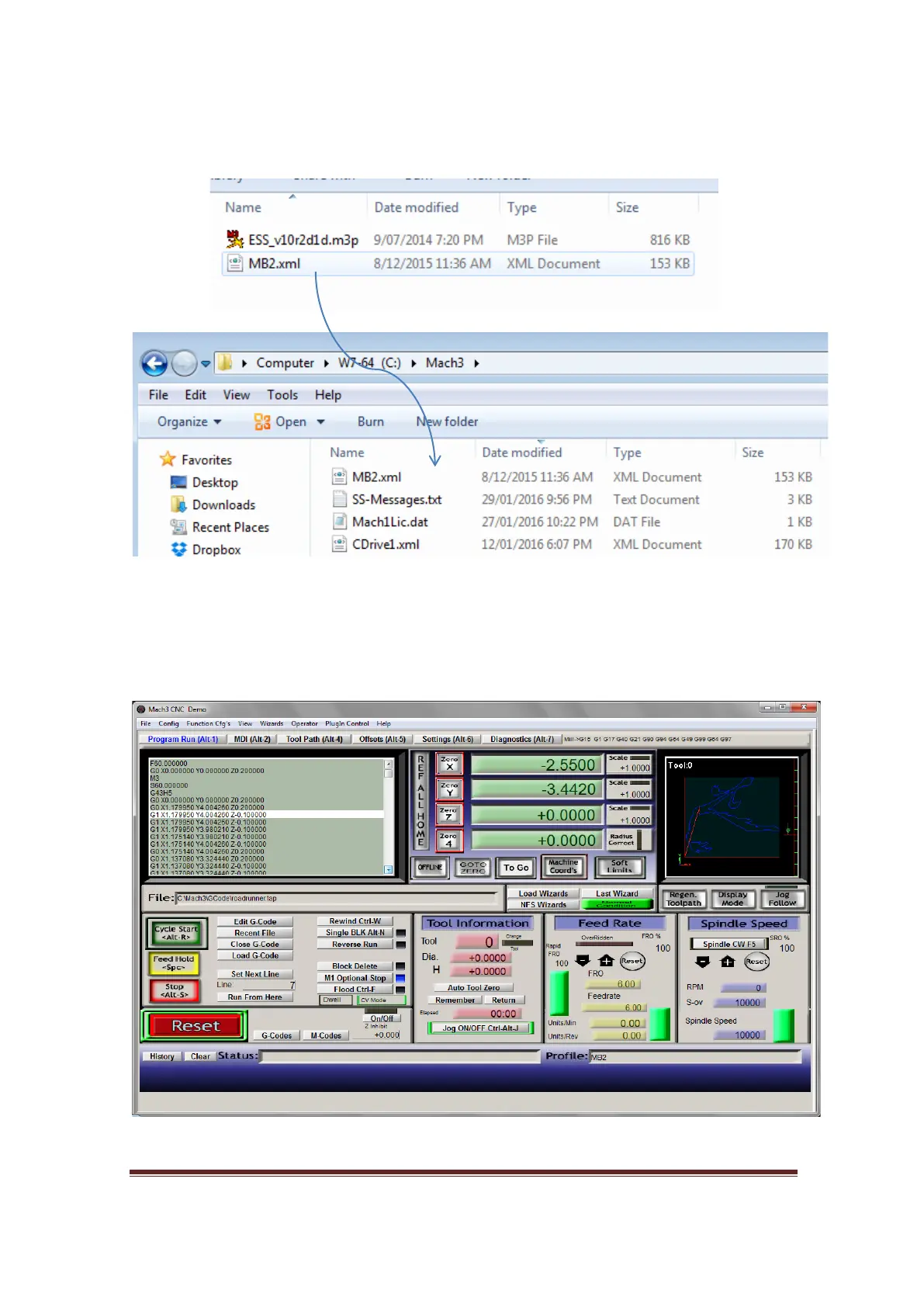
After downloading and extracting the pre configuration profile. You will find MB3.xml
that needs to be copied and pasted into C:\Mach3 which is shown in picture below.
Run Mach3 Loader and choose MB3 profile.
Figure 36, Copy and Paste the MB3 pre-configuration file
Figure 37, Mach3’s first screen
www.CNCRoom.com Page 28


 To Next Page