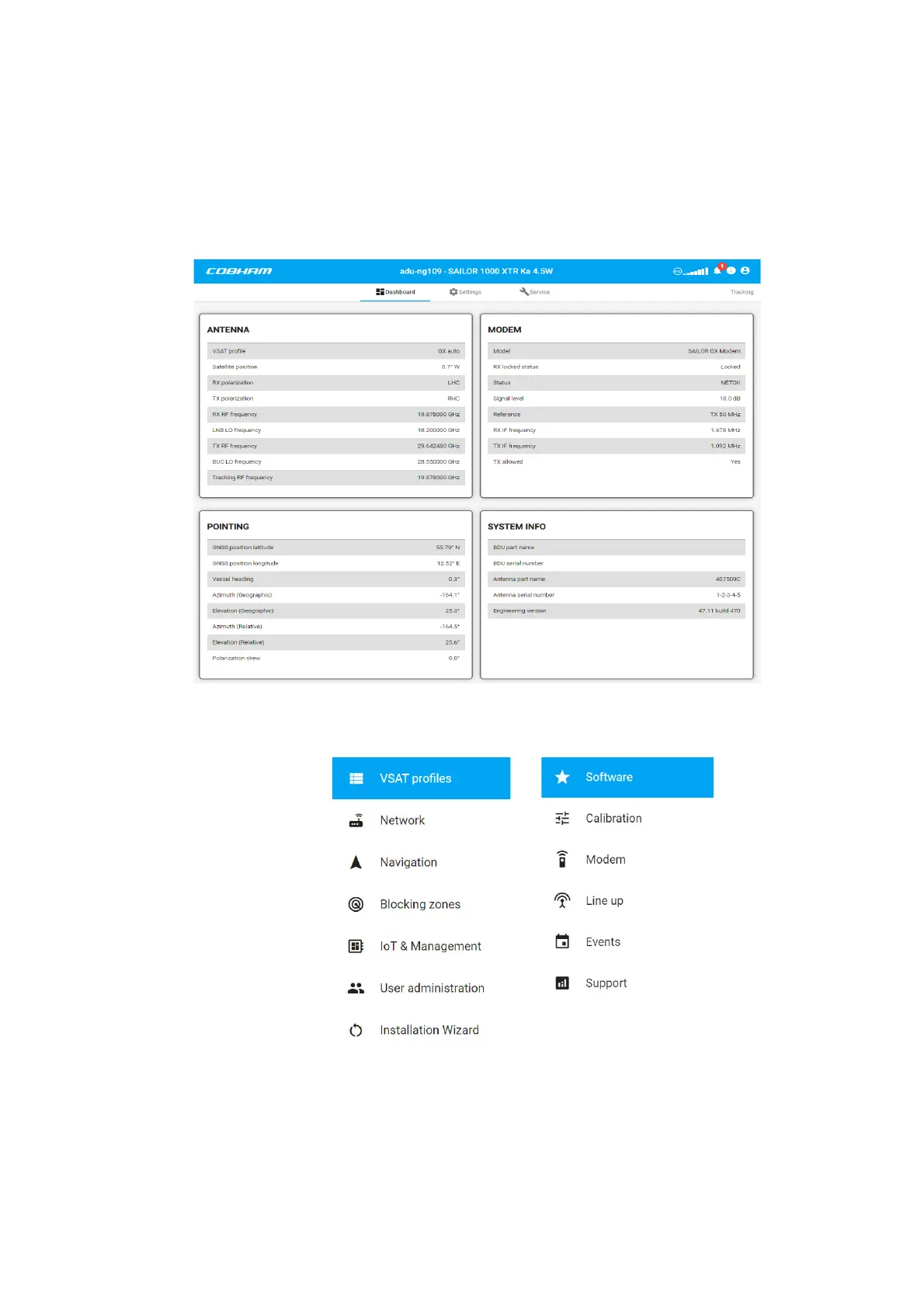
Introduction to the web interface
98-175666-A Chapter 4: Setup of the antenna 4-2
4.1 Introduction to the web interface
Use the built-in web interface of the BDU to set up the SAILOR XTR Ka. Use a standard
Internet browser. The menus are grouped in three sections: Dashboard, Settings and
Service.
The following figure shows the menu items of the sections Settings and Service.
4.1.1 Connecting to the web interface
To connect to the web interface do as follows:
1. Switch on the BDU.
Figure 4-1: Dashboard (example)
Figure 4-2: Menu items in Settings (left), Service (right)










 To Next Page