Chapter 2: To get started
98-143082-D Semi-fixed installation 18
Semi-fixed installation
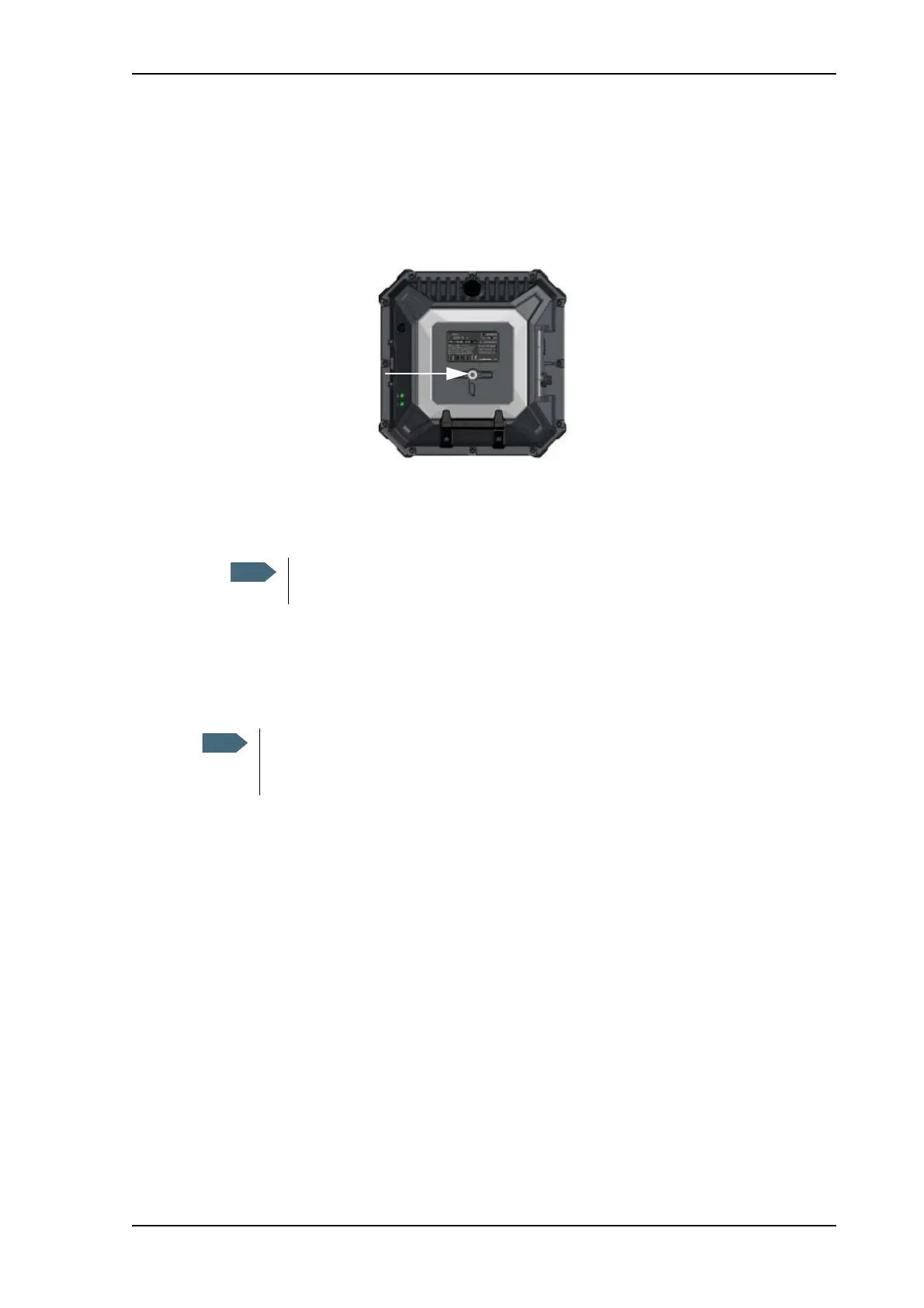
You can mount the EXPLORER 510 on a standard camera tripod. For this purpose, the
EXPLORER 510 has a 1/4 - 20 UNC thread that should fit most standard camera tripods.
Do as follows:
1. Mount the EXPLORER 510 on a tripod using a 1/4 - 20 UNC bolt or thumb screw.
2. Start up the EXPLORER 510 and point the antenna as described in To point the antenna
(BGAN) on page 10.
3. When you have accepted the signal strength, fasten the EXPLORER 510 in the pointed
position.
The bolt or thumb screw must penetrate maximum 7 mm into the thread in the
EXPLORER 510.
Once the EXPLORER 510 is pointed, you can set it up to automatically register on the
BGAN network at power-up. This way you can avoid going through the pointing
procedure every time you start up. See Pointing at start-up on page 54.



 To Next Page