Chapter 4: Configuration
98-143082-D To set up your data connection packages 58
To set up your data connection packages
To change a connection package
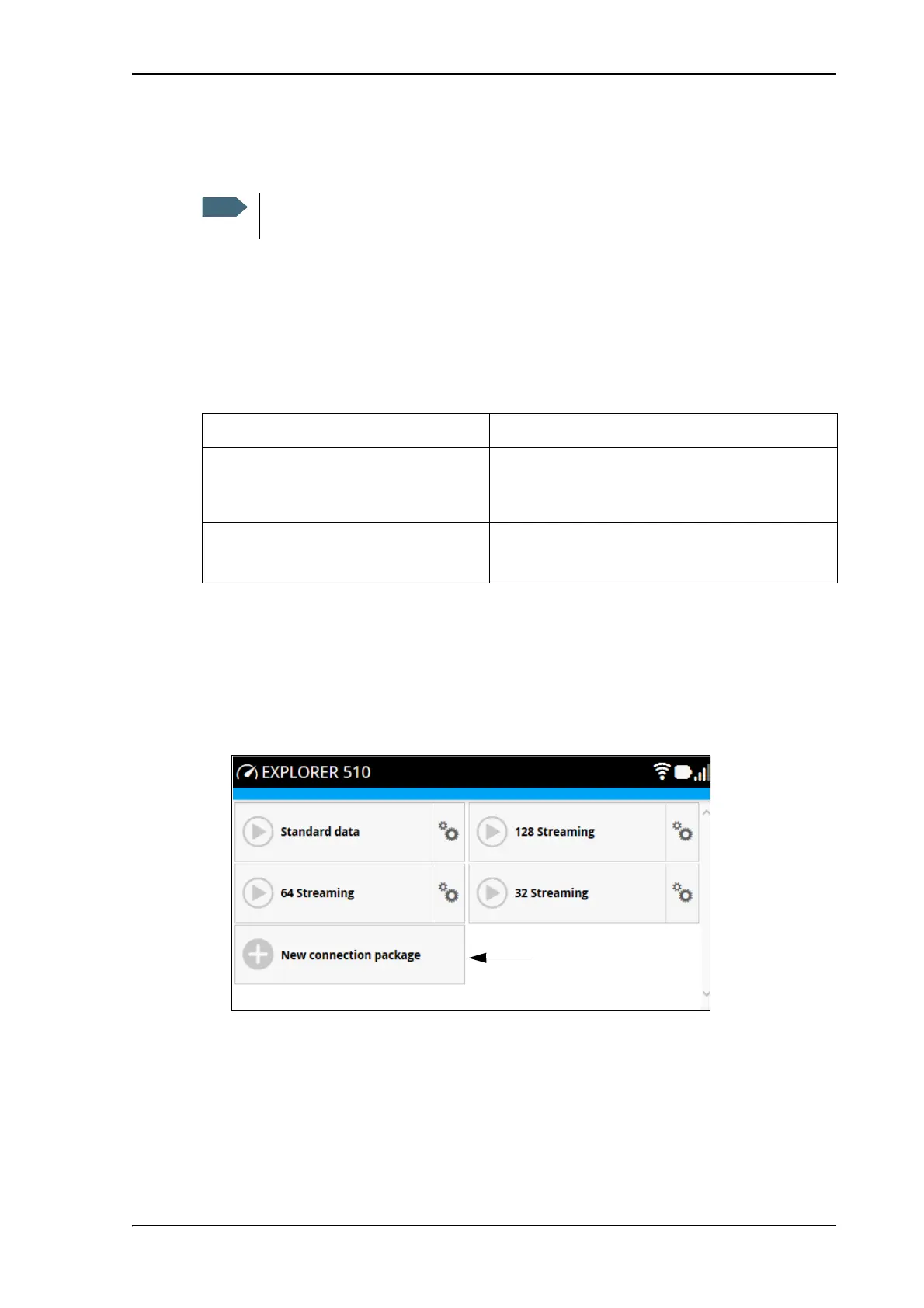
You access the connection packages from the Dashboard.
• To access the Dashboard click
at the bottom of the page.
• To change a connection package, click
in the right side of the tile with the connection
package.
To create a new connection package
Do as follows:
1. Click New connection package.
2. Type a name for the new package and click Save.
You must be logged in as administrator in order to change, delete or create
connection packages.
If you want to Do as follows
Change the name of the connection
package
Click Properties, type in the new name and click
Save. The new name is shown on the tile on the
startup page.
Delete a connection package Click Delete package
a
Note: You cannot delete Standard data.
a. If you accidentally delete a connection package, you can either create a new manually, or restore factory
settings. Note, however, that all changes to the configuration will be lost if you restore factory settings.



 To Next Page