Installation
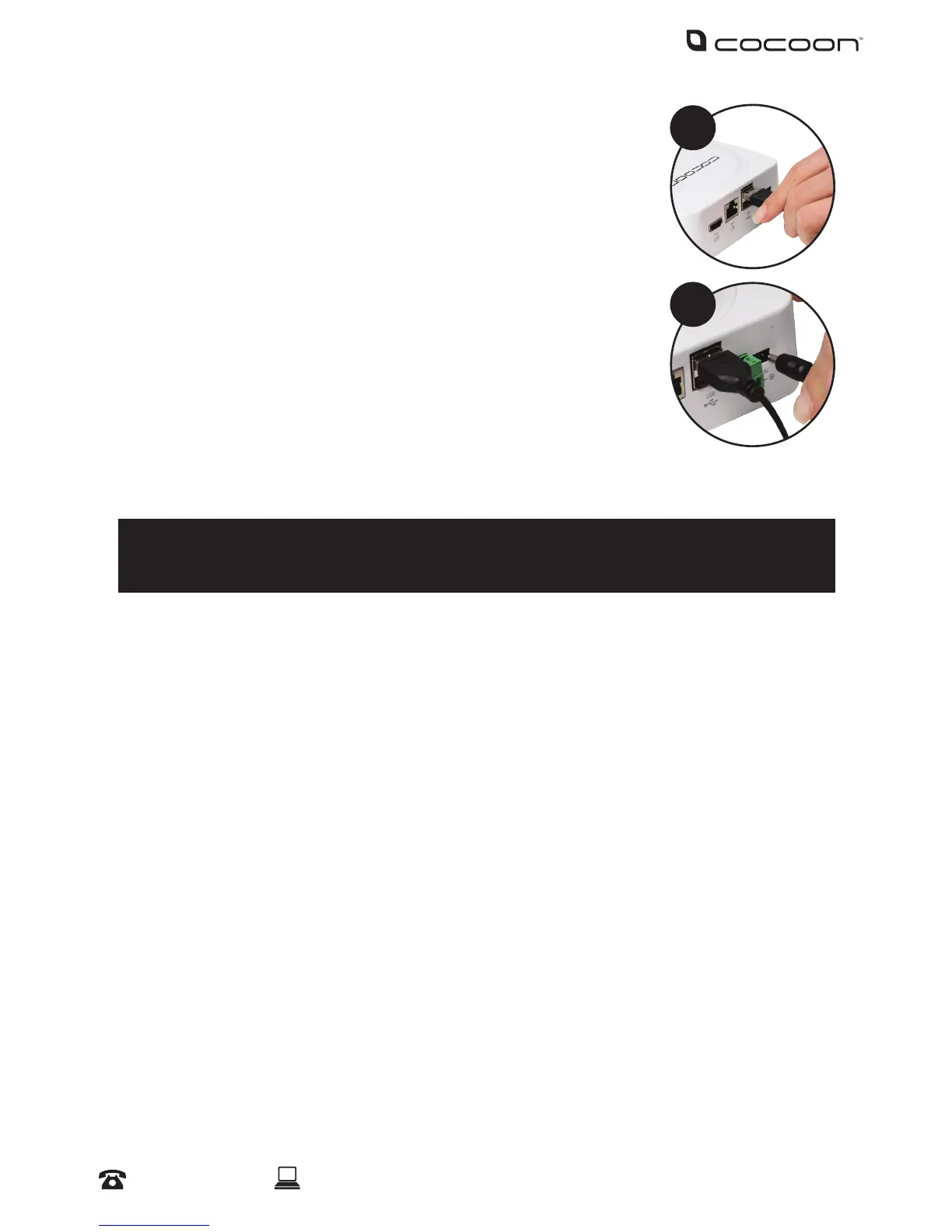
5. Connect the mouse to the USB port (on the back of the DVR unit)
6. Connect the power adaptor to the 4-way splitter cable and plug into a
mains outlet, then switch the outlet on
NOTE: Ensure you are connecting the power adaptor with the larger pin to the
4-way splitter cable
7. Connect the other power adaptor to the DVR unit labelled DC5V and
plug the other end into a mains outlet
8. Switch the outlet on. The DVR unit will begin the boot sequence
NOTE: Both the DVR unit and cameras operate ‘always on’. To turn the cameras
or DVR unit o, switch o the power adaptors at the power outlet
Tips:
Test all connections are working before permanently installing DVR unit and cameras.
Position the DVR unit in a central location where all 4 cameras will reach. If using the optional
networking features, make sure the modem is near the DVR unit
5
7



 To Next Page