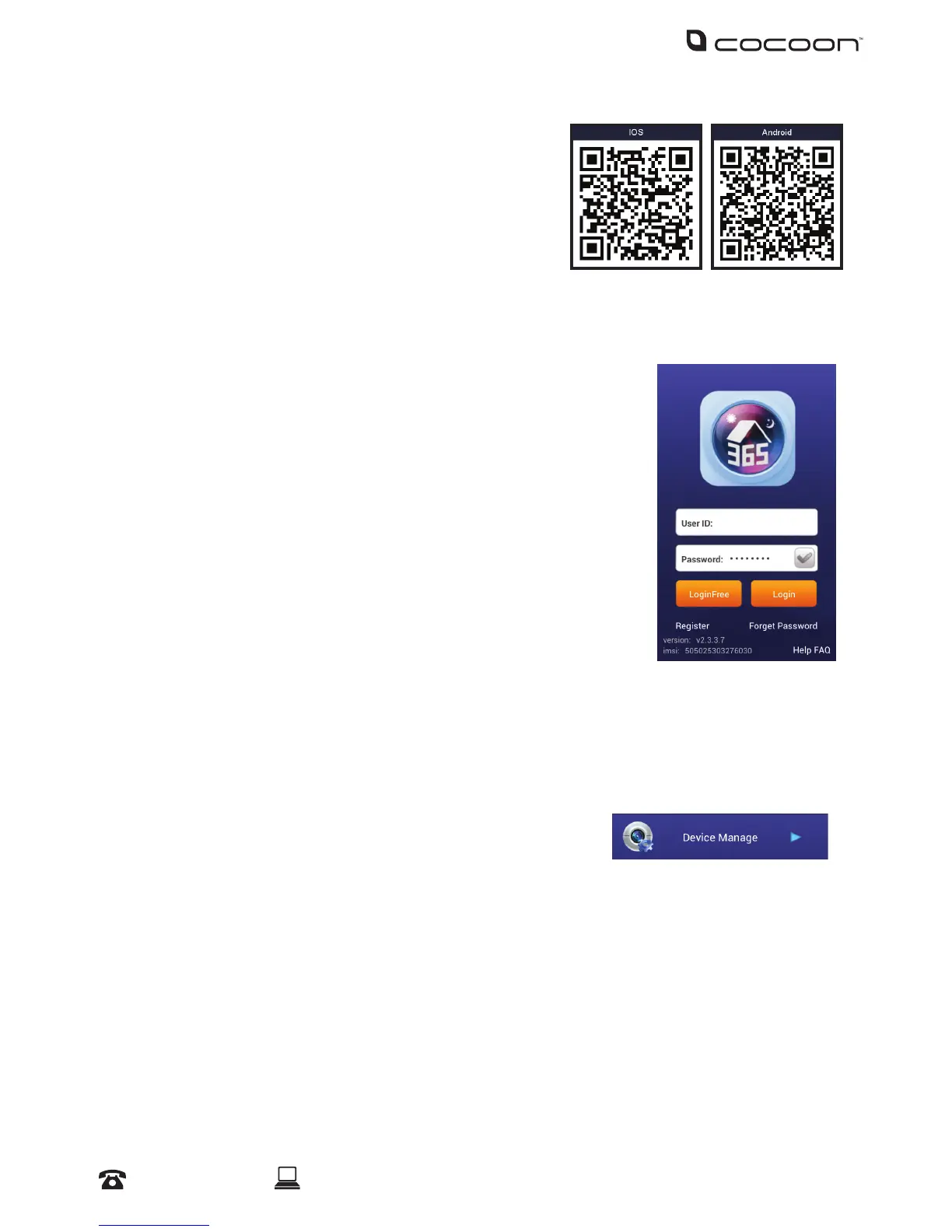
5.1 Downloading the ‘365SECU’ App
a. On the DVR main menu, press ‘Information’, then
‘System’
iOS: Using a QR code reader, scan the iOS QR code
to download the app ‘365SECU’
Android: Using a QR code reader, scan the
Android QR code or open the Google Play store and search for ‘365SECU’. Download the
app
b. Click on the app icon to launch the app
5.2 Logging into a 365SECU Account
a. If you don’t have a 365SECU Account, use the ‘Register’ button
and input the required elds to create a new username and
password
Note: The 365SECU Account does not need to be the same as your DVR user
account
b. Enter your User ID and Password into their respective elds. To
remember your password for quick access, press the tick icon
c. Press the Login button to login
5.3 Adding your Compact DVR
Adding your DVR is simple, with P2P connectivity. Ensure an ethernet cable is plugged into the
back of the DVR in the ‘RJ45’ port
a. On the DVR Main Menu, navigate to Information > System. You will notice a ‘Device ID’ QR
code on the bottom right hand side
b. On the 365SECU Main Menu, select ‘Device Manage’
c. Select the menu icon on the bottom left of the app, then select ‘Add Device’
d. Give your DVR an alias of your choice, then select the QR code icon in the UMID eld
e. Your smartphone’s camera will open. Scan the Serial ID QR code shown on your DVR
display
f. Input a valid User ID and Password. This must be the same as a user account that is
present on the DVR
g. Select ‘4’ channels, and ‘Main’, then press the ‘Save’ icon on the top right corner of your
screen to add your DVR
Networking - Mobile



 To Next Page