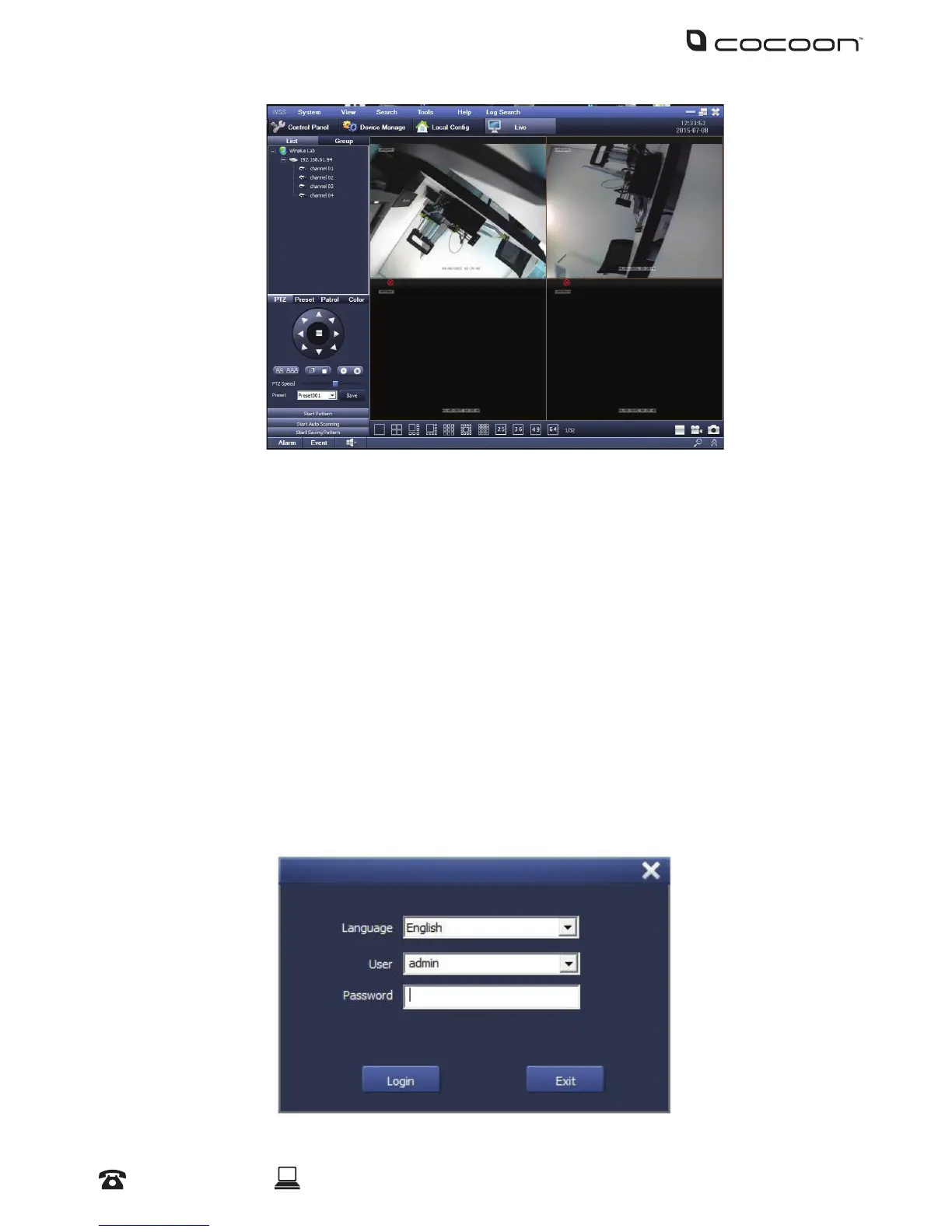
The DVR is compatible with iVSS software, allowing you to connect to and view your DVR with a
Windows PC.
6.1 Installing the iVSS Software
a. Insert the CD into your CD Drive
b. Click Start > Computer and navigate to the CD Directory
c. Double click the iVSS folder then double click the ‘Win7’, ‘Win8’, or ‘WinXP’ folder matching
your operating system
d. Double click and install the iVSS software. Follow the on screen instructions
e. Open the iVSS software
NOTE: If you are having trouble opening the software, try right-clicking the iVSS icon, then selecting
‘Properties’. Within the Compatibility tab tick ‘Run this program as an administrator’
f. Login using username ‘admin’, leaving the password blank
Networking - iVSS



 To Next Page