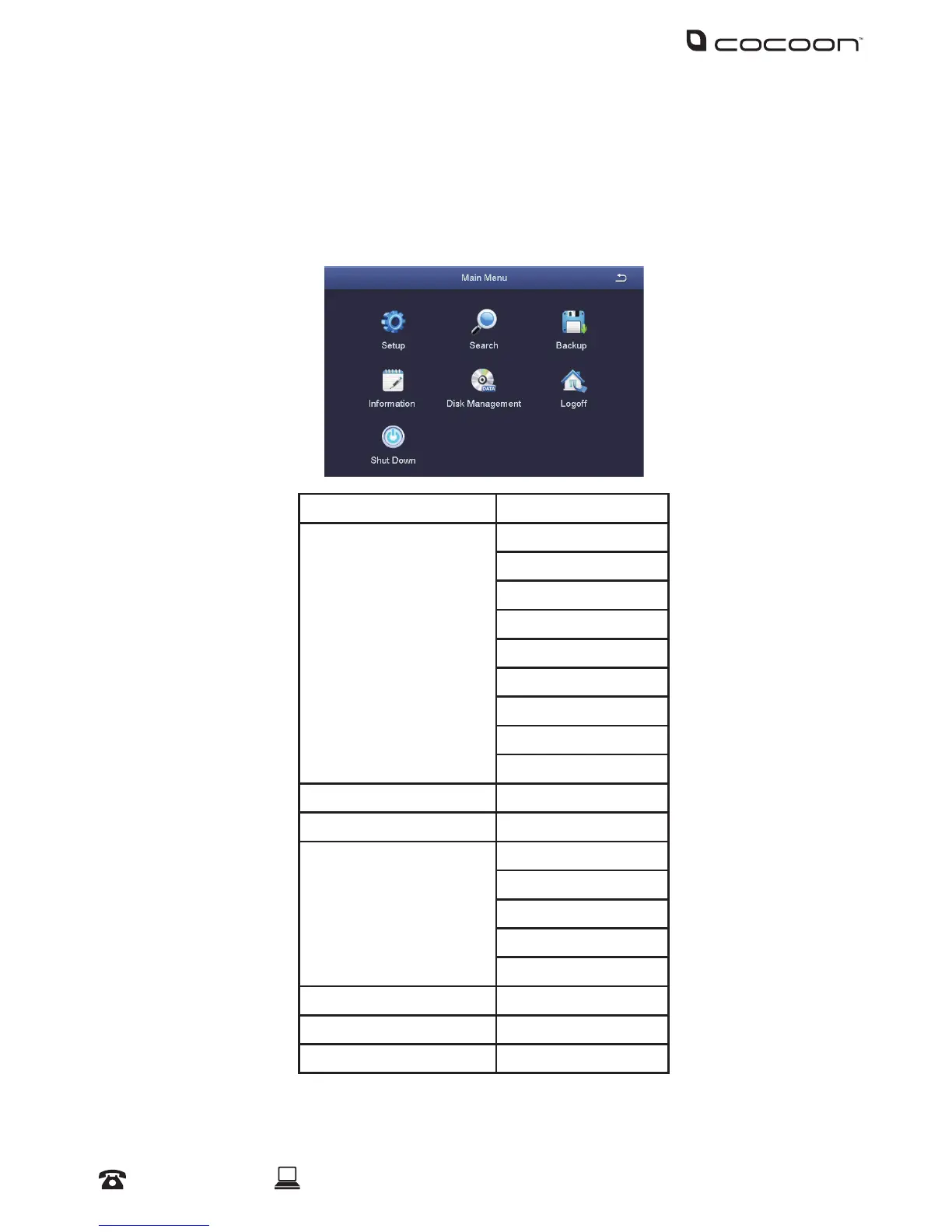
4.1 Main Menu
To access the main menu, right-click the viewing screen, select ‘Main Menu’ and enter your Username
and Password.
NOTE: If you have not set a password, leave the eld blank and click “Log In”
In the Main Menu, you can manage all DVR unit settings such as Display, Recording, Networking, etc.
Main Menu Sub Menu
Setup Basic
Live
Record
Schedule
Alarm
Network
Users
PTZ
Advanced
Search
Backup
Information System
Event
Log
Network
Online Users
Disk Management
Logo
Shutdown
DVR Menu



 To Next Page