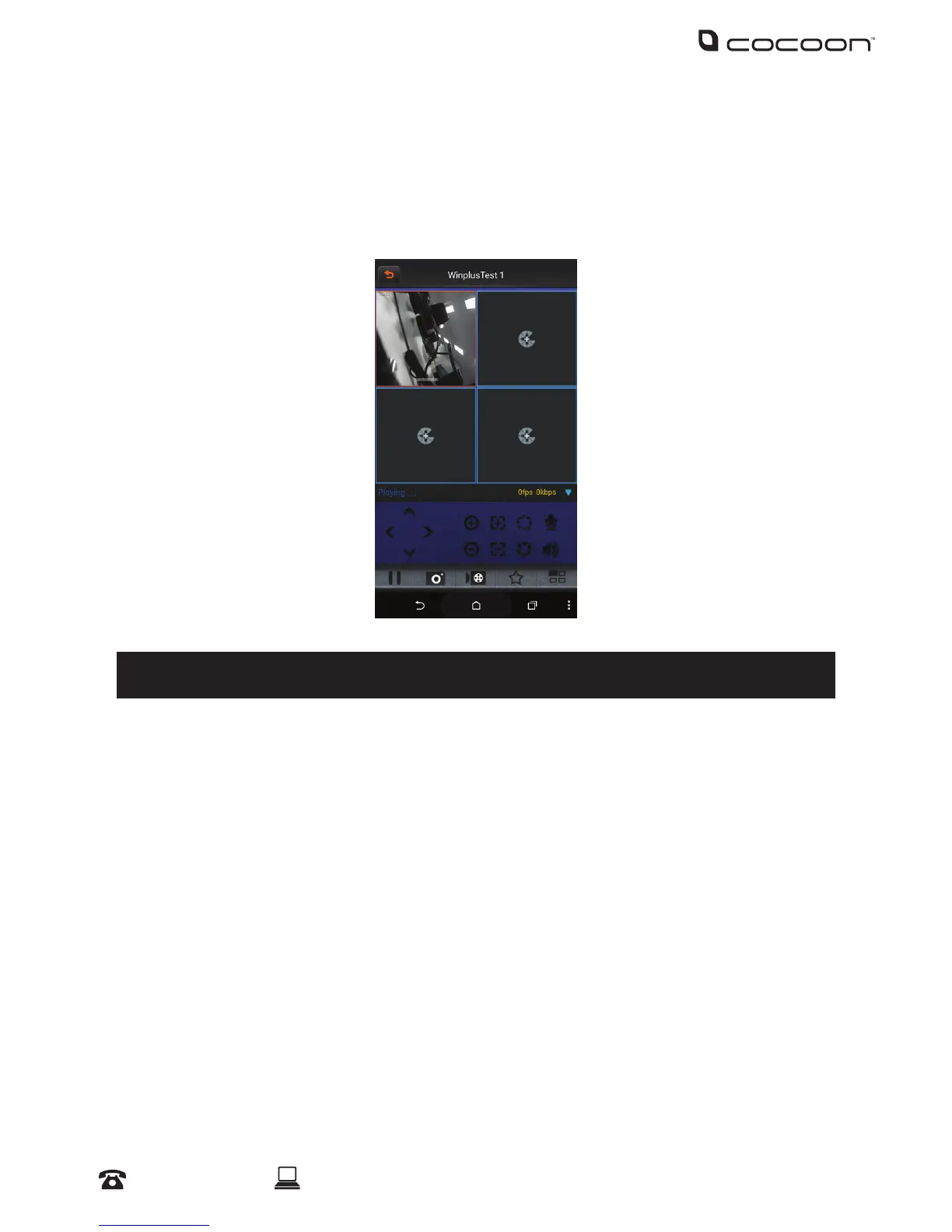
5.4 Viewing your Compact DVR
a. Ensure the DVR and your smartphone are connected to the internet
b. On the 365SECU Main Menu, select ‘Live view’
c. Select the alias that you have chosen for the DVR you wish to view
d. Select ‘All camera’ to view all four cameras
Tip: Double tap on the desired camera for full screen view
For advanced guides and video walkthroughs, please visit www.winplus.com.au
Networking - Mobile



 To Next Page