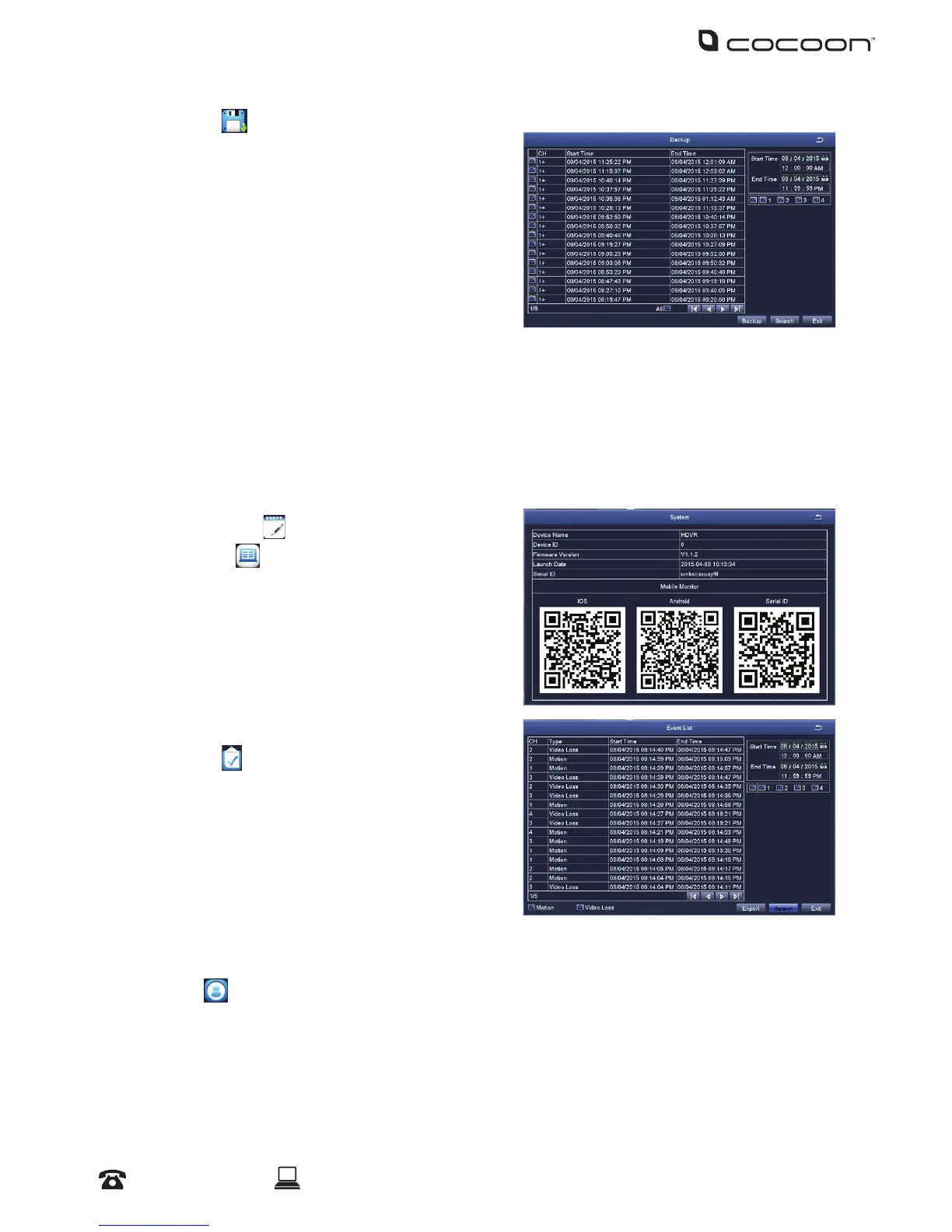
4.4 Backup
Backup allows you to transfer recordings to a USB
ash drive up to 32GB.
a. Insert a USB ash drive into the rear of the
DVR unit
b. On the right hand side, enter the start and
end times to search, then press ‘Search’
c. A list of footage les that have been
recorded by the DVR will be shown. Select your desired les for export by ticking the le
d. Once selected, press the ‘Backup’ button, then press ‘Start’
e. Wait until the backup is complete before exiting and removing the USB ash drive
NOTE: If the USB has insucient space for transfer, select ‘Disk Cleanup’. Files can now be highlight and
deleted using the ‘Delete’ button
4.5 Information
4.5.1 System
Displays system information of the DVR. If you
are wanting to setup the DVR to be viewed on a
smartphone, three QR codes allow easy set up for
mobile monitoring. For more information, refer to pg
30 for mobile setup & app for DVR
4.5.2 Event
Search for motion and video loss logs that have
occurred on the DVR.
a. On the right hand side, select the date to
search, then press ‘Search’
b. A list of log les will be shown. Double-click
on an entry for more information
4.5.3 Log
Search for operational logs that have occurred on the DVR.
a. On the right hand side, select the date to search, then press ‘Search’
b. A list of log les will be shown. Double-click on an entry for more information
NOTE: A log le can be exported to a USB ash drive using the ‘Export’ button
DVR Menu



 To Next Page