Party500_V1013_EN.PDF http://www.codelight.com
10
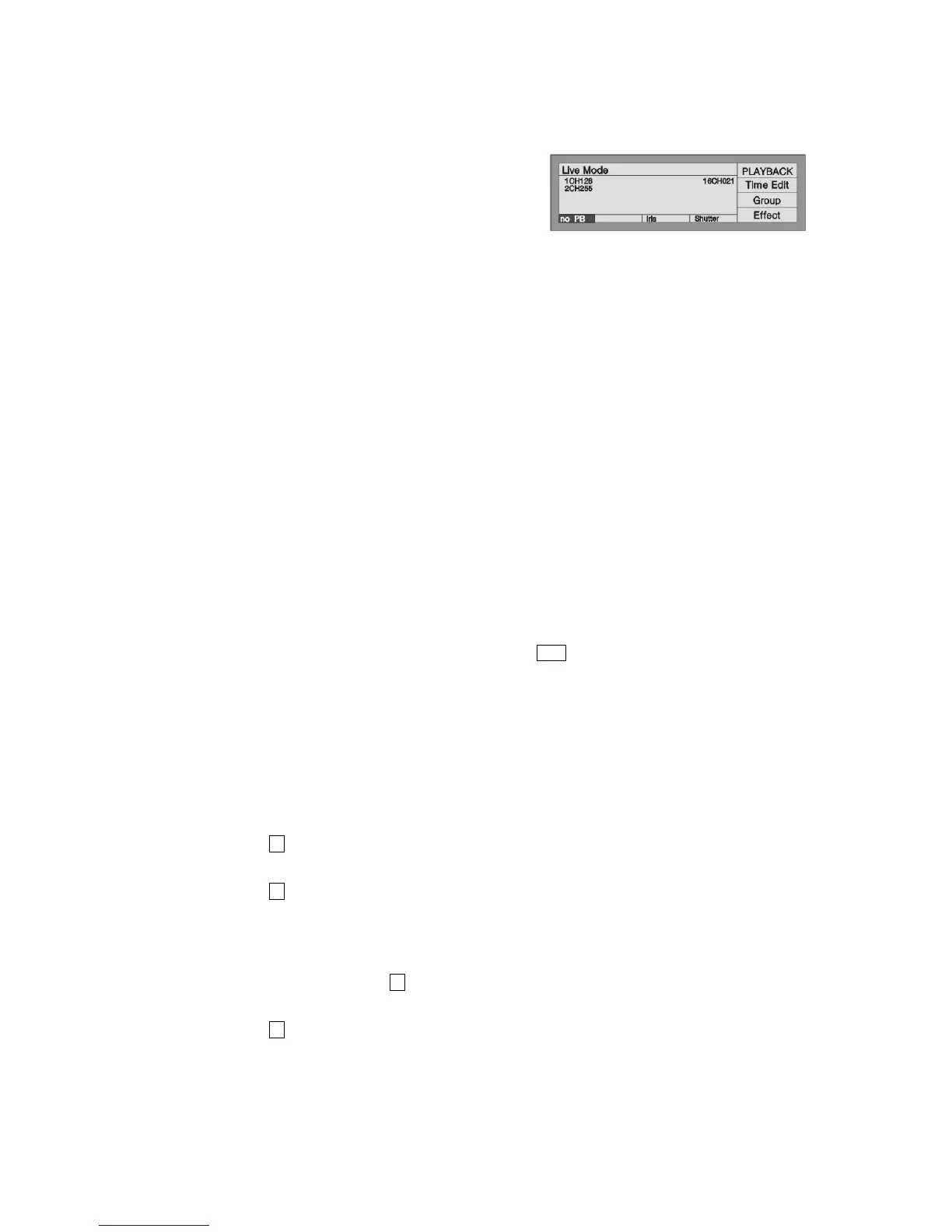
can control one or two attributes, different models of fixtures will have different attributes.
Use control wheels to change the attributes
Select the fixtures and turn on them as above;
Select the attribute button, then the relevant
attribute will display on the bottom.
Use wheel B or C to adjust the value.
If the fixture which is user added but not the Fixture Library, it will only display the channels in Dimmer,
Tilt, Pan, any other DMX channel will settle to other attribute buttons, LCD screen will display the channel
number directly.
3.2.4. Using the Preset
The preset had saved some preset value of fixtures (according to the data of fixture), users can change the
attributes directly by using Preset buttons, such as Brightness, Colour, Gobo or Location.
3.2.5. Run the Effect
Please refer to the introduction in 5th chapter.
3.2.6. Manual Clear
Manually-controlled fixtures can be cleared by pressing Clear, especially when you editing Cue and Chase,
you can quickly clear those unneeded effects.
3.3. Using Group
You can collect some fixtures into a Group, so that you can easily control them all together.
Example: Set Unit button 1-10 of 1st page as Group 1
Under the Live Mode, select the Unit button 1-10 of 1st page;
Press S3 [Group]
Control Wheel B to set the present group Number= 1 which shown on the LCD
Press S3 [Save Group].
Once you created the group, you can quickly select the Fixtures.
Example: Select the group 1
Under the Live Mode, Press S3 [Group];
Control Wheel B to set Number= 1;
Press S1 [Load Group], then Units 1-10 of 1st page are selected.


 To Next Page