Party500_V1013_EN.PDF http://www.codelight.com
19
The temporarily adjusting Playback speed keeps available, but won't be saved until turn off the console.
The value will resume to 100% when restart the console.
6.5.7. Pre-Locate the LTP
This function can make the fixtures Colour, Gobo and Pan/Tilt location run to the right location, but
without brightness. According to the performing needed, turn on the light beam instantaneous.
In the Live Mode:
Press S1 to select [PLAYBACK];
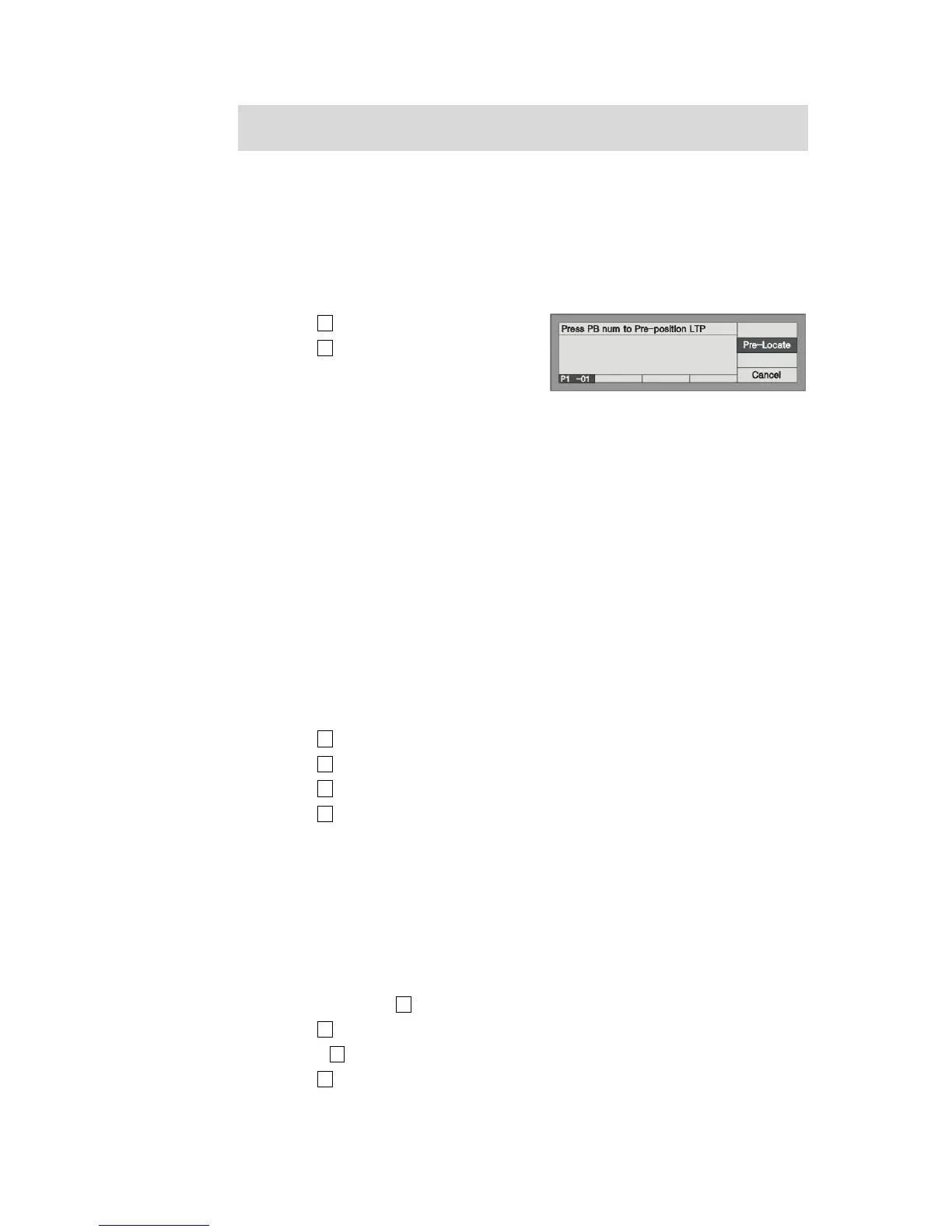
Press S2 to select [Pre-Locate];
Under this mode, press and hold the Playback
Flash button which need to Pre-Locate, then
fade in the fader, at this time the fixtures are out off brightness, the LTP channel runs according to
the Cue which save in the Playback, the Pan/Tilt or Gobo run to the right location. When release
the Flash button, fixtures turn on the brightness.
6.5.8. Change Link Mode
There are 3 Link modes, which are “Automatic”, “Manual”, and “Internal”.
Automatic ---- to run continuously regardless to the Link of each steps;
Manual ------- to pause regardless to the Link mode, wait for your "Go" order after finish running.
Internal ------ when Link=ON, it means the next step will run after the finish step. If Link=OFF, it will
pause when a step is over, to continue next step by pressing Go+ or Go-.
In the Live Mode:
Press S1 [PLAYBACK];
Press S3 [Parameter];
Press S1 set to one of the three modes “Automatic”, “Manual”, “Internal”.
Press S4 exit.
6.5.9. Change Flash Key Mode
There are two modes for the buttons on Playback section, “Normal” and “Latch”.
1. Normal: press and hold still the buttons on Playback to run, while unlash to stop.
2. Latch: press the buttons on Playback to run and keep running though unlash, press again to stop
Operate steps:
In Live Mode, Press S1 [PLAYBACK];
Press S3 [Parameter];
Use the S2 to select the working mode of Flash buttons;
Press S4 to exit.


 To Next Page