Party500_V1013_EN.PDF http://www.codelight.com
1
1. Welcome to Use the Party 500
The Party 500 is a special console for intelligent lights. For your convenient usage, the manual is divided into 11
chapters. Important contents are highlighted by shading and example explanations are added when necessary for
the sake of your better understanding.
In the manual, a square symbolizes a button, e.g. Enter, while a square bracket symbolizes a menu item shown on
the LCD Screen, e.g. [FileSystem]
1.1. Setting up Party 500
You need to prepare the following connection before you using Party 500:
Connect Party 500 with AC power supply;
Note: Check whether the local power supply is within the range of 100V-240V
Connect the fixtures with DMX cables.
There are two individual and optical-isolated DMX output jacks to provide the main and spare DMX
output.
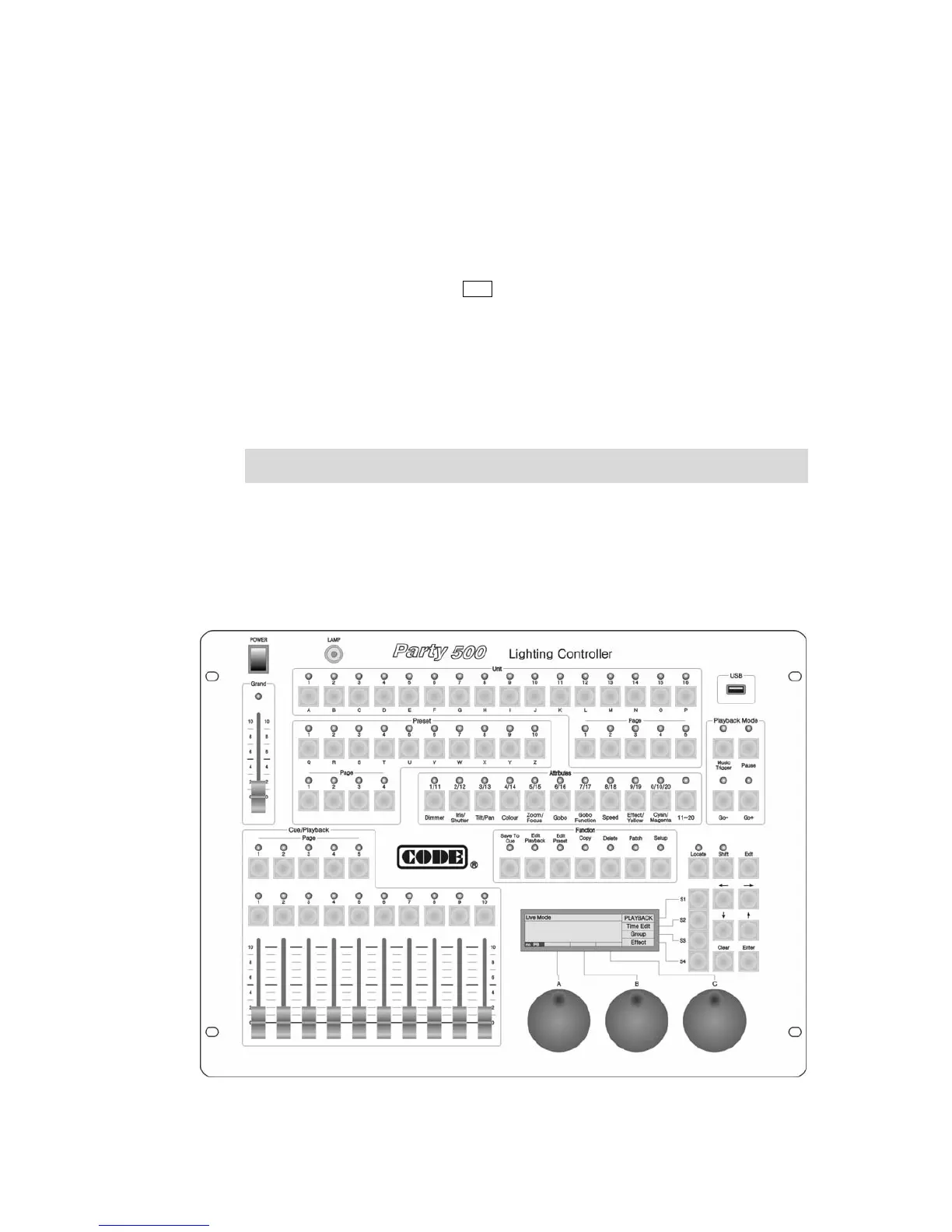
1.2. The Front Panel of Party 500


 To Next Page