Party500_V1013_EN.PDF http://www.codelight.com
16
When you programming Chase, every chase step has endued with a default to 3 of the independent
time. If you want to set a chase step time into changeless, impervious to the global time, you can set
the independent time when you are programming or adjusting the chase step:
First of all entry edit Chase Mode;
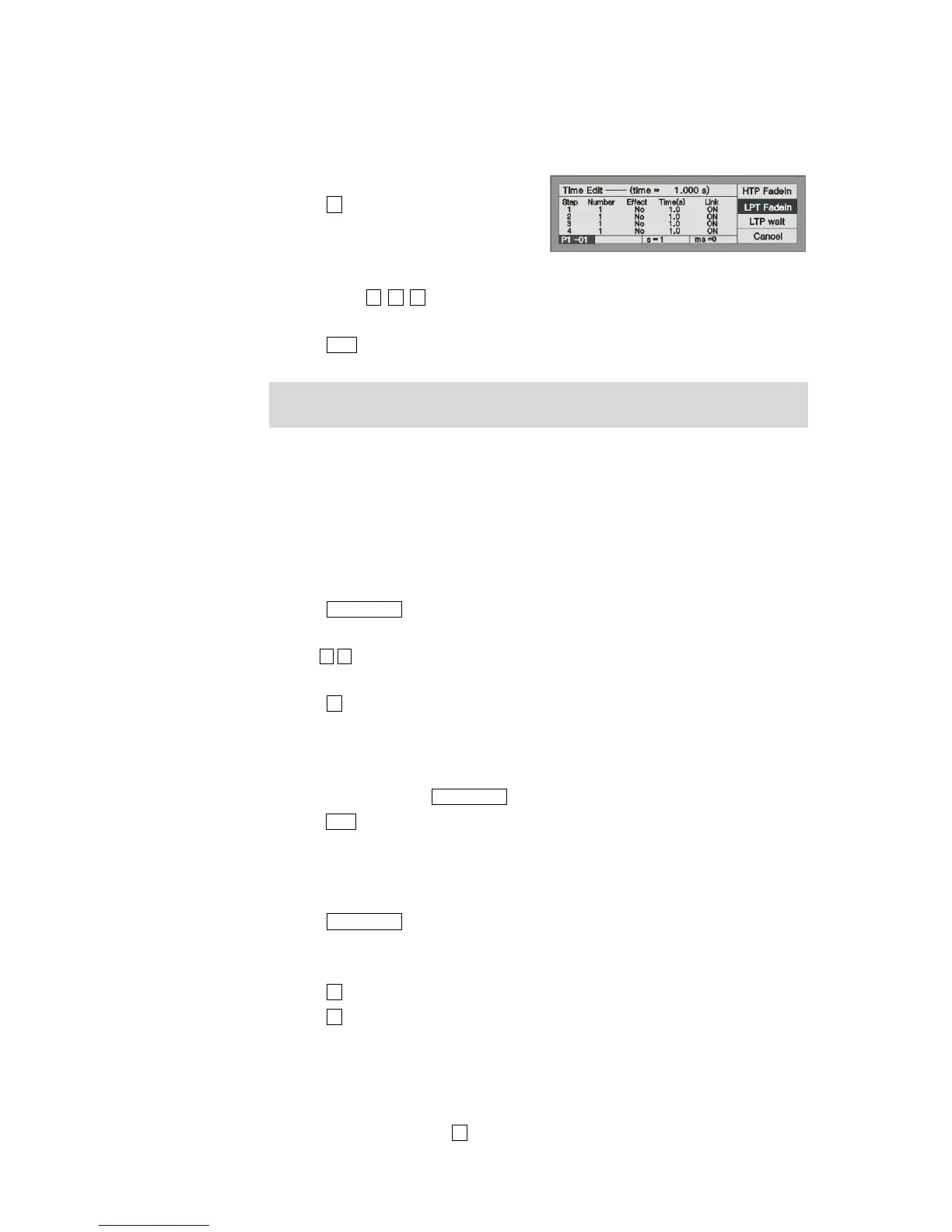
Press S2 [Step Time] to edit;
Press the Flash button in the Playback
section to select the chase step needed to
edit;
Use soft-key S1, S2, S3 to select what kind of independent time need to be edited;
Use Control Wheel B to adjust second, while Control Wheel C to adjust millisecond.
Press Enter confirm.
When performing, the edited global time will supersede the chase step default independent time, but
the edited independent time won't be superseded.
6.4.3. Edit Chase
We will introduce how to edit, insert and delete the Chase steps.
6.4.3.1. Edit Chase Step
Press Edit Playback and enter “Program Playback” menu;
Press the Flash button of the needed Playback;
Use to look over the chase step, then find out the Chase step needed to edit;
Create a scene or effects manually;
Press S1 [Save Step] (all fixtures must be selected when save);
Press the relevant Flash button of the Chase step number, replace the original data with the
manual control data. For example, you have edited 4 steps, and want to recompose the 3rd step,
then press Flash button 3, the previous step saved in button 3 will be replaced;
After recomposing, press Edit Playback and exit;
press Clear to exit manual state.
6.4.3.2. Insert a step in Chase
Press Edit Playback and enter “Program Playback” menu;
Press the Flash button of the needed Playback;
Create a scene or effects manually;
Press S3 and select [Del or INS];
Press S1 and select [InsertStep];
Press the corresponding Number of the Flash button you want to insert. For instance, there are 4
steps. You need to insert the present manual program between the 1st and 2nd step. So, you need
to press Flash button 2, your present manual program will be saved as the 2nd step. The
previous 2nd - 4th step will move to 3rd - 5th step. The inserted step temporarily shown with a
decimal point until you press S2 to [Renumber].


 To Next Page