Wireless Reader: Buffering Data
When you are within the wireless range of the base station, your wireless reader sends decoded data to your PC through
the base station, just as if you used a tethered reader. You can also see the decoded images in DataMan Setup Tool, if it
is running and is connected to the reader.
When you leave the wireless range, however, you lose connection to your PC, but you can still keep reading codes. The
decoded data is saved in the buffer of the reader.
This buffered data appears on your PC again when you come back within the wireless range, but ONLY IF you were
connected to a terminal program when you left the wireless range.
Buffered read results on the reader are not displayed in the DataMan Setup Tool; they are only transmitted over an
existing keyboard emulation, RS-232 Serial or TCP/IP Telnet connection.
Note: The images acquired by the reader when it is out of the wireless range are never saved, and cannot be
retrieved.
Open a connection with the reader in a terminal program so that you gain the buffered data when wireless connection is
established again.
See the following table for connection options according to communication type:
Base Station Connection Type How to Connect
RS-232
Connect to the COM port of the base station.
USB Connect to the COM port of the wireless reader.
Ethernet Connect to the terminal program using the IP address of the reader. To
find out the IP address, go to the
Connect
backstage page in the
DataMan Setup Tool and check the IPaddress of the reader in the
Address
column.
USB Keyboard Open the text editor or your program of choice to use keyboard
emulation. When you return to the wireless range, keyboard emulation
continues, starting with the buffered data.
While you are still within the wireless range, the reader occasionally blinks blue to indicate that the wireless connection
is established.
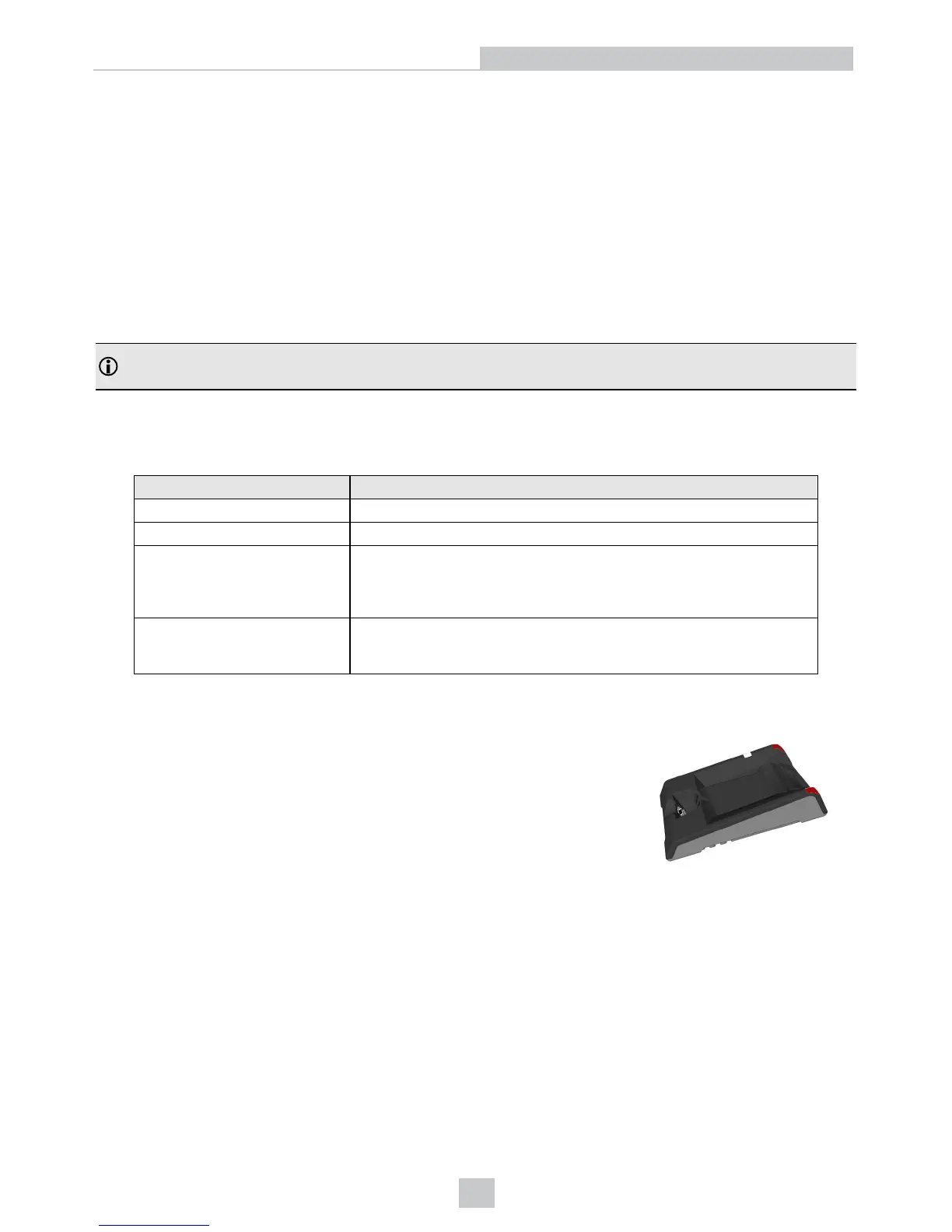
When the reader leaves the wireless range, the base station’s signal becomes red.
25
Connection Options













 To Next Page