Reading Codes with the DataMan 8050
This section contains descriptions about trigger types as well as about the field of view and reading distances and the
industrial protocols supported by the DataMan 8050 reader.
Industrial Protocols
The DataMan 8050 readers support the following industrial protocols:
l EtherNet/IP™
l PROFINET
l MC Protocol
l Modbus TCP
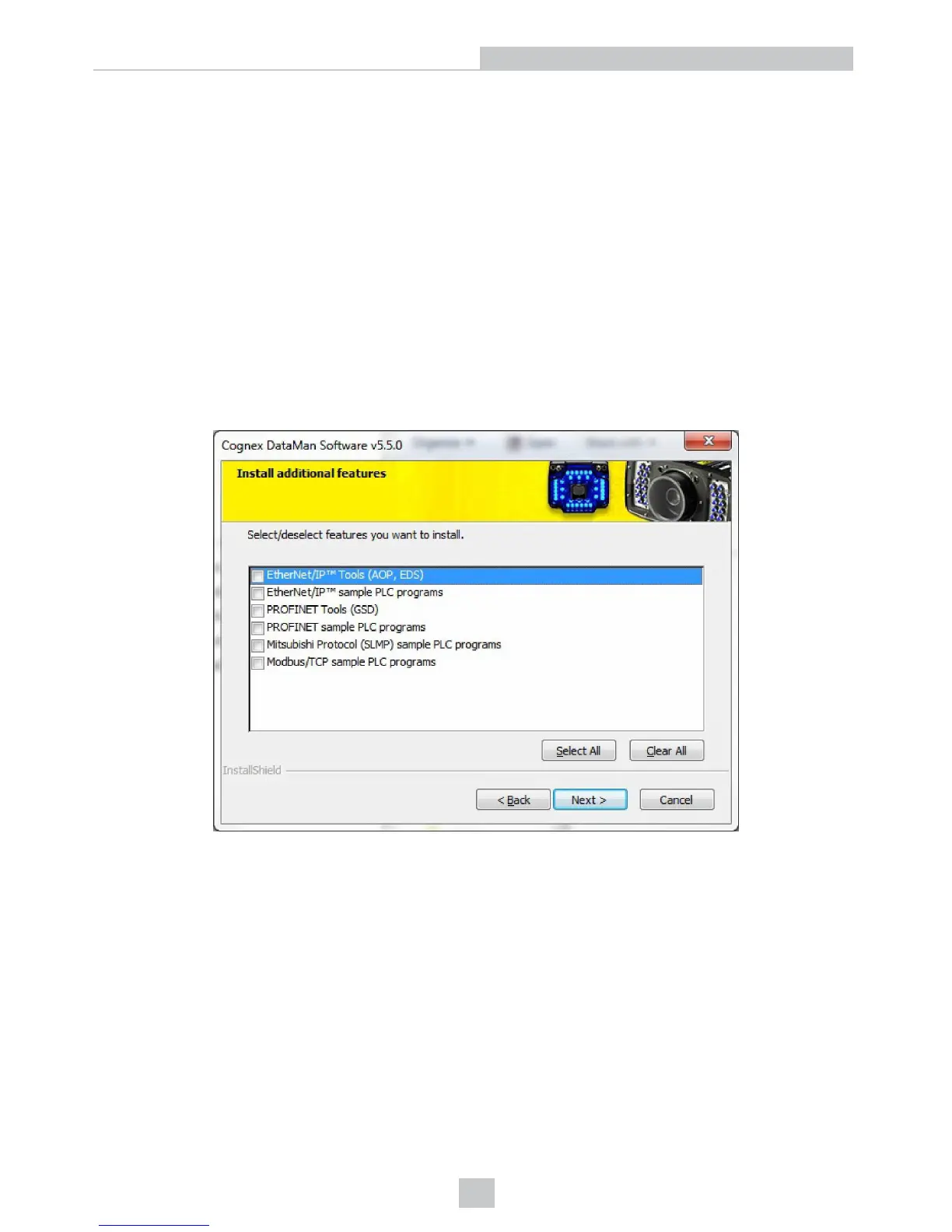
Select the industrial protocol tools and sample programs when installing the DataMan Setup Tool.
There are three ways to enable or disable Industrial Protocols. Using either method, a reboot is required for the changes
to come into effect.
l Enable the protocols using the Industrial Protocols pane of the DataMan Setup Tool (under Communication
Settings).
l Scan the appropriate Reader Configuration codes (see Reader Configuration Codes available through the
Windows Start menu or the Setup Tool Help menu).
l Send the appropriate DMCC (see Command Reference available through the Windows Start menu or the Setup
Tool Help menu).
For more information on using the industrial protocols, read the DataMan Communications and Programming Guide
available through the Windows Start menu or the Setup Tool Help menu.
32
Reading Codes with the DataMan 8050













 To Next Page